

For technical teams, researchers, and engineers, Confluence is the backbone of documentation — and formulas are mission-critical data. Whether you’re working with complex physical equations or financial modeling, the way those formulas render in Confluence Cloud matters.
If your organization is currently using LaTeX Math by Appfire, the migration to Confluence Cloud is the ideal moment to consolidate your app stack. With the Aura Migration Hub, you can convert all LaTeX Math macros to Aura Formatting – automatically, safely, and without losing a single equation.
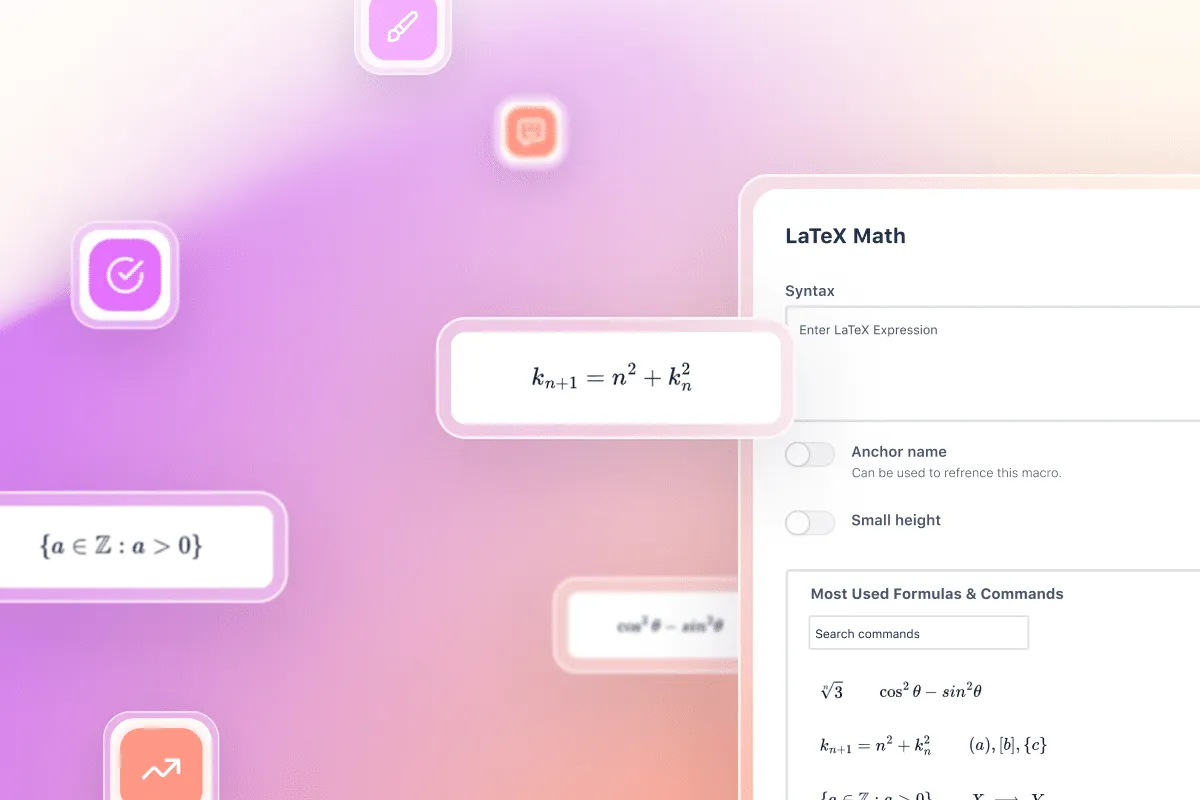
Why replace LaTeX Math by Appfire with Aura Formatting? How the DC-to-Cloud migration path works for LaTeX Math
The decision to migrate is driven by one goal: efficiency. Moving your LaTeX content into the Aura ecosystem delivers measurable advantages:
App Consolidation: Stop paying for multiple specialized apps. Aura provides a high-performance LaTeX macro alongside its design and table tools – all within one suite.
**Performance Optimization: **Reducing the number of individual app vendors in your Confluence instance leads to faster page load times and simpler administration.
High-Fidelity Rendering: Aura’s LaTeX engine ensures that your formulas look professional, remain searchable, and align perfectly with your page design.
Automatic Conversion: The Aura Migration Hub handles the heavy lifting – converting your existing macros automatically so your equations remain intact.
Version Safety: Every migration creates new page versions, allowing you to revert to the original content at any time.
How the DC-to-Cloud migration path works for LaTeX Math
A direct migration from LaTeX Math by Appfire on Data Center to Aura Formatting is not possible in a single step. The process requires two stages:
Step 1 – Data Center to Cloud (same app): Migrate your existing LaTeX Math by Appfire from Data Center to its Cloud version using the Atlassian Cloud Migration Assistant.
Step 2 – Cloud to Cloud (app consolidation): Once LaTeX Math by Appfire is running in Confluence Cloud, use the Aura Migration Hub to convert all LaTeX macros to Aura Formatting.
The Aura Migration Hub handles Step 2 only and operates exclusively as a Cloud-to-Cloud tool.
How to migrate LaTeX Math from Appfire to Aura Formatting in 8 steps
The biggest nightmare during any migration is waking up to thousands of pages filled with broken macros or corrupted syntax. The Aura Migration Hub is designed as your command center for a controlled, risk-free transition. Follow these 8 steps to move your LaTeX Math content to Aura Formatting with total confidence:
Step 1: Launch the Aura Migration Hub
Open the Confluence Administration, navigate to Apps, then select Aura Migration Hub. This is your central entry point for all supported macro migrations.
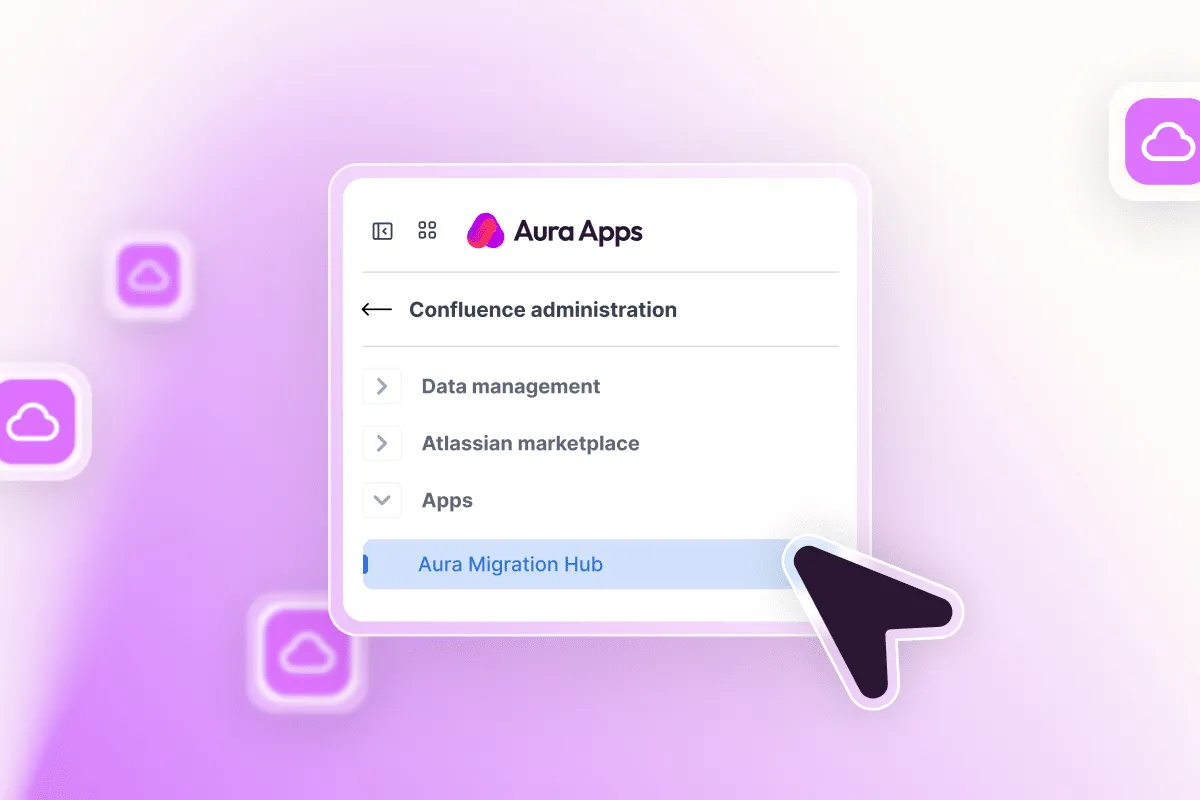
Step 2: Select the LaTeX Math (by Appfire) Tile
Click the LaTeX Math (by Appfire) to open the dedicated migration view for all LaTeX macros eligible for conversion.

Step 3: Define Your Migration Scope
Choose whether to migrate selected spaces or all spaces in your instance. For your first migration, we recommend starting with a single test space to validate the workflow before running a full-scale migration.
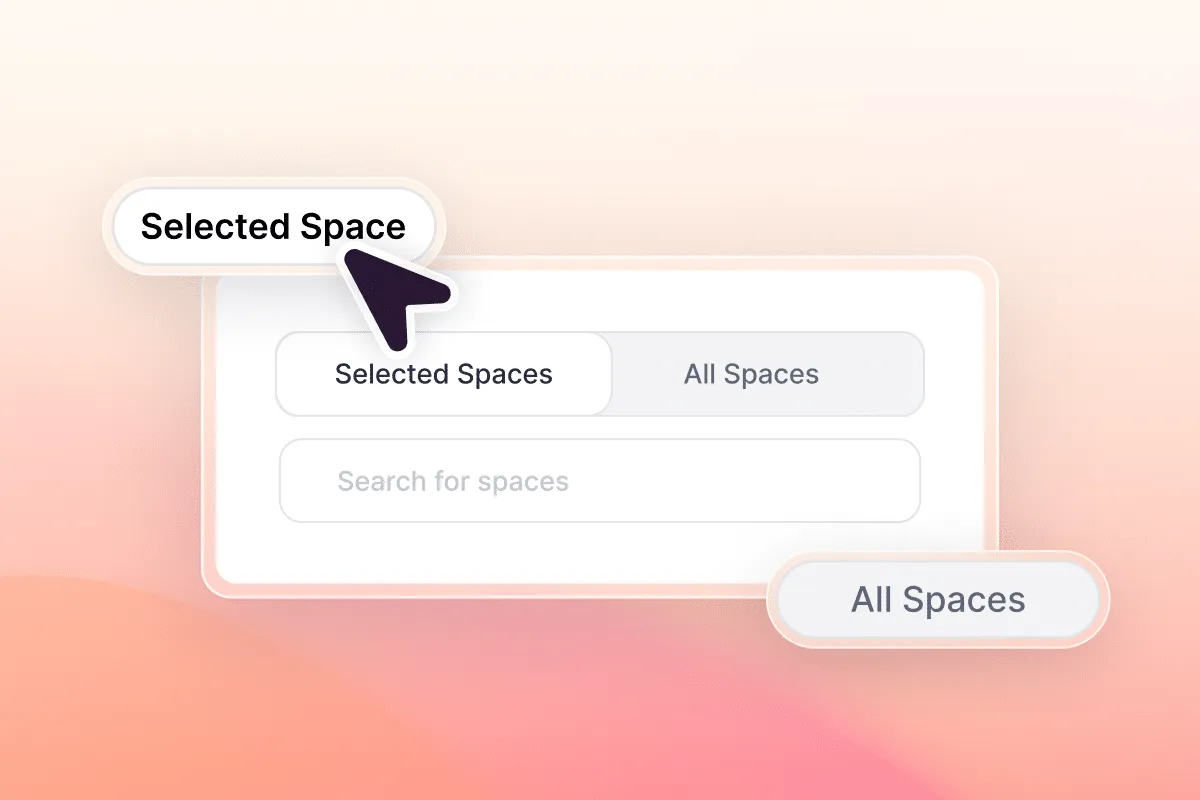
Step 4: Simulate for Safety
Before executing the actual migration, select Dry Run. This simulates the entire process without modifying any pages and generates preview logs so you can verify the expected outcome. We strongly recommend running a Dry Run on a test space first.
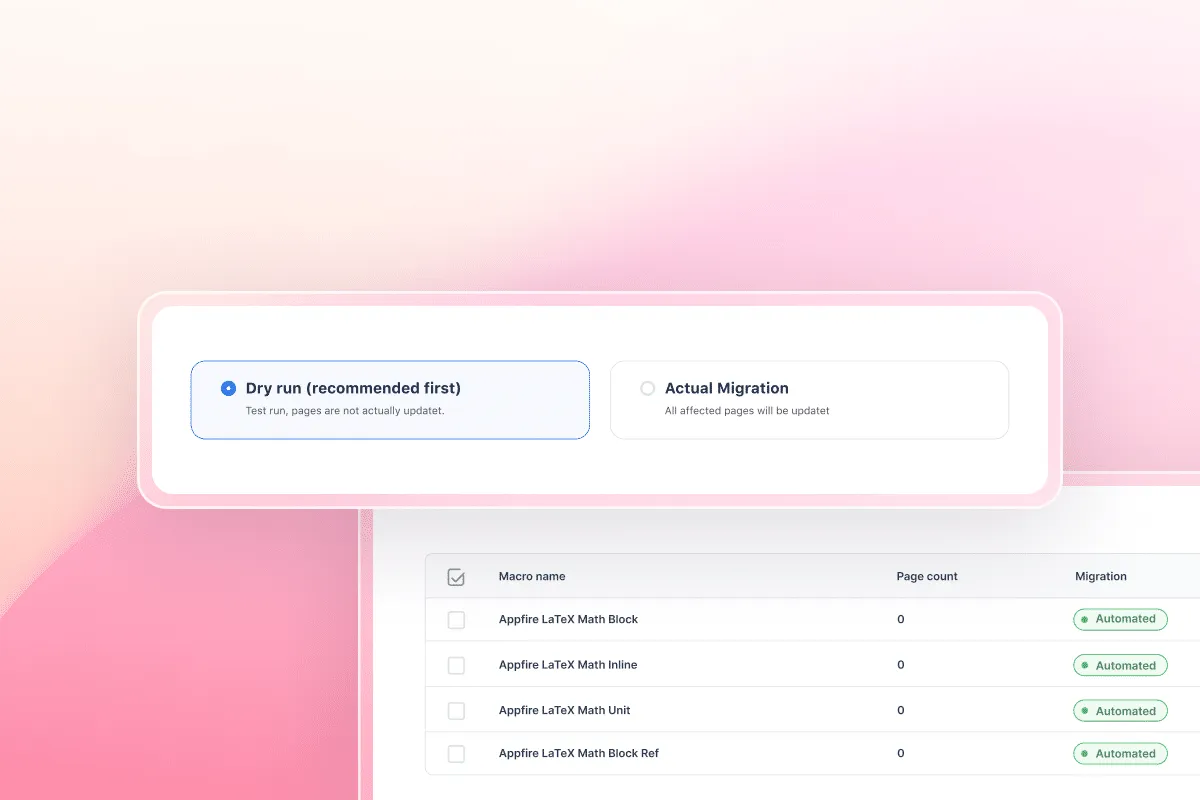
Step 5: Review the Page Analysis
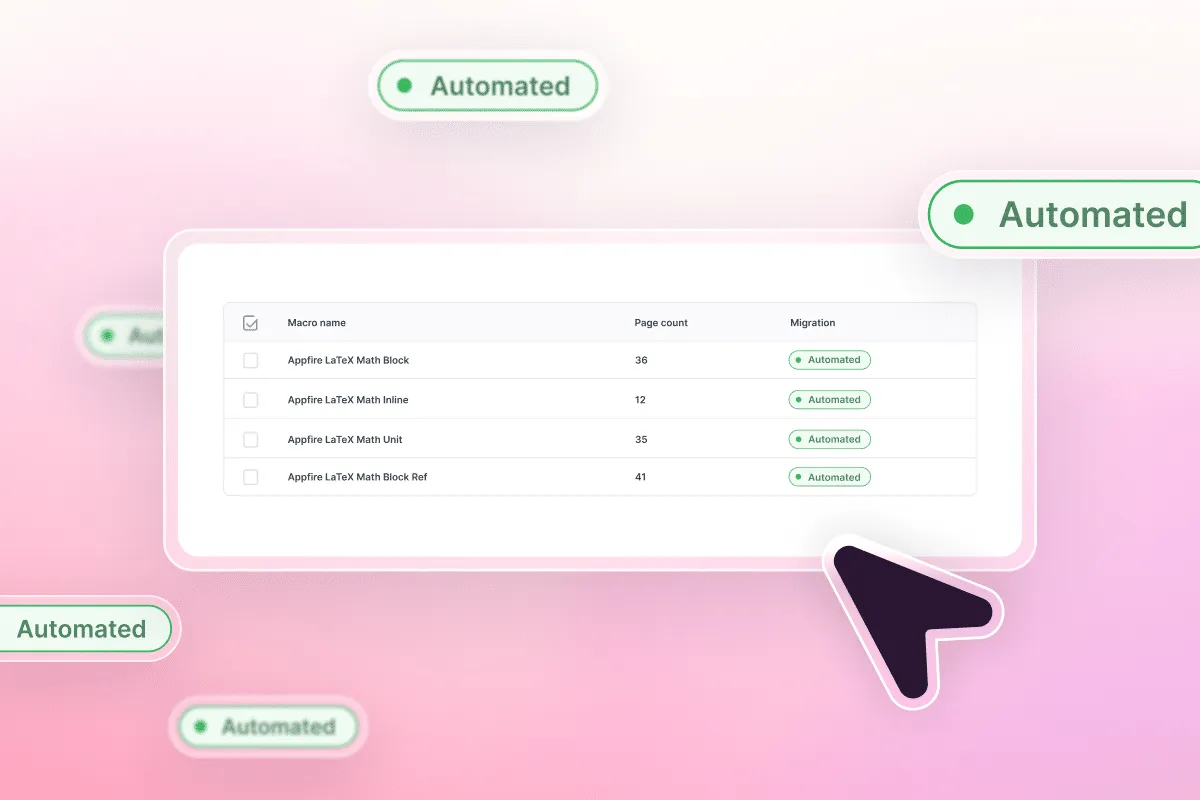
The Migration Hub automatically displays how many pages contain LaTeX Math macros. Review the results and select the specific macros you want to migrate – or migrate everything at once.
Step 6: Confirm Terms and Technical Guardrails
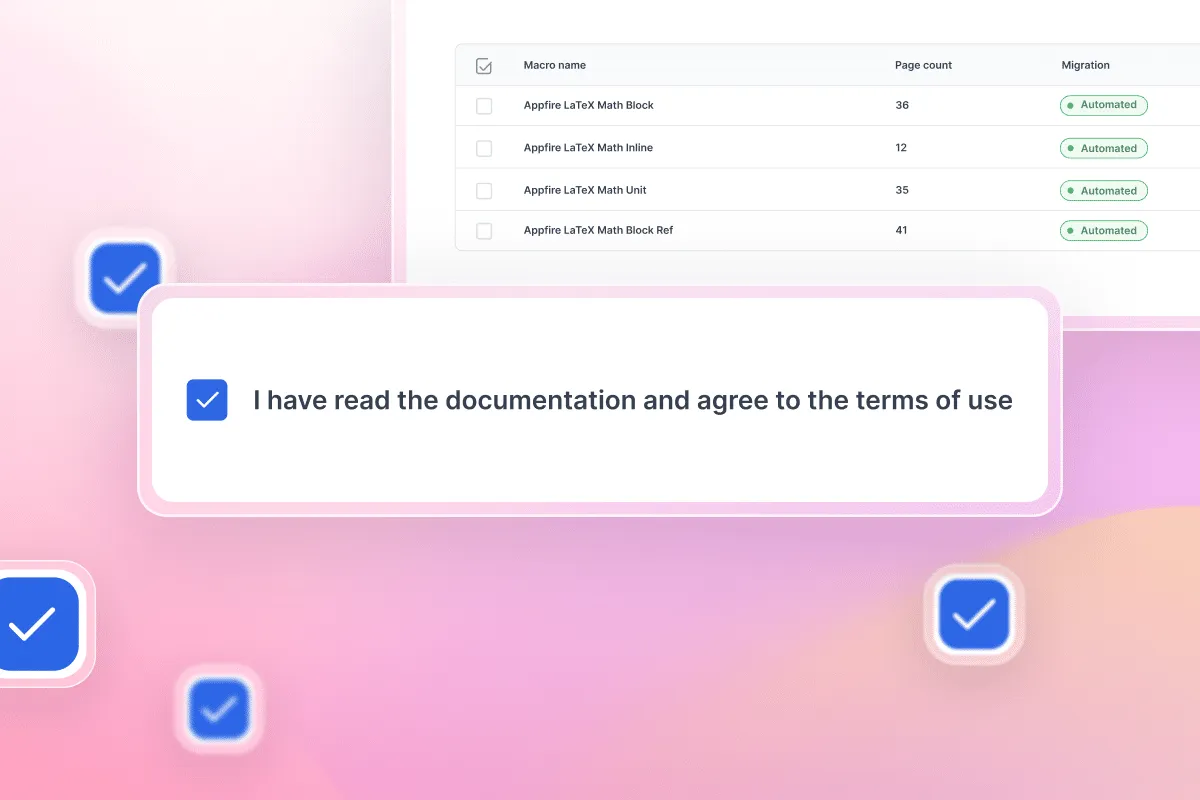
Read the migration documentation and confirm the terms of use. These describe how the conversion works and what to consider before starting.
Step 7: Start the Migration
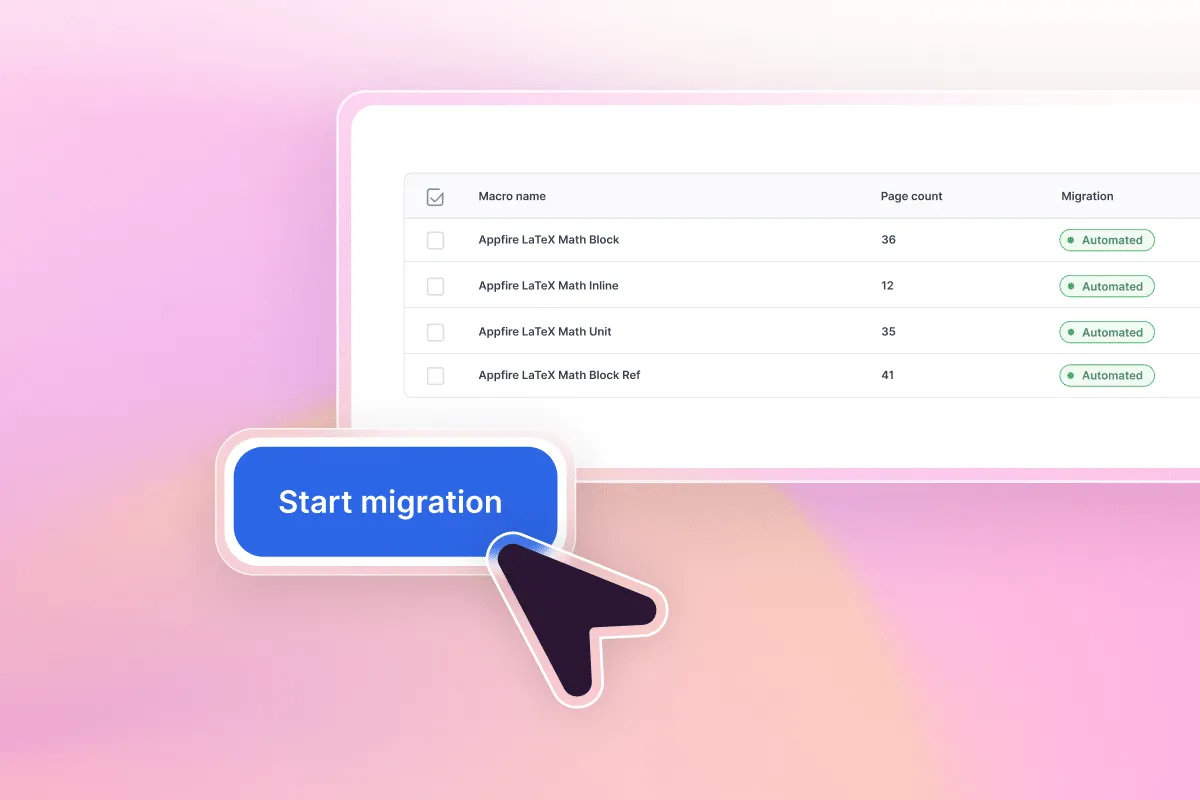
Click Start migration to begin the process. Aura handles the conversion automatically and creates new page versions, so you can always revert if needed.
Step 8: Audit Your Migration Logs
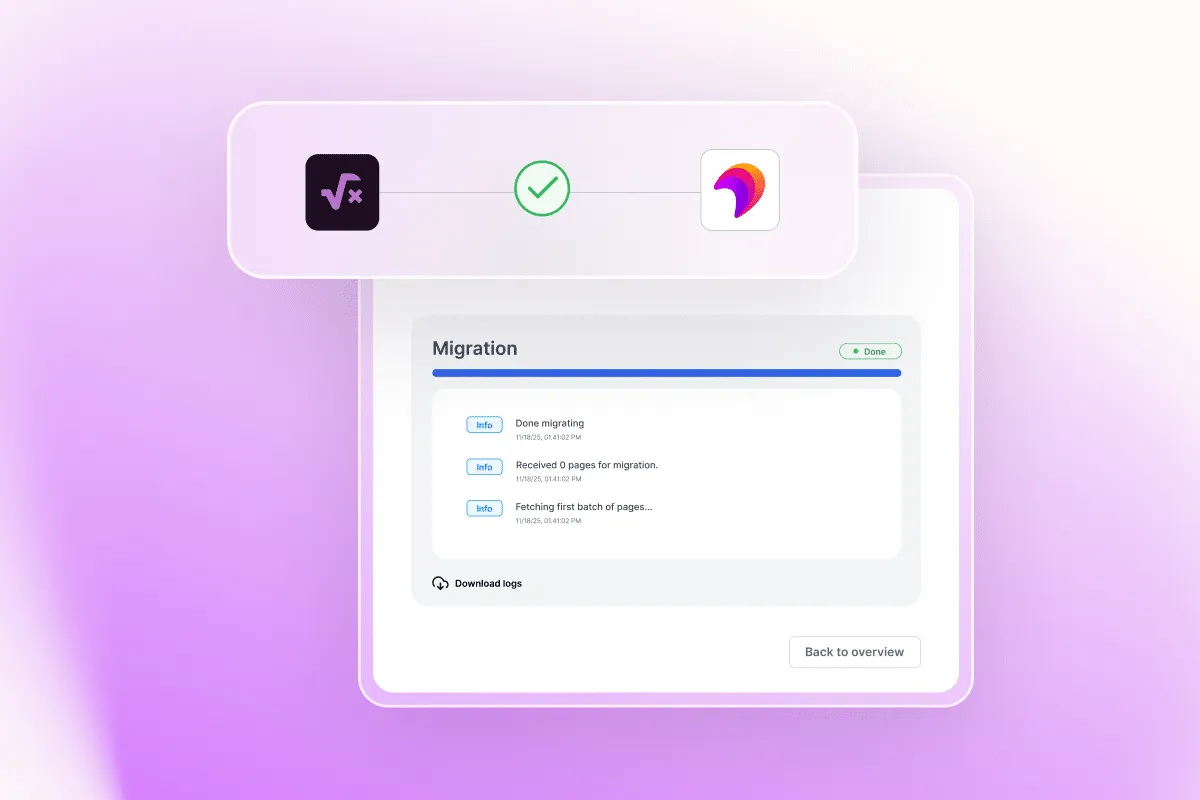
Once the migration completes, download the logs to review any warnings or errors. The logs detail what was migrated, where macros were found, and whether manual follow-up is required. You can repeat the process at any time – for example, after content updates or when additional spaces are ready.
Beyond LaTeX: Consolidate your entire Confluence app stack
The Aura Migration Hub supports more than just LaTeX Math. Once your formulas are migrated, consider consolidating additional apps:
- Data & Visualization: Move from Stiltsoft Table Filter to Aura Table Filter to gain integrated charting and modern filtering while preserving your business-critical spreadsheets.
- Structure & Design: Replace the Refined Macro Toolkit or Appfire Numbered Headings with Aura Formatting. The migration for headings follows global ISO standards and improves page structure without triggering notification spam.
- Governance & Workflows: Bring document lifecycles and approvals from AppFox Workflows, Appfire Page Approval, or Comala Document Management into Aura Workflow — creating a unified compliance ecosystem. These workflow migrations are also Cloud-to-Cloud and happen after your initial DC-to-Cloud migration.
Ready to migrate your LaTeX content?
Reach out to our consultants to activate the LaTeX Math migration feature on your instance and start consolidating your Confluence app stack today.