Templating.app for Jira
Saving time and effort on recurring tasks and projects in Jira Cloud
Templating.app is the all-in-one template solution for Jira Cloud. Create custom Jira templates for projects, boards, issue hierarchies and subtasks. Implemented within an easy-to-use interface, and with Jira automation support. Templating.app helps you reduce effort and save time on recurring Jira tasks. Instead of dealing with complex configurations, teams and users can get started quickly with launching projects or creating multiple issues in just a few clicks.
Trusted by teams worldwide


Here's what Templating.app can do
Get your teams moving quickly by creating projects or multiple issues in just a few clicks! Customizable templates will help you maintain standardization and consistency across projects, so you avoid mistakes and unnecessary rework.
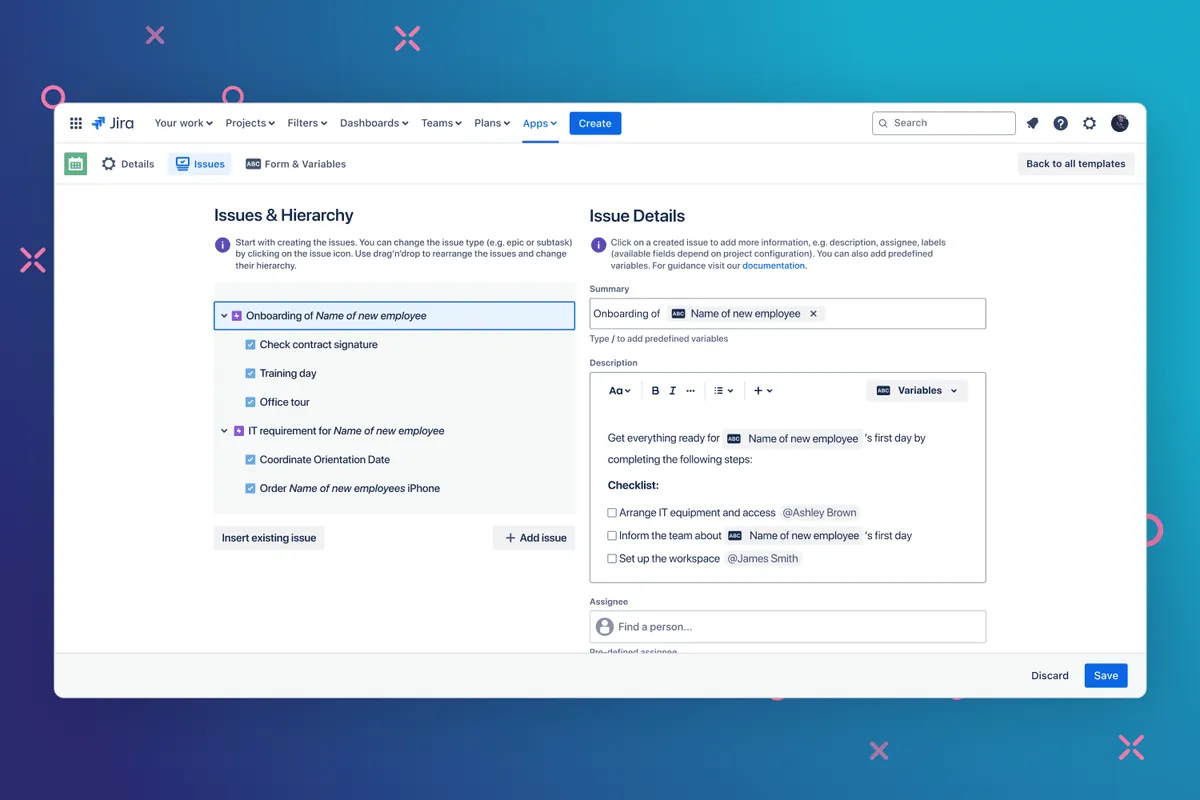
HR: Employee Onboarding
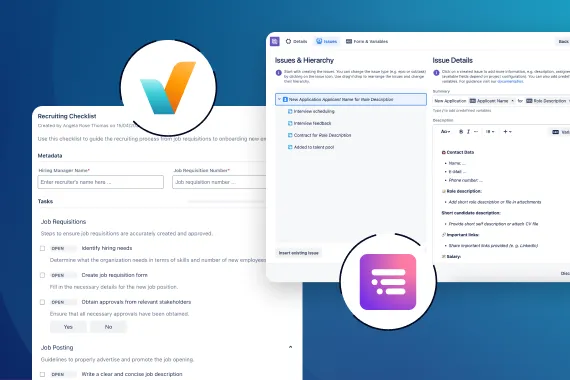
Master recurring tasks like employee onboarding and create epic templates to set up entire issue hierarchies in your HR projects. Set fixed formats for titles, descriptions, priorities, and more to establish a uniform framework for your issues.
See How It Works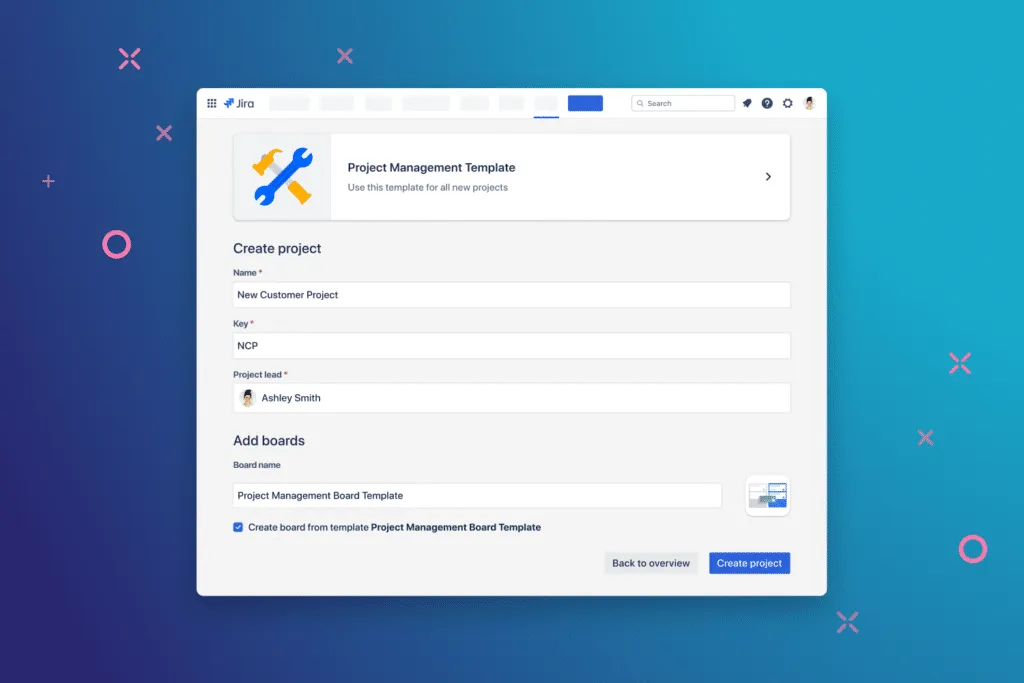
Project Management: Project Templates
Admins can set up Jira project templates with predefined schemes and grant permissions to non-admin users, enabling them to create new projects.
Learn more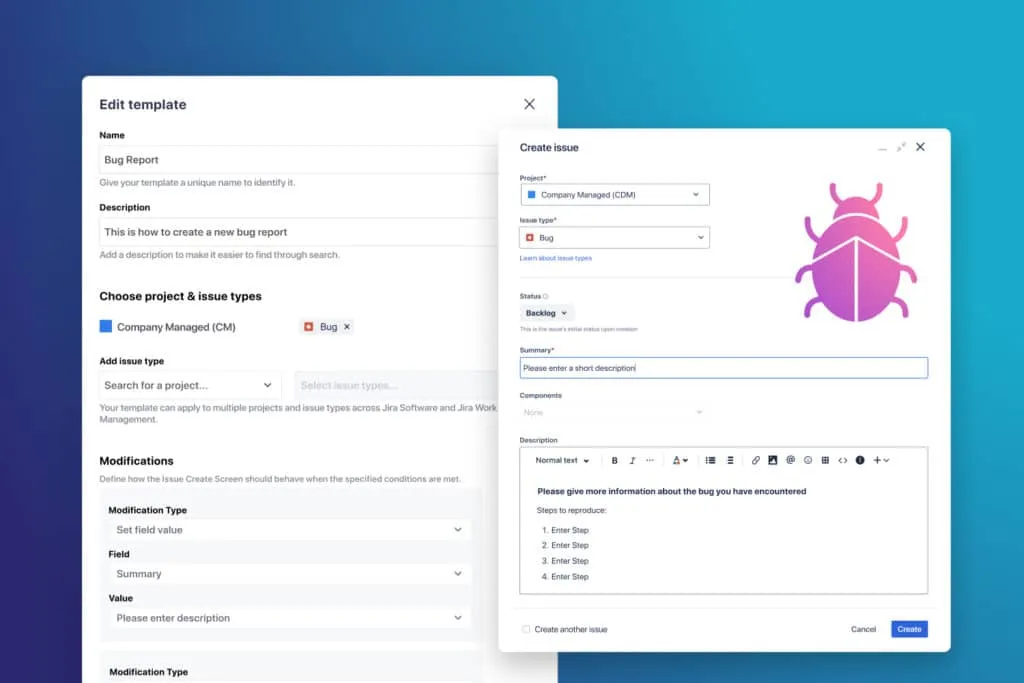
IT: Bug Report
Admins can create Jira description templates for bug reports. This way, structured guidance is provided in the Issue Create Screen, making it easy for users to create new bug tickets with all relevant information.
Take a TourExplore, learn, connect
Marketplace
Copy & Clone Jira Projects, Boards, Issues! Jira Issue Templates, Project, Description & Subtask Templates with Permissions.
Product advice
Get help determining which app solution fits your team. Clarify and compare features with an expert.
Use cases
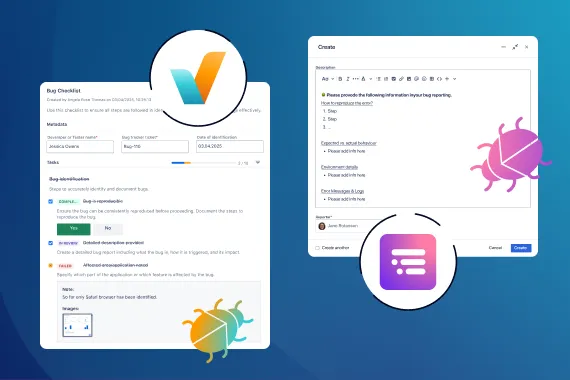
Standardize Bug Reporting with Issue Templates and Checklists
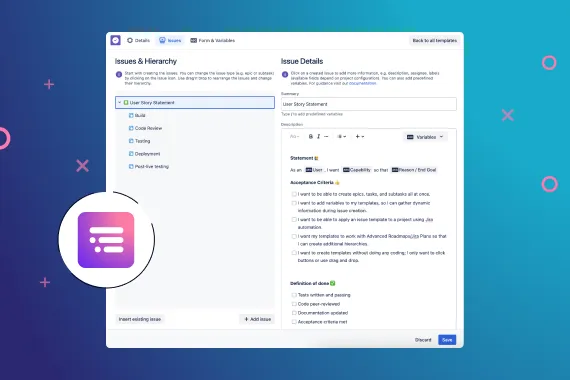
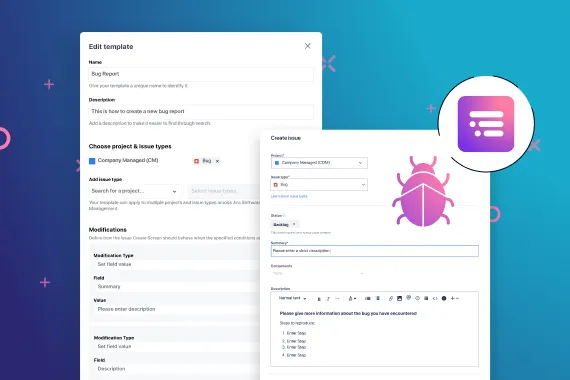
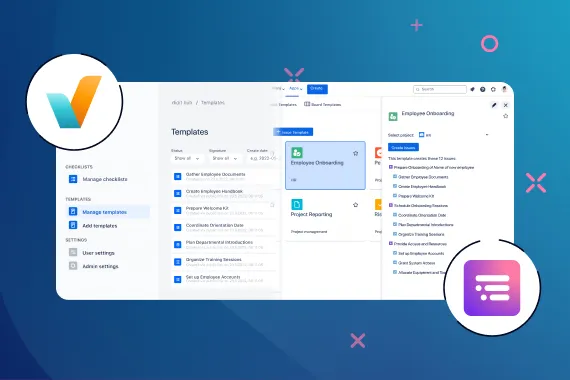
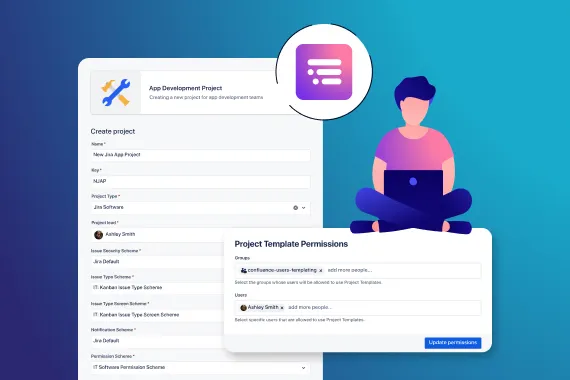
Enable non-admin users to create company-managed Jira projects
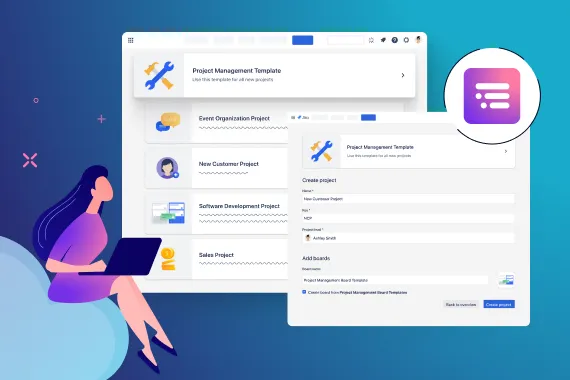
Create Jira Projects fast with standardized Jira project templates
What customers think of
Templating.app
Stuff you probably want to know
Which field types are supported by Templating.app?
Which field types are supported by Templating.app?
Following fields are supported: Assignee, Reporter, Labels, Parent, Radio Buttons, Cascading Field, Paragraph, Single Select & Multi-Select, Date Picker, Short Text, Linked Issues, Multi User Picker, Priority, Due Date, Start Date, Team, Fixed Version, Sprint.
If a field is missing, rest assured, we’ll promptly investigate whether it can be supported in the future. If you want to request a field contact us via email, Service Desk request
Who can create, edit and apply Issue Templates?
Who can create, edit and apply Issue Templates?
At Templating.app, we believe in empowering teams to collaborate. Anyone with the “create issue permission” for the relevant project can utilize our app to its fullest potential.
Can I use Issue Templates for team- and company managed projects?
Can I use Issue Templates for team- and company managed projects?
Yes, Issue Templates can be utilized for both team- and company-managed projects.
Do you also support Jira product discovery, Jira Service Management & Jira Work Management besides Jira Software?
Do you also support Jira product discovery, Jira Service Management & Jira Work Management besides Jira Software?
Yes, you can use Issue Templates for projects of these Jira products. There’s a limitation for custom fields and issue icons though.
Project Templates can be used for Jira Software, Jira Business and Jira Work Management Projects.
How can I add a feature request?
How can I add a feature request?
If you want to request a feature contact us via email, Service Desk request or vote here. You can also create your own entry.
Will there be new features in future?
Will there be new features in future?
Definitely. We release new versions of Templating.app on a regular basis. Visit our Changelog for more information.

Sarah Schmitt-Bär, Product Owner
Let’s get this show on the road
Start working with Templating.app today. Or book a personal demo and we’ll walk you through all the awesome things you can do with it.
Stay up-to-date with The Atlassian Detective
In our monthly newsletter, we solve mysteries related to the Atlassian toolset and developments in the ecosystem.