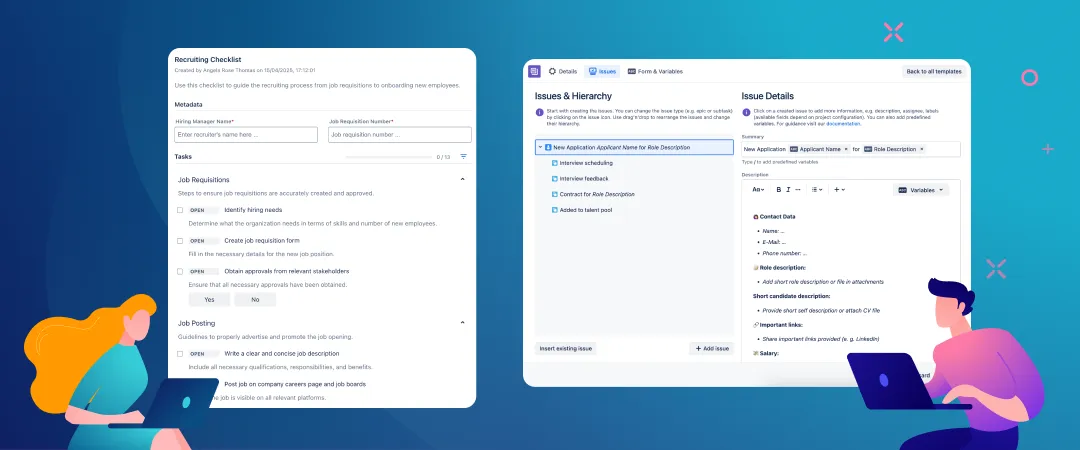
Bring structure and consistency to your recruiting process in Jira, empowering HR teams to move faster and hire smarter.
Costly hiring mistakes happen when recruitment processes are ad-hoc, reactive, and inconsistent. Talent acquisition leads and HR managers need a standardized Jira recruitment workflow to save time, align stakeholders, and reduce the risk of hiring the wrong person.
This is where templates and checklists become essential. With Templating.app and Didit for Jira, you can build a strong, repeatable, and scalable system for managing everything that needs to happen internally when a new role opens up.
Templates underpin a consistent hiring structure while checklists ensure nothing gets missed. This shifts hiring from reactive firefighting to strategic execution.
Start hiring with a full set of Jira tickets ready to go
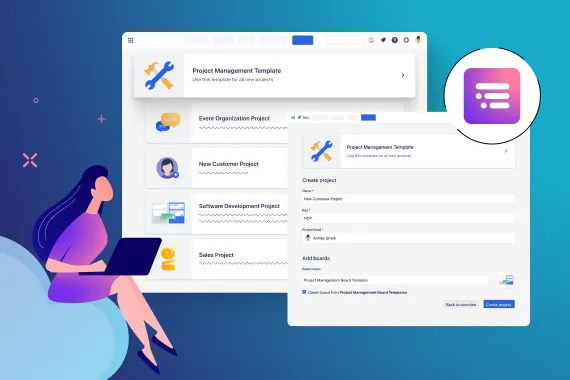
Jira has a built-in recruitment space template. This comes with a ready-made agile board, forms for collecting recruitment requests, and different ways of tracking and visualizing recruitment work.
What it doesn’t give you is the work itself. There are no recruitment-oriented work item types or prepopulated tasks, which means the native template is missing the most important part.
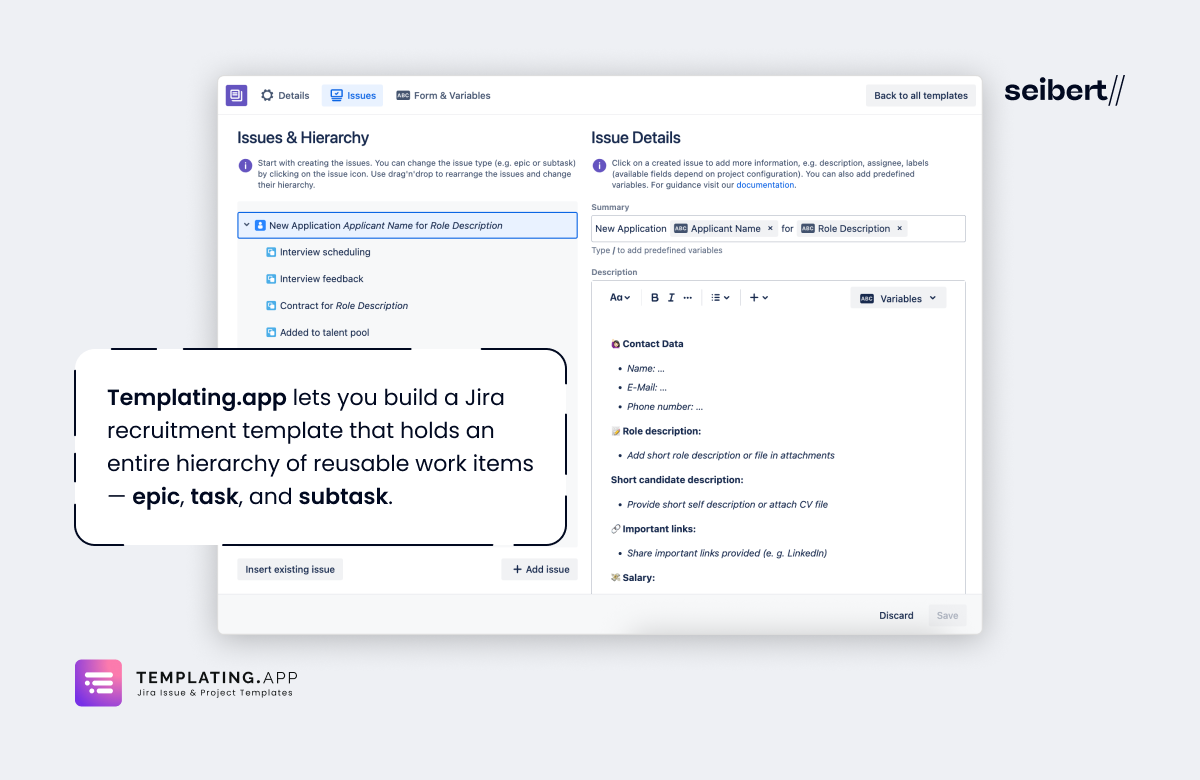
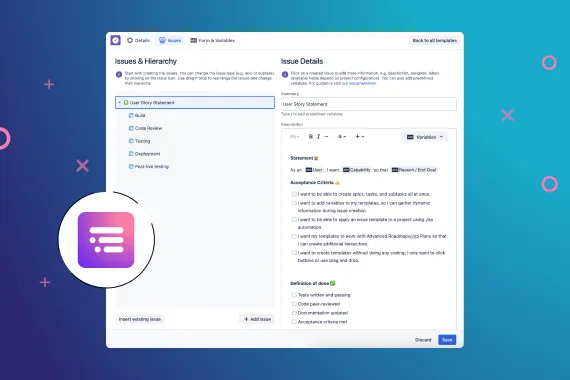
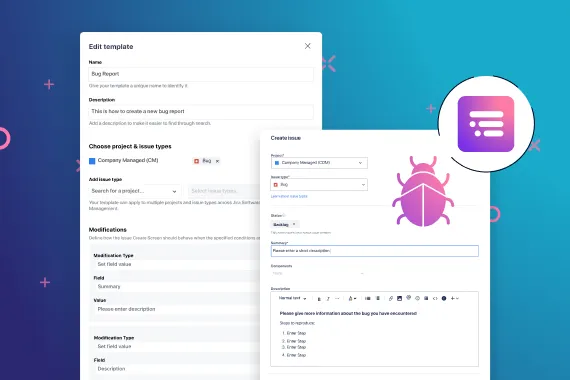
With Templating.app, you can create a Jira recruitment template that comprises a full hierarchy of reusable work items, from epic to task to subtask. These work items can cover all the standard tasks in your hiring process, e.g. sourcing candidates, reviewing applications, conducting interviews, and preparing an offer package.
Instead of having to create all these tasks from scratch every time, or resort to templating workarounds like cloning or automation, you can simply:
- Open Templating.app.
- Select your Jira recruitment template.
- Click Create issues.
And that’s it. All your work items will be automatically generated in one go.
Learn MoreConsistent, complete information on every recruitment task
Without templates, recruiters have to manually ensure that their process is consistent between each new hire.
Inevitably there will be incorrectly assigned tasks, skipped approval steps, incomplete candidate data, and variations in how candidates are sourced, screened, and interviewed. This can lead to delays, poor candidate experiences, and reduced visibility into the status of open positions.
Using a template to automatically generate all your Jira work in one go ensures that every task gets completed every time and each candidate receives a consistent hiring experience. Each work item is prepopulated with a summary, description, assignee, priority, due dates, components, and any other recruitment-specific custom fields your team requires, so that key data is never missing.
You can also use variables to customize work items with dynamic data without having to edit every ticket post-creation. This allows values for “Employee Name”, “Salary”, and “Employment Start Date” to get automatically inserted into all tickets when you apply a template.
Standardizing your Jira recruitment workflow with a template reduces admin effort, improves reporting, and makes sure recruiters always have the information they need.
Improve coordination between departments
The recruitment process typically involves collaboration between multiple departments: HR, senior leadership, the finance team, and the department that is hiring. Without a recruitment process template, coordination between departments is a manual process that can lead to delays, missed handoffs, and uncertainty about who is responsible for the next step.
When you create a work item template with Templating.app, every stakeholder receives the right tasks and information automatically. This helps departments work together more effectively and keeps recruitment activities moving forwards without bottlenecks.
Consistent outputs
Work items generated from a template may have a default description to guide the assignee on what to do—but there are often many ways to complete the same task.
For example, two recruiters might handle candidate screening completely differently. One may focus on their industry experience while the other focuses on their educational background. One may flag a gap in their past employment while the other ignores it and looks at cultural fit indicators.
You can avoid this kind of inconsistency by incorporating checklists into your Jira work items. Checklists break down tasks into consistent steps or criteria, standardizing your recruitment process even further.
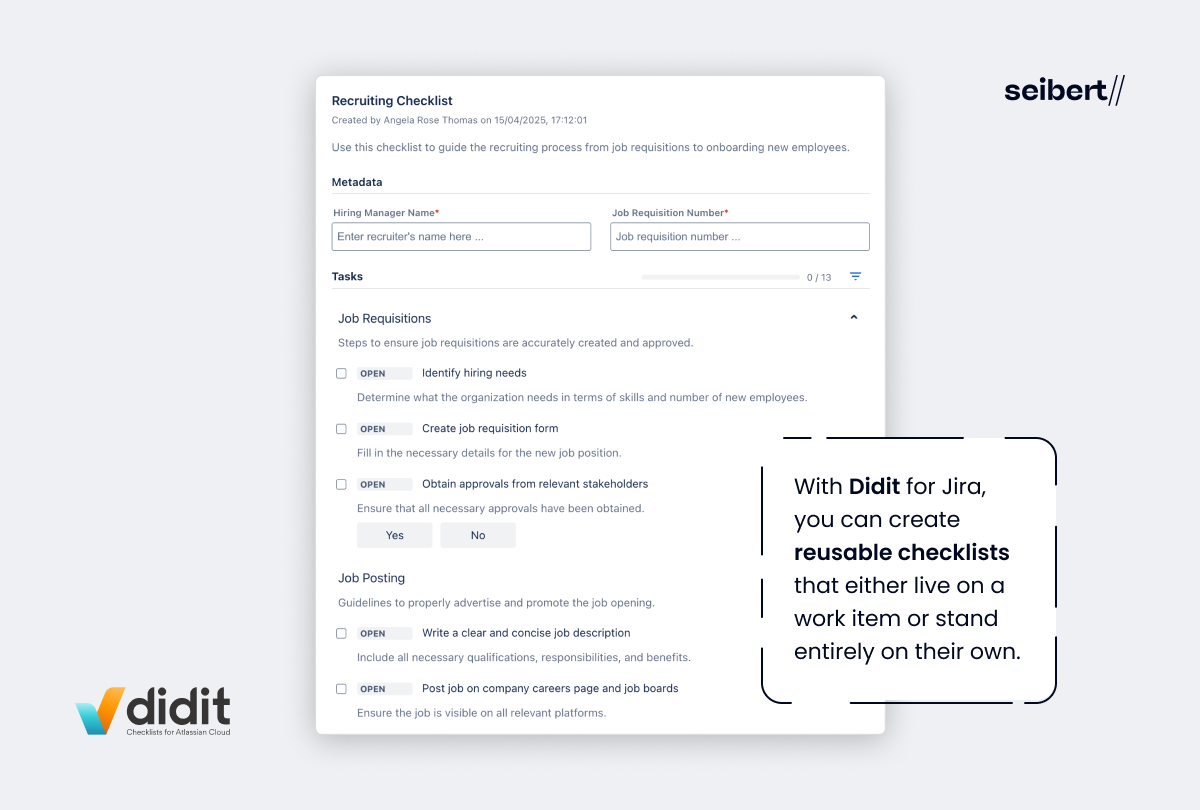
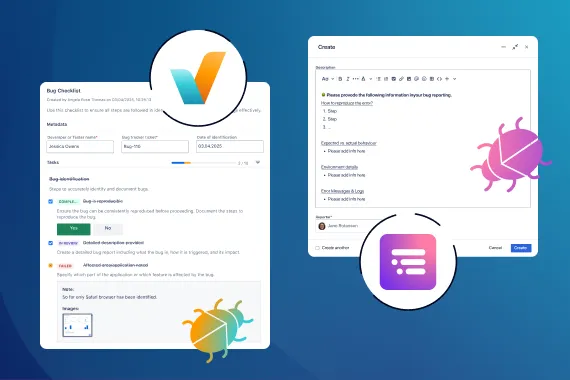
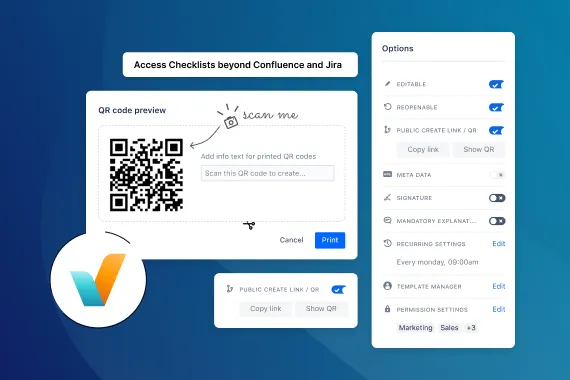
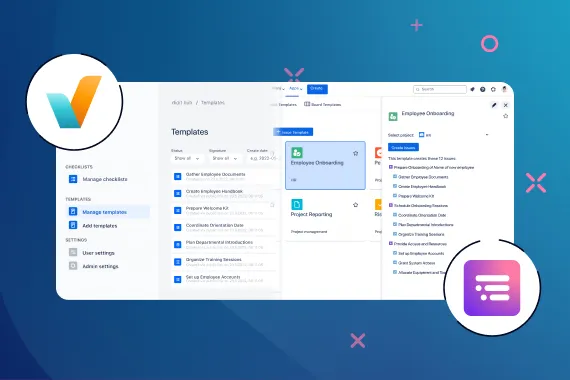
With Didit for Jira, you can generate reusable checklists for candidate screening, preparing for interviews, making selection decisions, and communicating offers and rejections. You can add them to work items or complete them independently of your tickets. Didit also provides the option to format a checklist task as a yes/no question, which is useful when developing essential criteria for assessing recruits.
Didit checklists ensure that all your recruitment tasks produce a consistent output, whether that’s a fair candidate evaluation or a properly justified hiring decision.
Learn MoreTasks or checklists?
Having both Templating.app and Didit for Jira in your recruitment toolbox can help overcome the challenge of choosing between checklists or full tasks when designing your Jira recruitment workflow.
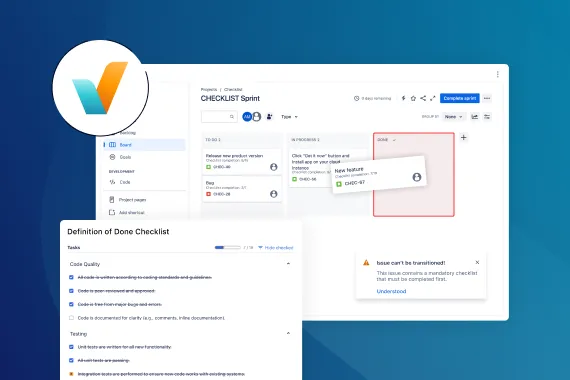
By using work item templates and checklists together, teams can choose the right level of tracking for each activity. Significant tasks such as conducting an interview can be created as an individual work item, while submitting interview feedback can be a step on a checklist.
This allows you to maintain visibility and accountability where it matters most, without adding unnecessary overhead or clutter to your Jira.
A more trusted hiring process
By combining Jira task templates with structured, reusable checklists, organizations benefit from a more consistent and transparent recruitment process. This improves decision-making quality, reduces bias and variation, and builds greater confidence in hiring outcomes.