Karma Page Builder for Confluence
Design beautiful Confluence pages without writing code
Karma is the drag-and-drop Confluence page builder that transforms plain documentation into professional, branded content. Create custom Confluence page layouts that people want to read, share, and contribute to.
Trusted by teams worldwide








How to improve formatting in Confluence Cloud
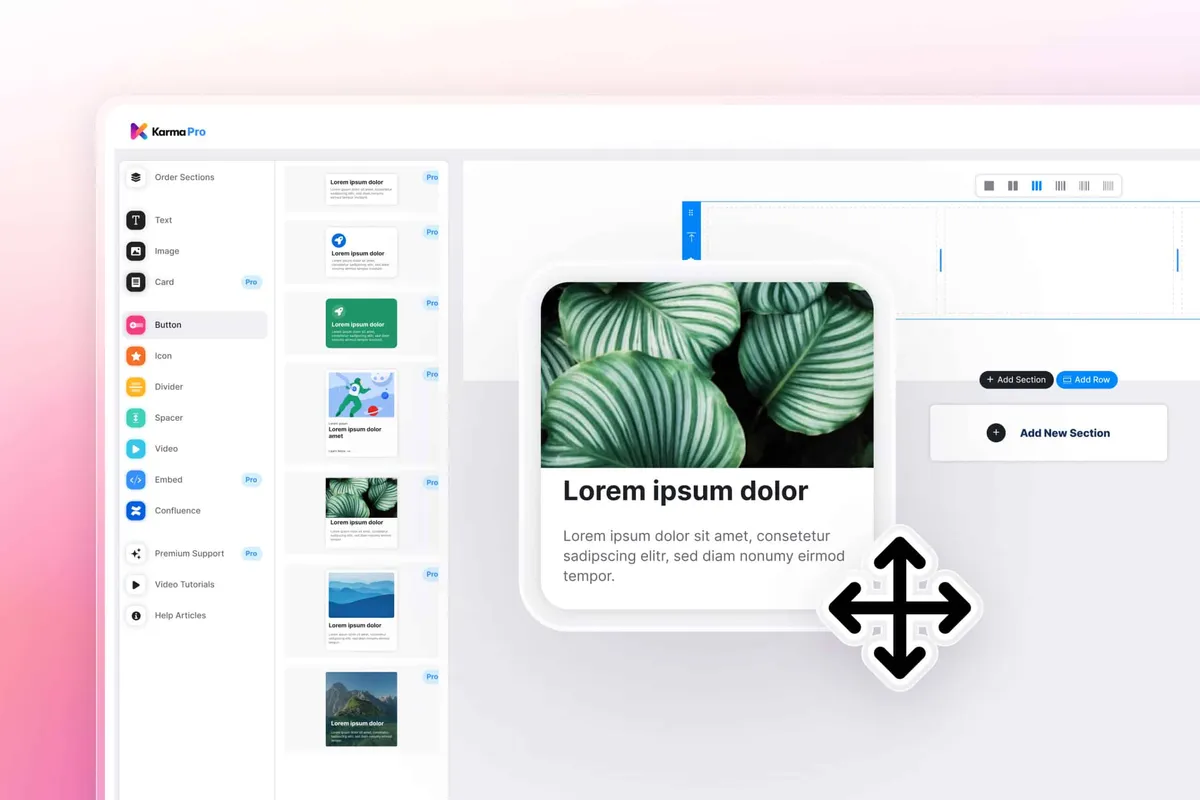
Drag-and-drop page building
Build custom Confluence page layouts and visual hierarchies by simply dragging elements into place, without touching HTML, CSS, or code.

50+ formatting macros included
Choose from cards, tabs, panels, buttons, progress bars, timelines, and more to give your pages a professional finish.
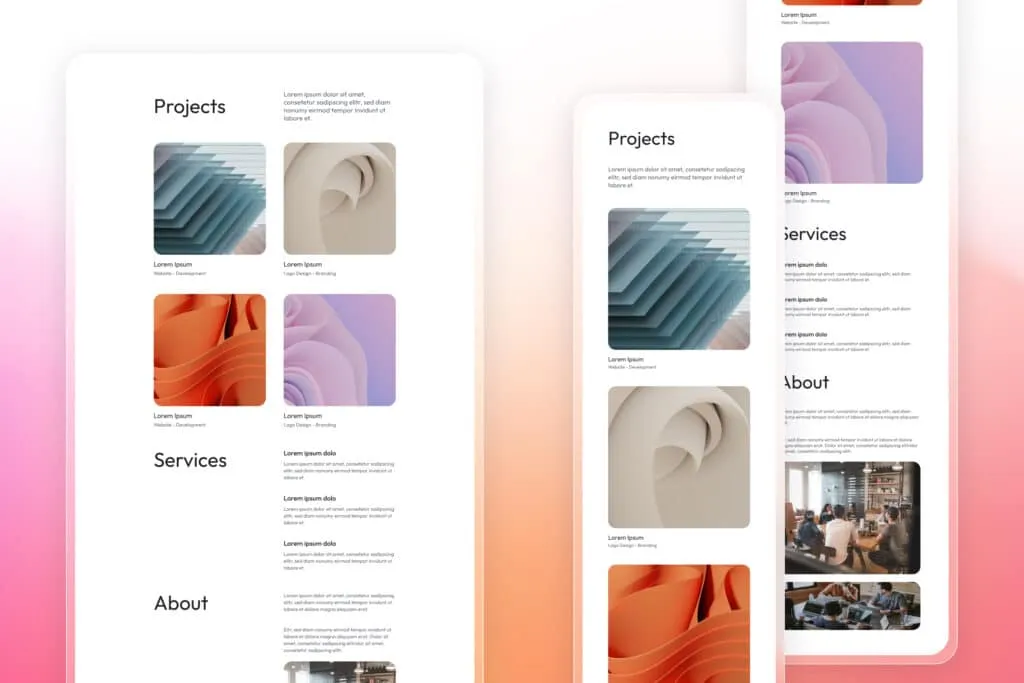
Responsive by default
Every page adapts automatically to desktop, tablet, and mobile, so your Confluence content design stays consistent across devices.
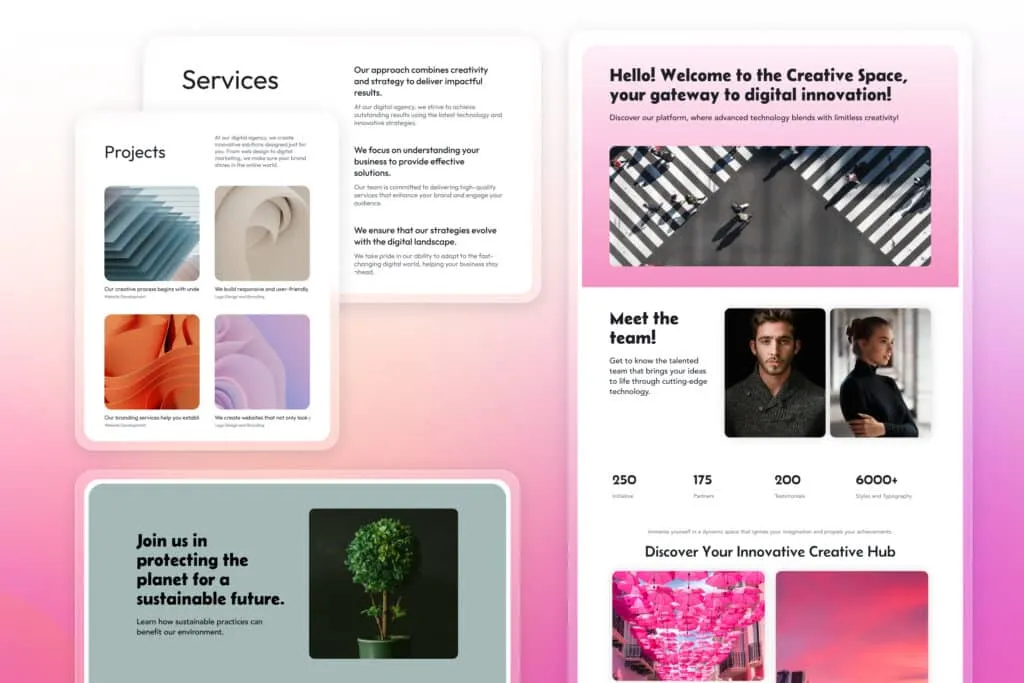
Confluence templates that save hours
Launch pages faster with pre-built Confluence templates for updates, docs, meetings, or team spaces that you can customize and reuse.

Rich media embedding
Drop in videos, images, charts, or external content, and Karma’s Confluence formatting app ensures everything fits seamlessly.
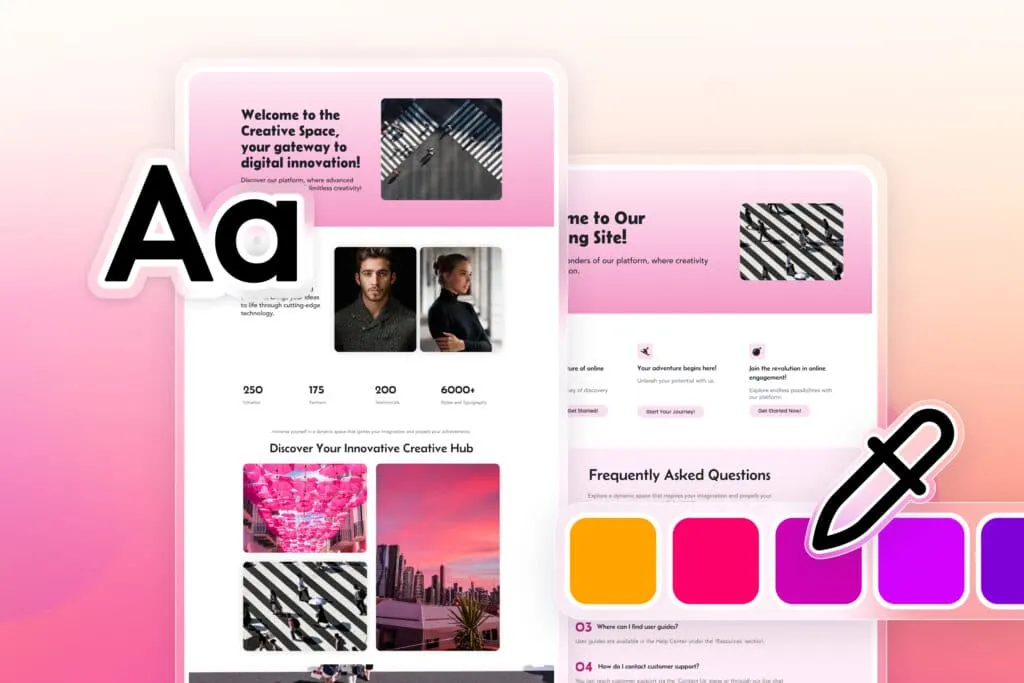
Theme consistency
Apply your brand fonts and colors once, and every page element automatically matches for a consistent Confluence content design.
Everything you need to enhance Confluence formatting
Layout elements
Columns, grids, sections, dividers, spacers, containers
Media & embeds
Image galleries, video players, iframe support
Content blocks
Cards, panels, tabs, accordions, timelines, quotes
Navigation aids
Table of contents, breadcrumbs, anchor links
Data display
Tables, charts, status badges, metric cards
Interactive components
Buttons, progress bars, counters, tooltips
Explore, learn, connect
Marketplace
#1 Formatting App: Drag & Drop Editor, Custom Fonts/Icons, 200+ Templates, Buttons, Cards, Backgrounds, Image Library, Dark ThemeProduct advice
Need help deciding which app solution would be perfect for your team? Want to clarify and compare app features with a real person?
How to format Confluence pages better
Install Karma
Install Karma
Add the Confluence formatting plugin from the Atlassian Marketplace in under a minute
Open any Confluence page
Open any Confluence page
Click “Edit with Karma” to launch the visual editor
Drag in your elements
Drag in your elements
Choose from 50+ macros and position them where you want
Apply your styling
Apply your styling
Set colors, spacing, and fonts to match your brand
Publish and impress
Publish and impress
Save your page and watch engagement improve
Use cases
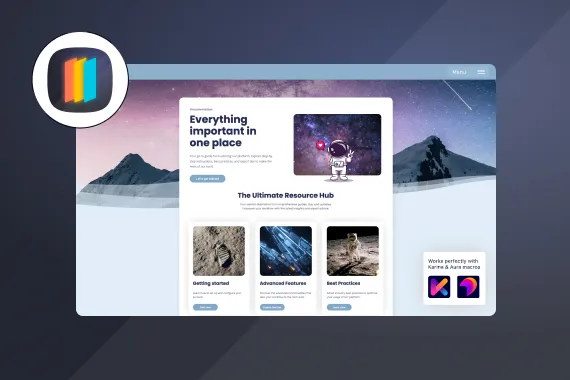

Make your Confluence documentation impossible to ignore
Turn reports, dashboards, and knowledge bases into polished pages that look polished on every device using Confluence templates and formatting.
Why teams choose Karma as their Confluence formatting app
Works the way Confluence teams do
Available on every plan
Karma runs seamlessly on Confluence Cloud Free, Standard, Premium, and Enterprise with the same full set of formatting features.
Respects permissions
Existing Confluence permissions stay intact — if someone can edit a page, they can format it with Karma.
Optimized for speed
Pages load quickly even with rich layouts and styling, so performance never takes a hit.
Compatible with your stack
Karma works alongside Jira, other Aura Apps, and most Atlassian Marketplace add-ons without conflict.
Professional formatting tools for Confluence users

For documentation teams
Transform technical guides into readable resources:
- Add tabs to organize long content
- Create expandable sections for details
- Build visual navigation with cards
- Add progress indicators for multi-step processes

For project managers
Make status updates impossible to ignore:
- Design dashboard layouts with KPI cards
- Add visual timelines for project phases
- Create team galleries with profile cards
- Build interactive report templates

For internal communications
Turn announcements into engaging content:
- Design newsletter-style layouts
- Add buttons for clear calls-to-action
- Create visual event calendars
- Build department showcase pages

Create professional Confluence page layouts with Karma Page Builder
Karma is the Confluence formatting app that helps teams build custom layouts, style content consistently, and make Confluence pages that are easier to read, navigate, and share.
- Multi-column project dashboards
- Interactive product documentation
- Visual team directories
- Branded knowledge bases
- Executive reports with charts
- Training materials with tabs
What customers think of
Karma
Stuff you probably want to know
How do I create layouts in Confluence Cloud with Karma?
How do I create layouts in Confluence Cloud with Karma?
Can Karma make Confluence pages look professional?
Can Karma make Confluence pages look professional?
Is Karma the best Confluence formatting plugin?
Is Karma the best Confluence formatting plugin?
How can I design and style Confluence content with Karma?
How can I design and style Confluence content with Karma?
Does Karma work with existing Confluence pages?
Does Karma work with existing Confluence pages?
What's included in the Karma free trial?
What's included in the Karma free trial?

Tim Böhmer, Sales Lead
Let’s get this show on the road
Start working with Karma today. Or book a personal demo and we’ll walk you through all the awesome things you can do with it.
Stay up-to-date with The Atlassian Detective
In our monthly newsletter, we solve mysteries related to the Atlassian toolset and developments in the ecosystem.