Aura Content Formatting for Confluence
Format Confluence pages with macros that make content shine
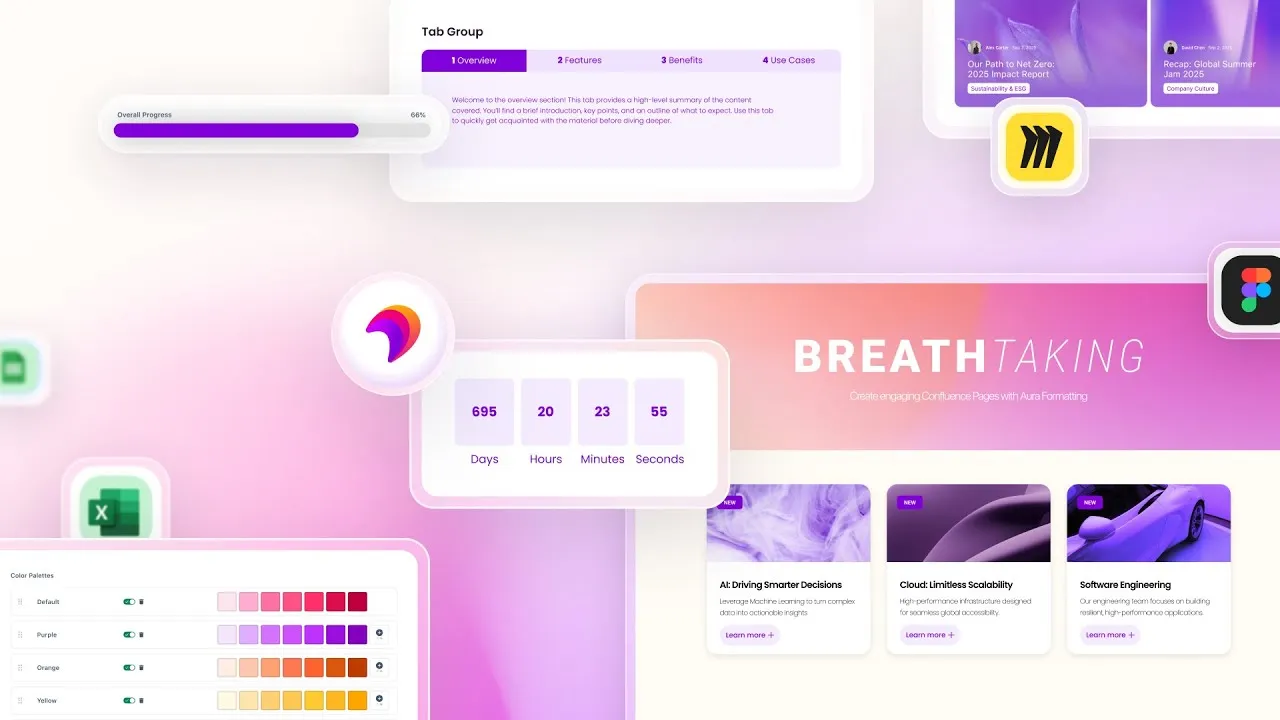
Aura Formatting brings 40+ macros to Confluence Cloud so you can create pages worth reading. Build layouts with tabs, organize with panels, highlight with cards, and style everything exactly how you want it.
Trusted by teams worldwide







The best formatting macros for Confluence pages
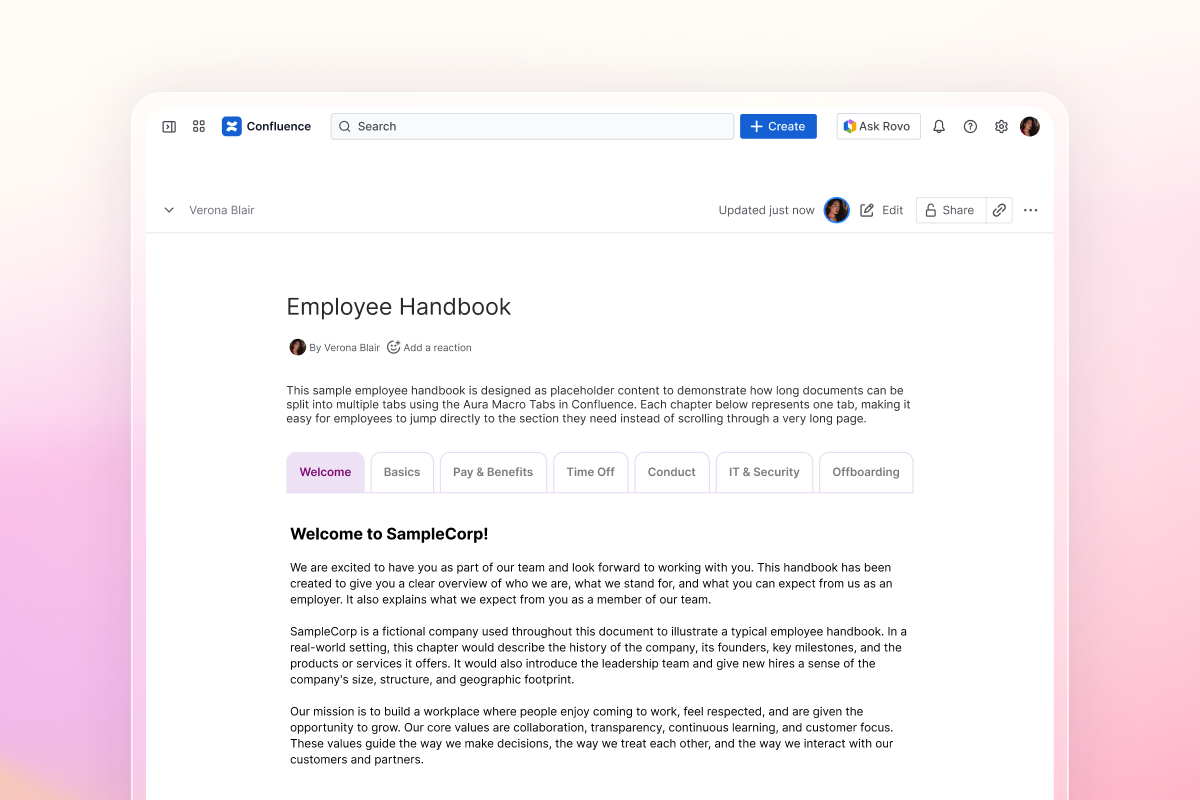
Tabs for long documentation
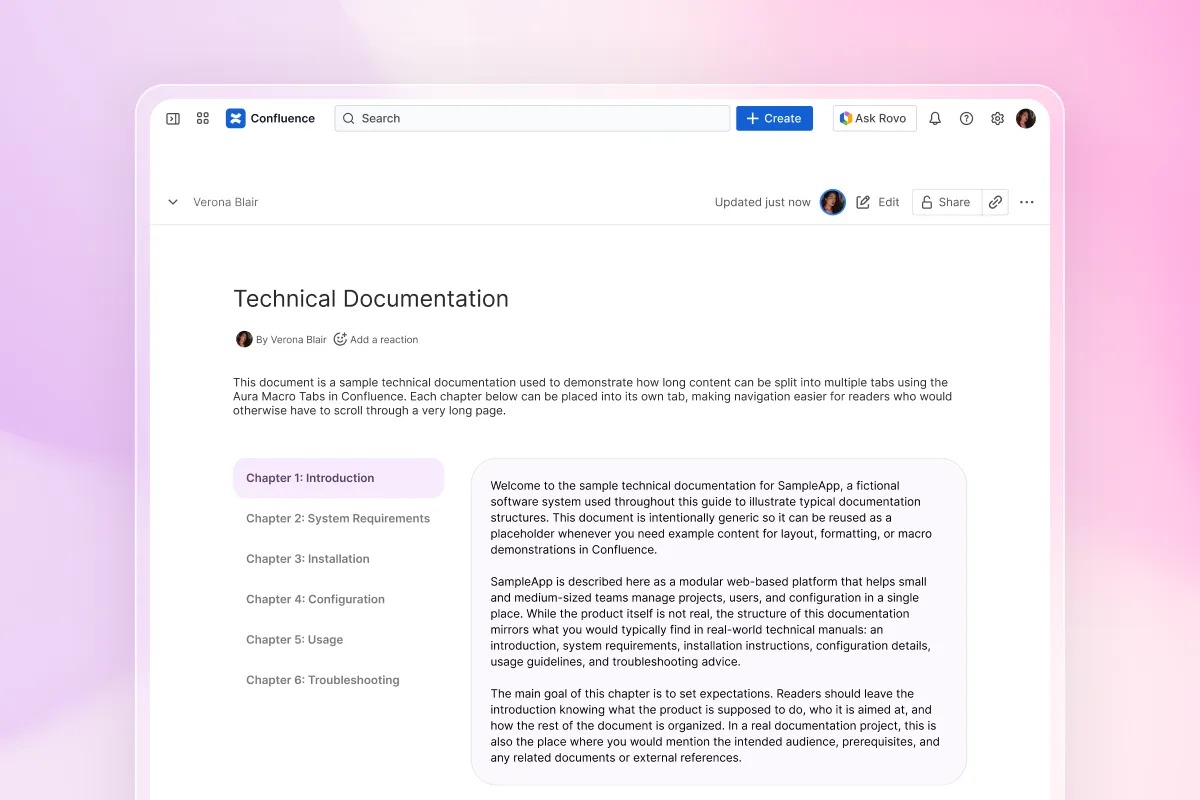
Overwhelming documents become digestible when split into tabs. Readers click between topics without scrolling forever, finding what they need in seconds instead of minutes.
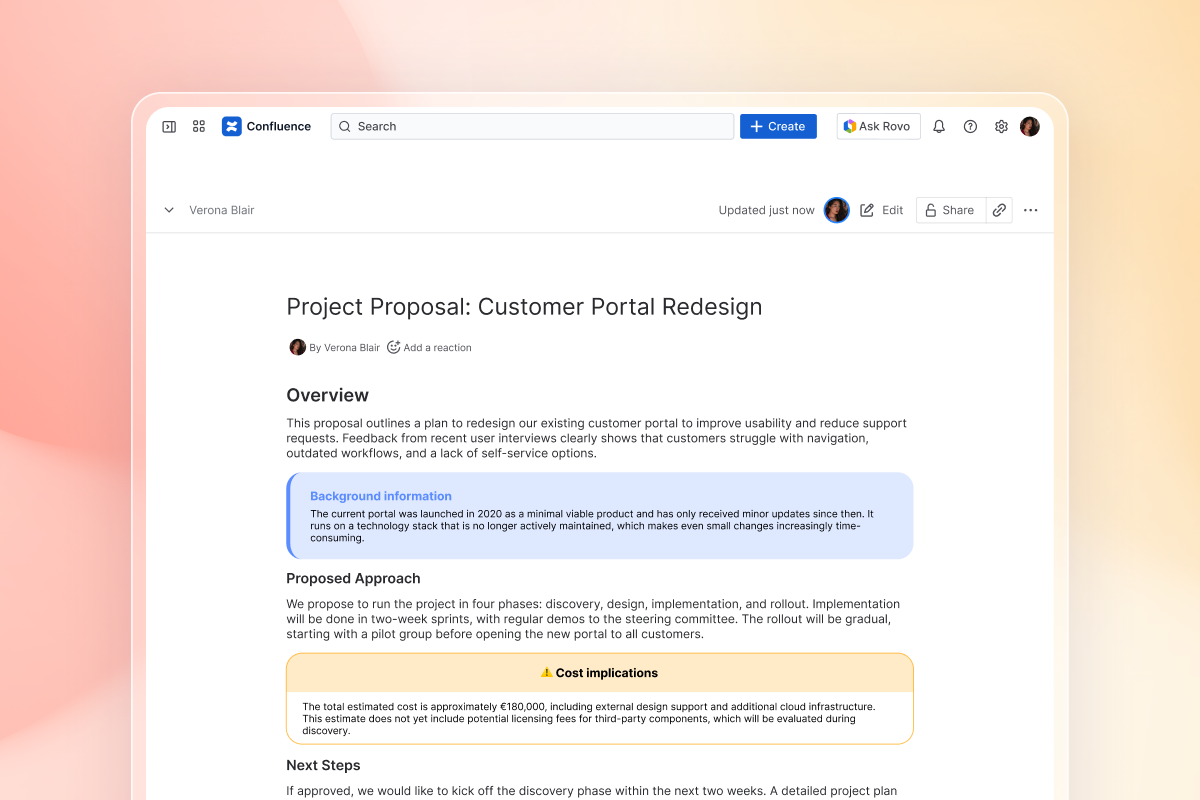
Panels that highlight critical content
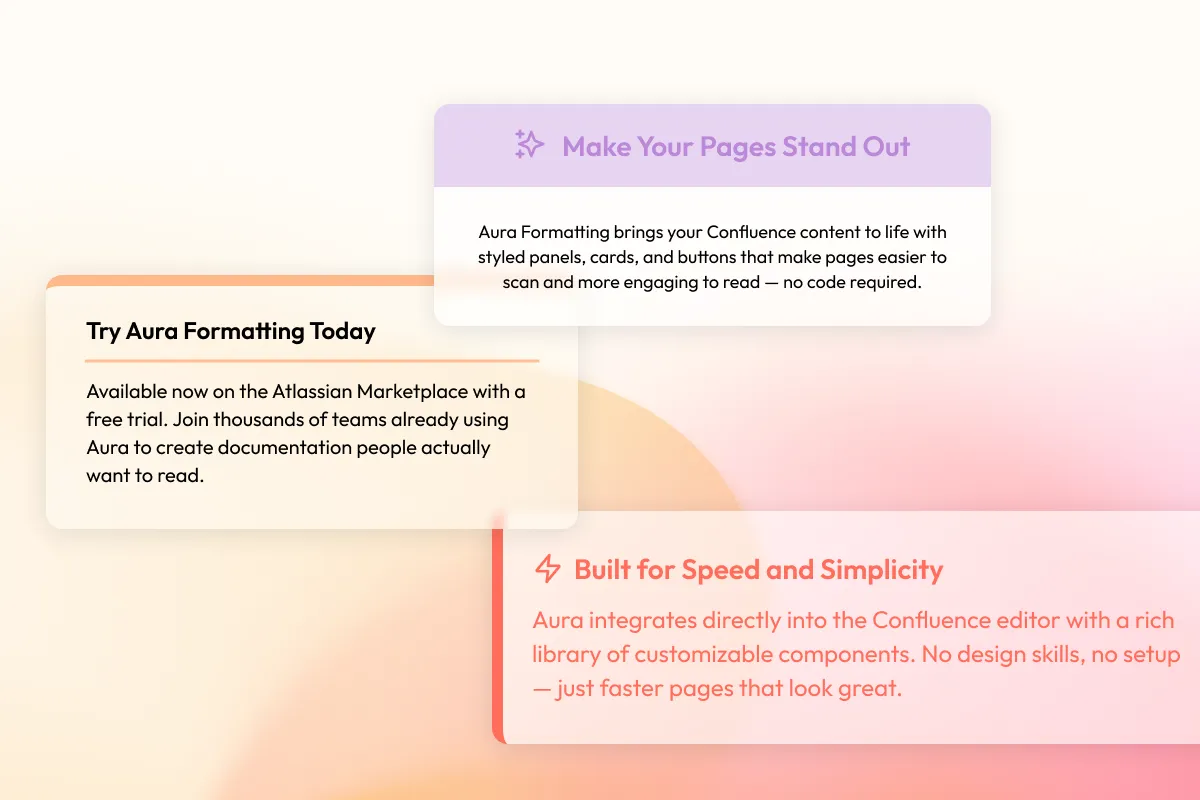
Budget warnings, deployment notes, and policy updates stand out when wrapped in colored panels with icons instead of blending into paragraph 47.
Templates for consistent formatting
Your whole team uses the same layouts, colors, and structure without rebuilding formatting every time when you save designs as reusable templates.
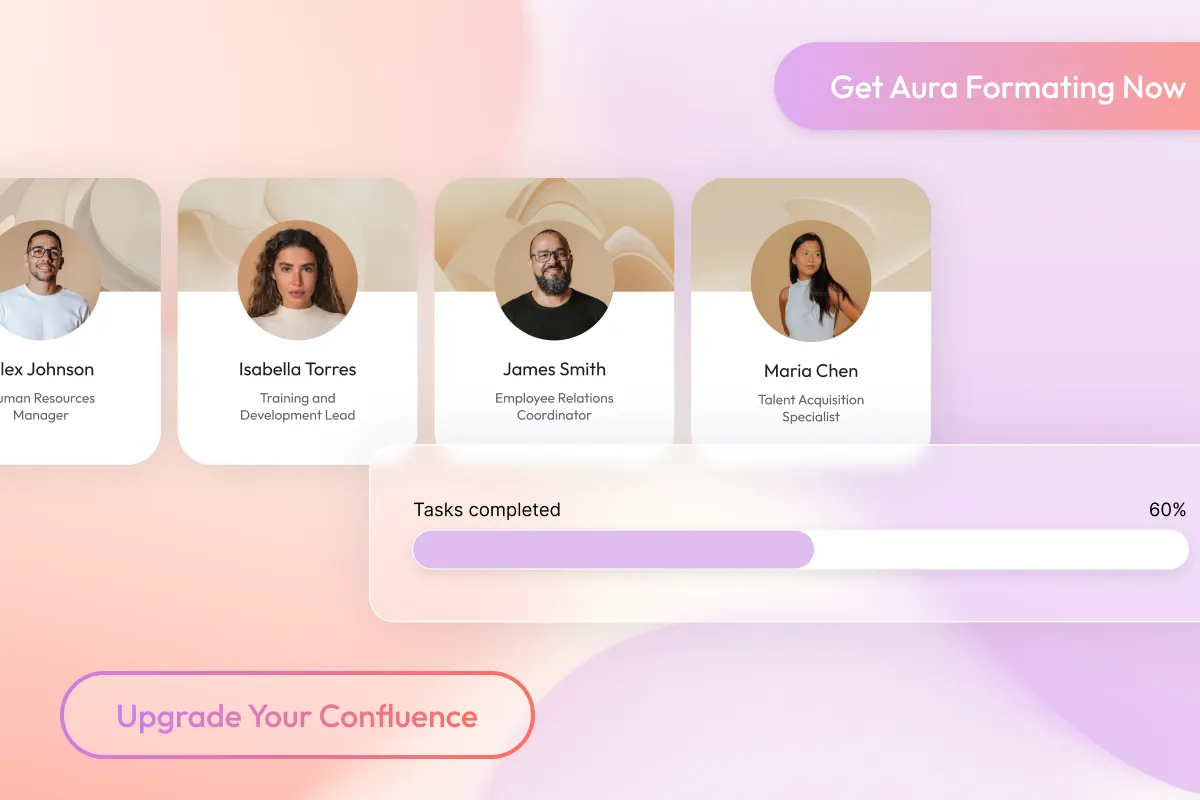
Visual elements that guide readers
Replace walls of text with visual cues that guide readers through content. Progress bars show project status at a glance, buttons create clear next steps, and cards organize team profiles into scannable sections.
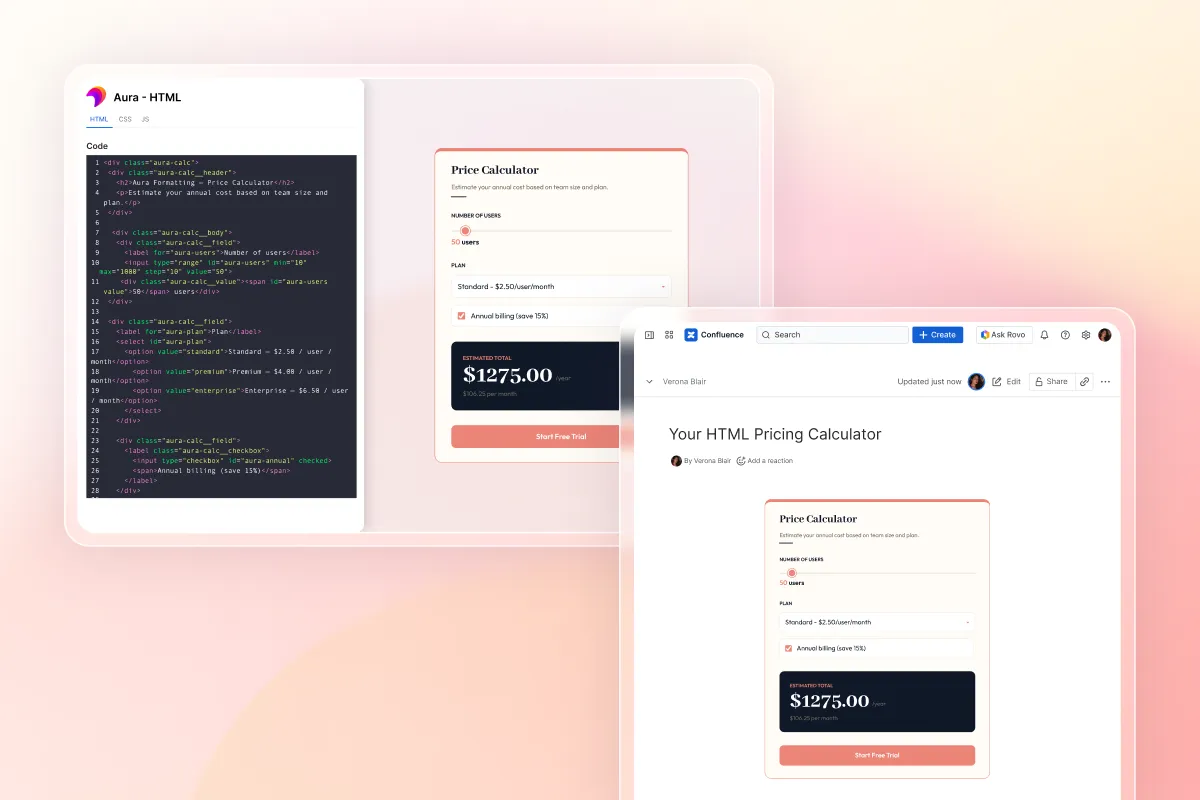
HTML macros for custom Confluence page design
Sometimes you need something specific. A custom calculator. An embedded widget. A unique layout. The HTML macro accepts your code and renders it perfectly within Confluence pages.

Embed Excel, Word, Figma, and Miro without friction
Your team already works with specialized tools. Embed live Excel spreadsheets that update automatically. Display Figma designs at full fidelity. Show Miro boards inline. Everything stays in Confluence while pulling from the source.
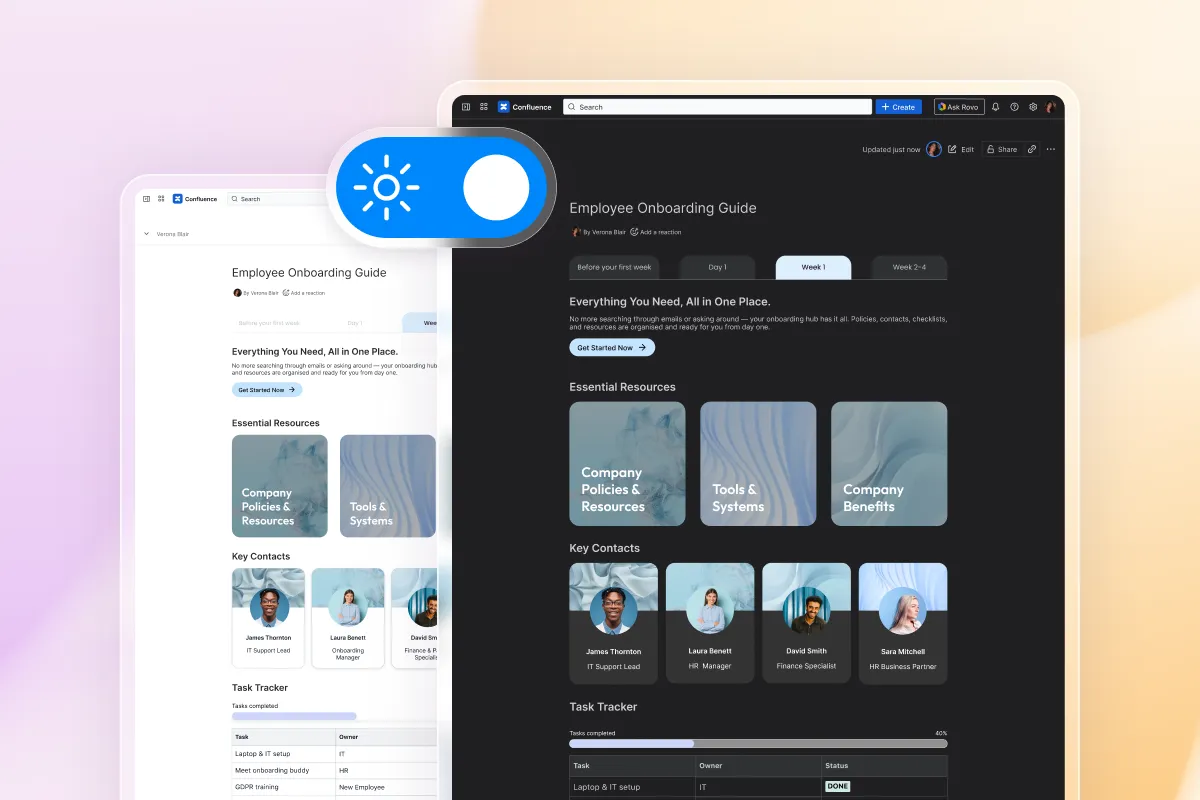
Dark mode that works everywhere
Half your team uses dark mode. The other half prefers light. Every Aura macro adapts automatically, looking polished in both. No broken layouts. No unreadable text. Just consistent formatting regardless of user preference.
Add tabs and panels to Confluence pages
Tabs that organize content naturally
Bring browser-style navigation to your Confluence pages with horizontal tabs for main sections or vertical tabs for sidebar navigation. Each tab holds its own content, images, even other macros.
What teams build with tabs
Product documentation with tabs for features, setup, and troubleshooting; employee handbooks split into policies, benefits, and procedures; project hubs grouping timeline, resources, and team updates; and training materials with modules separated into logical steps.
Panels that make information impossible to miss
Panels give you a visual hierarchy that guides readers to what matters most. Choose from subtle backgrounds to bold warning styles, add icons that communicate at a glance, and include buttons that drive action.
Real panel use cases
Highlight system requirements in a blue info panel before installation steps, flag cost implications in a yellow warning panel on proposal pages, celebrate team achievements in panels on department pages, and surface quick tips in green panels throughout training documentation.
Customize and format Confluence pages your way
Available on every Confluence plan
Free, Standard, Premium, or Enterprise users get the same 40+ formatting macros with all features unlocked, regardless of team size or budget.
Visual controls for non-technical users
Every Confluence formatting macro uses visual controls that anyone can master. Pick colors from a palette, drag sliders for border width, click to add shadows, and choose from 1000+ icons without touching HTML or CSS.
Live preview while you format
Watch your Confluence content formatting change in real-time as you adjust panel colors, resize tabs, and add shadows. The live preview eliminates publish-preview-edit cycles so you can perfect your page design and layout immediately.
Works with your existing pages
Add Aura’s formatting macros to pages you’ve already created while keeping your current content intact. Enhance formatting gradually or upgrade your entire instance.
Integrates with other Atlassian tools
Embed Jira reports in formatted panels, link to Confluence pages with styled buttons, and create cohesive experiences across your entire Atlassian stack.
Template library managed centrally
Administrators create approved Confluence page design templates that teams apply instantly. Marketing gets branded panels, engineering gets code-friendly layouts, and HR gets policy templates, keeping everyone consistent without rebuilding formatting from scratch.
Explore, learn, connect
Marketplace
#1 Top Rated Formatting App: Button, Cards, Expand, Theme, Panel, Divider, Forms, Embed Excel Word Figma Miro, Templates, KarmaProduct advice
Need help deciding which app solution would be perfect for your team? Want to clarify and compare app features with a real person?
How to format content in Confluence Cloud with Aura
Install the Confluence formatting plugin
Install the Confluence formatting plugin
Add Aura Formatting from the Atlassian Marketplace in 60 seconds
Type "/" on any page
Type "/" on any page
Access all 40+ macros instantly from your keyboard
Pick your formatting element
Pick your formatting element
Choose tabs, panels, cards, or any macro you need
Customize the design
Customize the design
Adjust colors, borders, shadows, and spacing to match your brand
Save as a template
Save as a template
Reuse your best designs across all your Confluence spaces
Use cases
Aura vs Mosaic vs Native Confluence
| Feature | Native Confluence | Mosaic | Aura Formatting |
|---|---|---|---|
| Total Macros | ~15 basic | 30+ | 40+ |
| Tab functionality | None | Advanced horizontal/vertical tabs | Advanced horizontal/vertical tabs |
| Panel customization | 4 fixed styles | Limited options | Unlimited designs with full control |
| Template management | None | Full Page Templates, but not centralised | Central admin-controlled library |
| HTML/CSS support | None | Full and secure HTML, CSS, JavaScript | Full HTML, CSS, JavaScript |
| External embeds | Basic links only | Some integrations | Excel, Word, Figma, Miro, Google |
| Works on Standard plan | Yes | Yes | Yes |
| Dark mode support | Partial | Full compatibility | Full compatibility |
What customers think of
Aura Formatting
Frequently asked questions
How do I add tabs to my Confluence pages?
How do I add tabs to my Confluence pages?
What macros come with Aura Formatting?
What macros come with Aura Formatting?
How do I improve readability in Confluence pages?
How do I improve readability in Confluence pages?
Can I maintain consistent formatting across pages?
Can I maintain consistent formatting across pages?
Is custom CSS supported in Confluence?
Is custom CSS supported in Confluence?
How does Aura compare to Mosaic (Content Formatting Macros)?
How does Aura compare to Mosaic (Content Formatting Macros)?

Tim Böhmer, Sales Lead
Make Confluence pages as polished as your presentations
Professional tabs, custom panels, embedded files, and visual hierarchy that matches the quality of your work.
Stay up-to-date with The Atlassian Detective
In our monthly newsletter, we solve mysteries related to the Atlassian toolset and developments in the ecosystem.