Ease workloads and reduce bottlenecks
Out of the box, only project or Jira admins can create projects. If a user without admin rights wants to create their own project, they need to ask for permission or get their Jira admin to create it for them. Either way, it’s a bottleneck for the user and adds to the workload of the Jira admin.
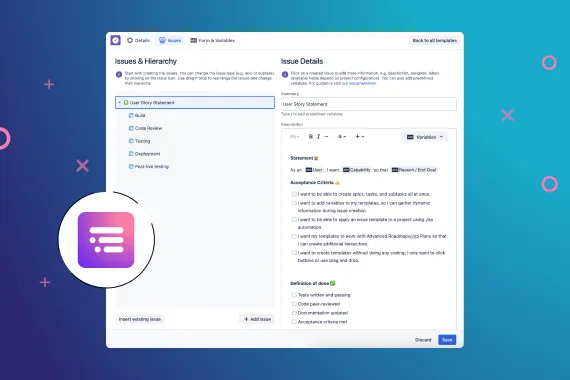
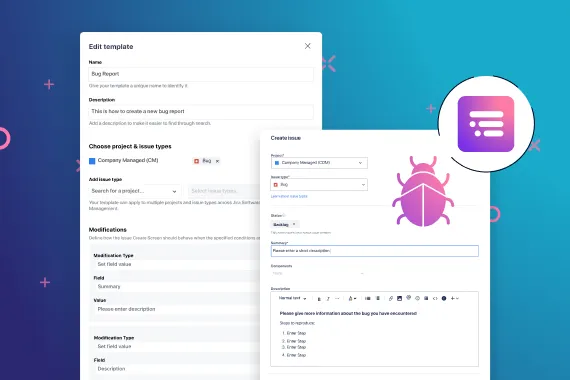
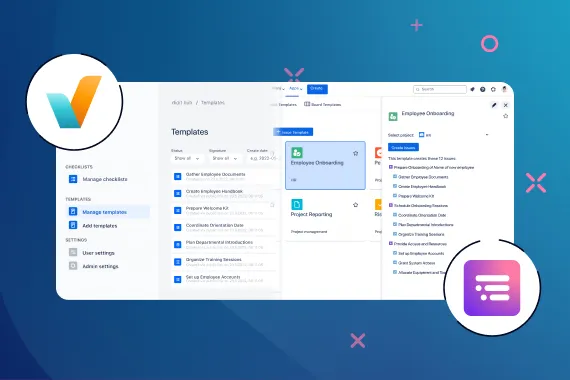
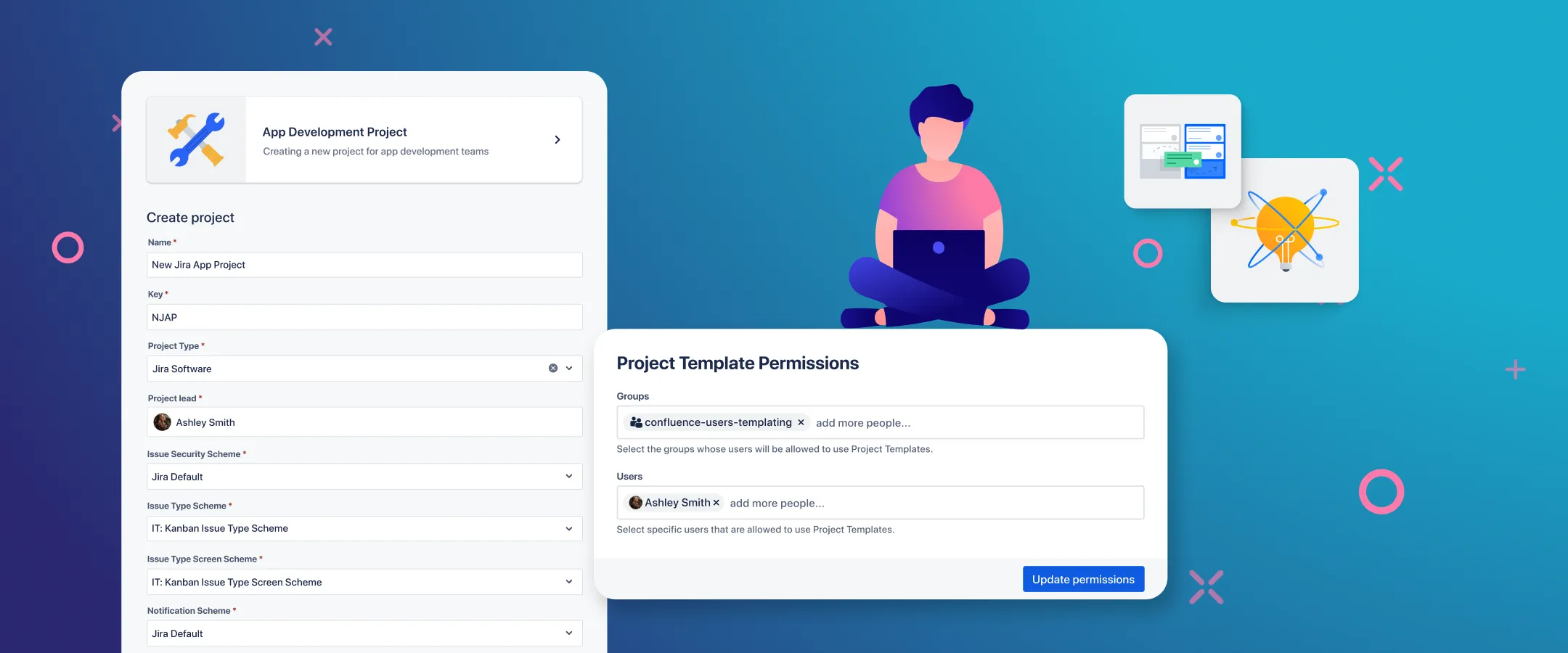
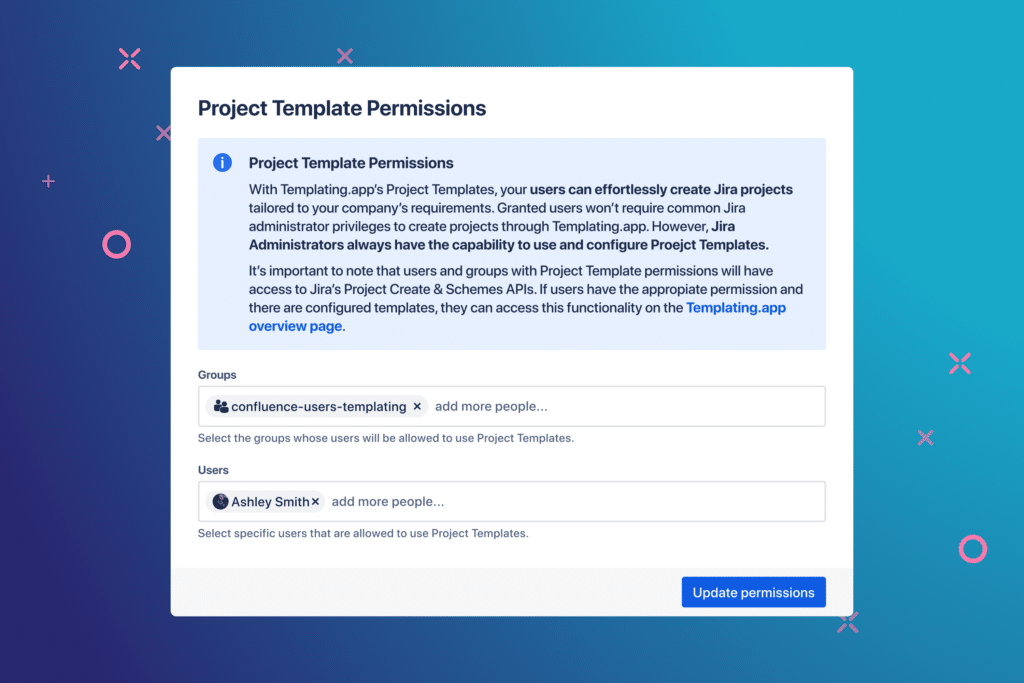
With Templating.app, admins can create templates, then delegate Jira project creation to specific users and groups. This allows non-admin users to create their own projects based on templates, saving time and administration both for them and their admins.
Maintain project standards
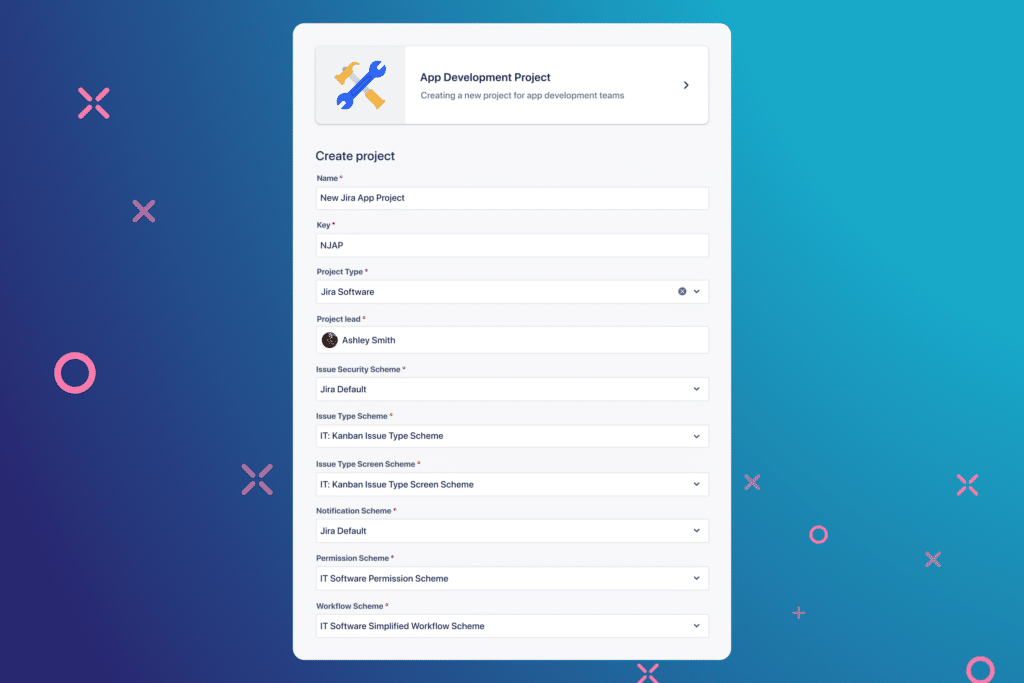
Creating new Jira projects from scratch requires numerous configuration steps and often results in duplicate screens, schemes, and workflows. Similar projects frequently lack consistency due to absent standardized frameworks.
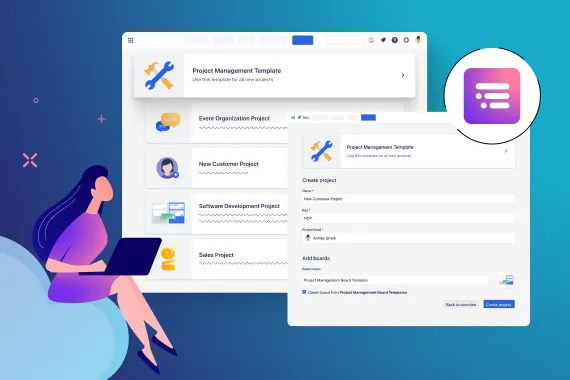
With Templating.app, administrators can establish that framework by creating custom Jira project templates featuring predefined scheme types. Users needing to create multiple similarly-configured projects—such as those for new customers—can build them from templates. They simply provide a name, key, and project lead. This approach ensures consistency across projects.