Aura Table Filter for Confluence
Filter and visualize Confluence tables with ease
Turns your static Confluence tables into interactive data views. Add filters, create charts, group data, and build dashboards directly in Confluence.
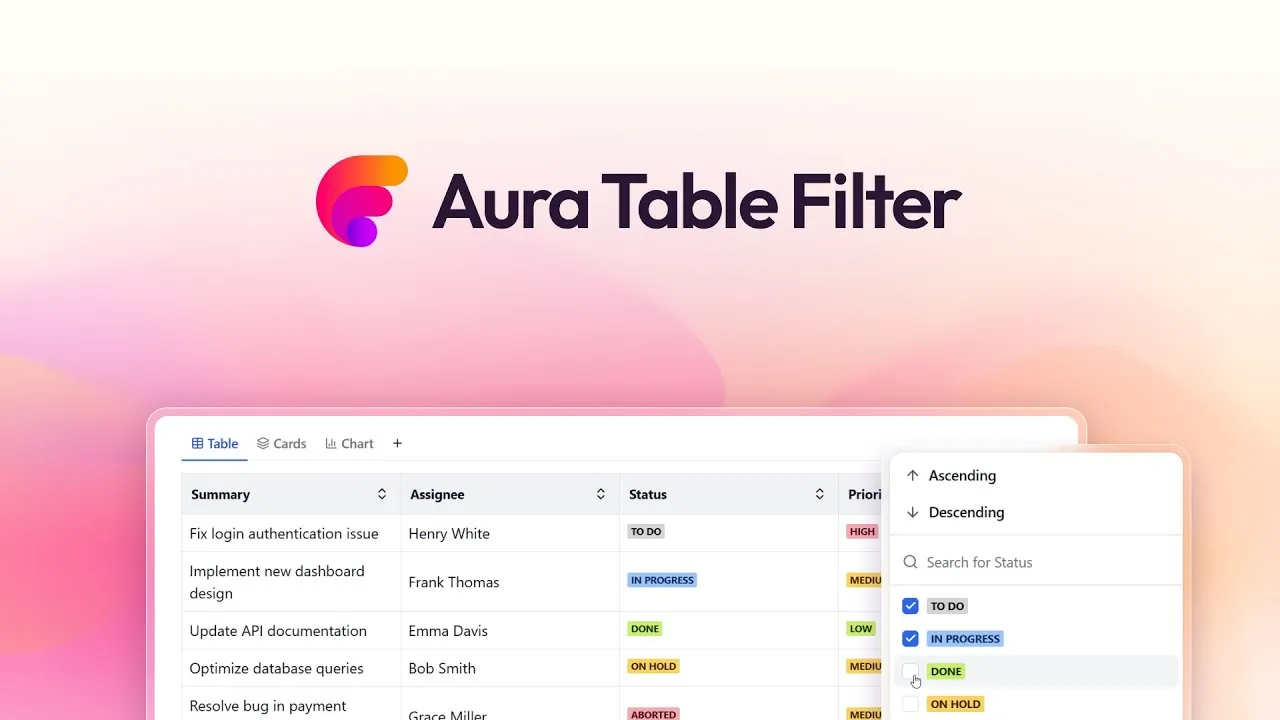
Why teams use Aura Table Filter for Confluence
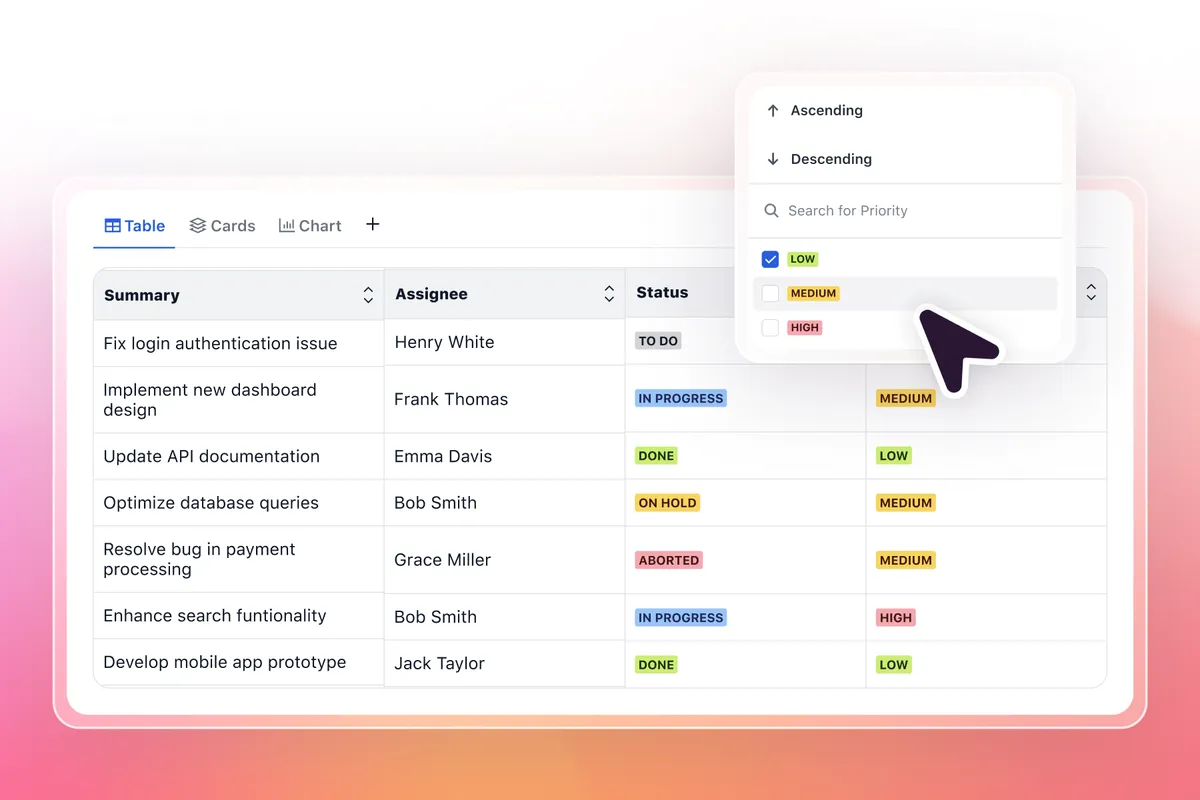
Filter tables in Confluence instantly
Click the filter icon above any Confluence table to search, sort, and narrow down data. Works in view mode so everyone can filter without edit permissions.
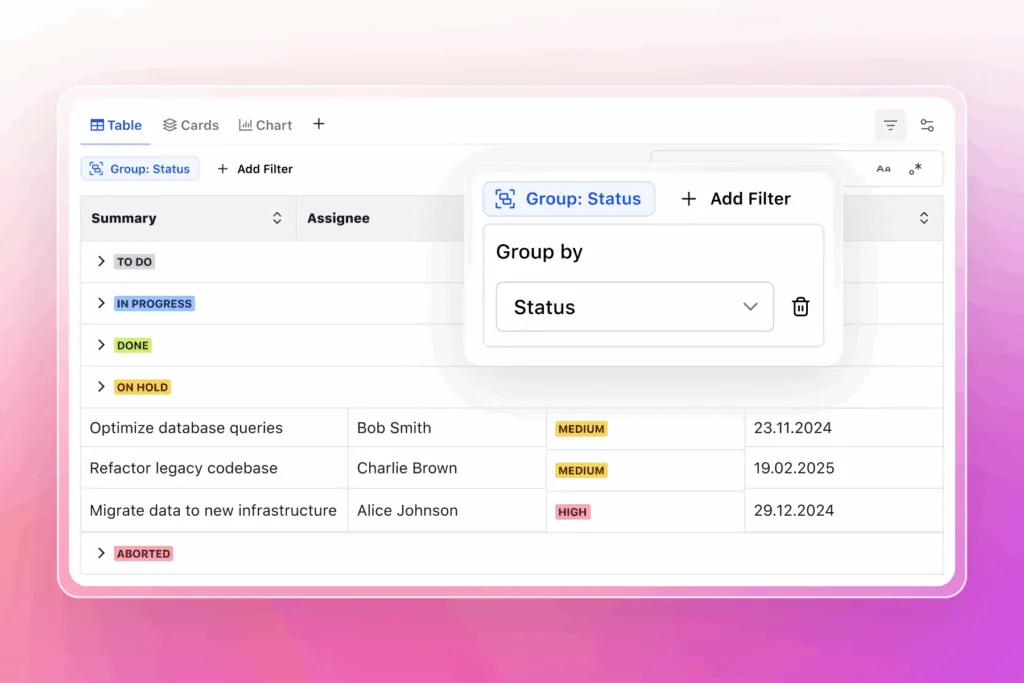
Group and summarize Confluence tables
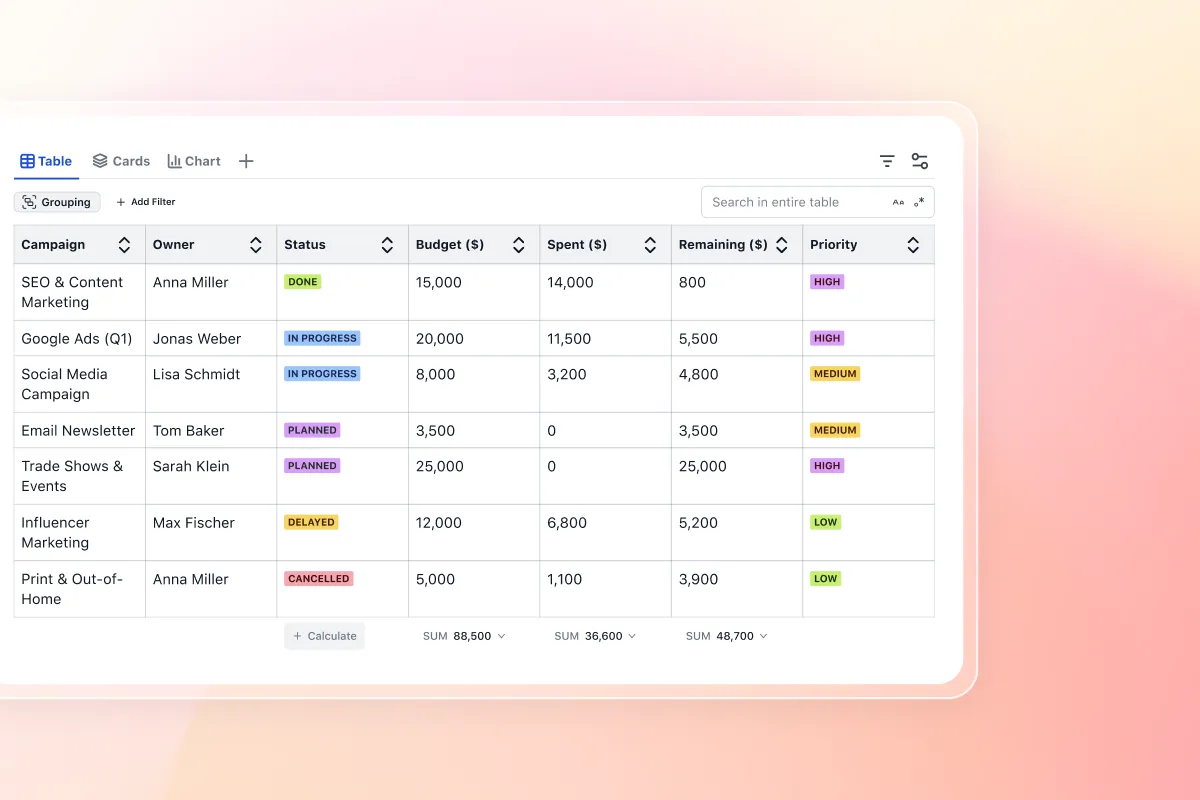
Group hundreds of rows by status, category, or any column to spot patterns. Automatic calculations show totals and averages.
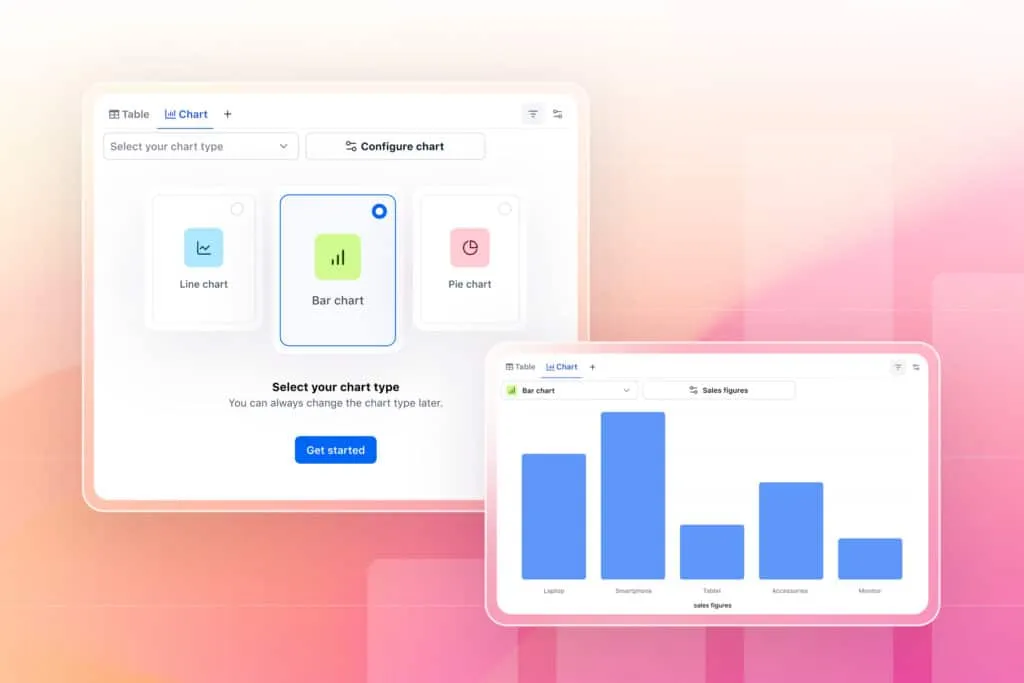
Create charts from Confluence tables
Select data and generate bar charts, pie charts, or line graphs in one click. Turn static tables into interactive dashboards.
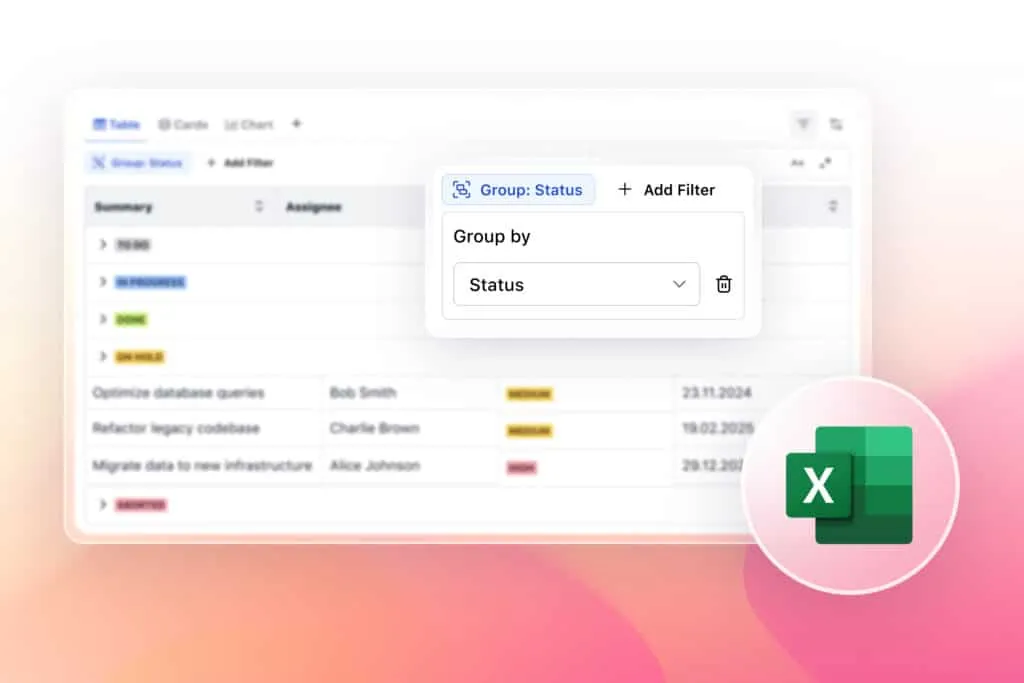
Export filtered Confluence data
Send filtered views to Excel or CSV with exactly the rows and calculations you need for reports and presentations.
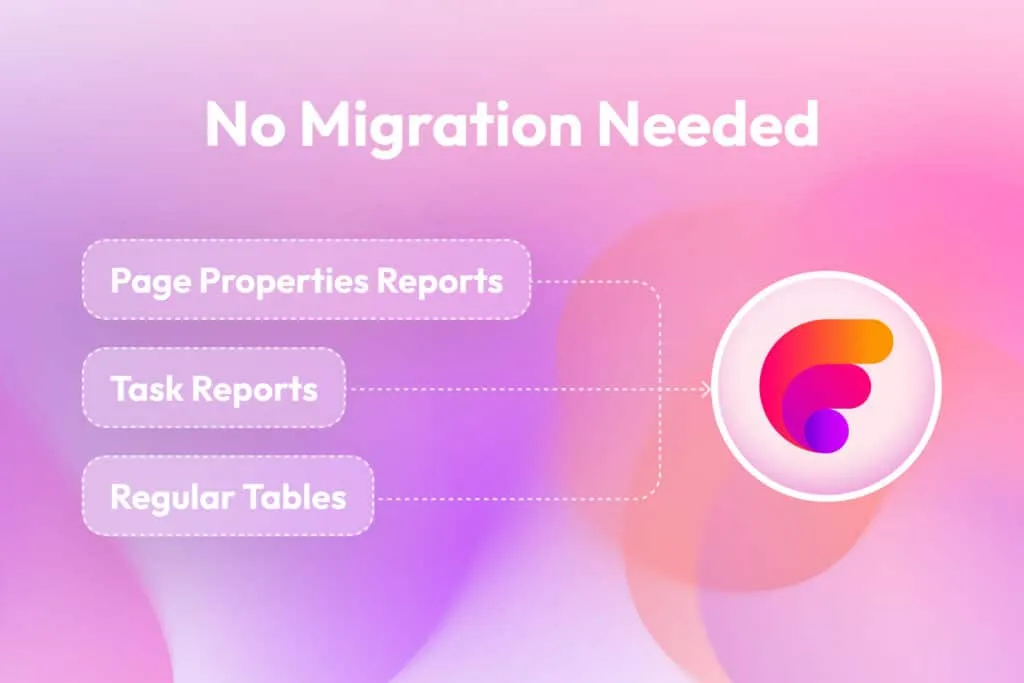
Make Confluence tables interactive
Works with Page Properties Reports, Task Reports, and regular tables. No migration or rebuilding required.
Group and summarize Confluence table data like Excel
Aura Table Filter brings Excel-style data manipulation to Confluence tables:

Make Confluence tables interactive without rebuilding anything
Your tables stay exactly where they are. Aura Table Filter adds an interactive layer that lets users filter, sort, and search data directly in view mode.
Download Free- Filter icons appear above your tables
- Users can search and filter without edit permissions
- Everyone applies their own filters without affecting others
- Export filtered data to Excel or CSV with one click
- Page Properties tables become searchable too
Explore, learn, connect
Marketplace
Turn static Confluence tables into interactive views with custom filters & grouping. Export Excel CSV. Supports Page PropertiesProduct advice
Need help deciding which app solution would be perfect for your team? Want to clarify and compare app features with a real person?
How to filter Confluence tables in 5 steps
Confluence doesn’t have native table filtering, which means you can’t sort, search, or narrow down data in your tables without third-party apps. Aura Table Filter solves this instantly and for free.
Install Aura Table Filter
Install Aura Table Filter
Add the free app from Atlassian Marketplace in 60 seconds
Open any Confluence page with a table
Open any Confluence page with a table
Works with existing tables, no migration needed
Click the filter icon
Click the filter icon
Filters appear above your table automatically
Set your filters
Set your filters
Choose columns, conditions, and values to display
Save your view
Save your view
Keep your filtered views for future reference
Why we created a free table filter app for Confluence
Every team deserves powerful tools and fundamental data functionality, which is why Aura Table Filter for Confluence is available completely free on the Atlassian Marketplace.
Create charts and dashboards from Confluence tables
Turn rows and columns into visual insights. Aura Table Filter includes built-in charting that transforms your data into bar charts, pie charts, line graphs, and more without leaving Confluence.
| Chart Type | Best Used For |
|---|---|
| Bar & Column Charts | Comparing categories, showing rankings |
| Pie & Donut Charts | Displaying proportions and percentages |
| Line & Area Charts | Tracking trends over time |
| Pivot Tables | Summarizing complex data sets |
| Gantt Charts | Project timelines and dependencies |
Works with your existing Confluence setup
Make every Confluence table searchable and sortable
Filter by any column, group by categories, generate charts and export filtered results directly on the page in seconds.
Download FreeWhat teams actually do with Aura Table Filter
Sales analyzes pipelines
Opportunity tables grouped by stage, filtered by rep, with automatic revenue calculations. Charts for presentations generate in seconds from live data.
Finance tracks budgets
A 200-row expense table becomes useful when you filter by department, date range, or amount. Charts show spending trends. Exports go straight to quarterly reports.
HR manages people data
Training matrices with 50 employees and 30 skills become searchable databases. Filter by certification status, group by department, see who needs renewals this month.
IT monitors assets
Hardware inventory tables with serial numbers, warranty dates, and assigned users. Filter by expiry date to see what needs replacing. Group by location to audit each office.
Project managers track everything
Task lists filtered by assignee, status, and deadline. Gantt charts generated from date columns. Progress percentages calculated automatically as tasks complete.
Frequently asked questions
How do I filter tables in Confluence Cloud without third-party apps?
How do I filter tables in Confluence Cloud without third-party apps?
Can I build pivot tables in Confluence like Excel?
Can I build pivot tables in Confluence like Excel?
Is this free Confluence table filter app really free forever?
Is this free Confluence table filter app really free forever?
How to make Confluence tables interactive like databases?
How to make Confluence tables interactive like databases?
How to create reports in Confluence from table data?
How to create reports in Confluence from table data?
Does table filtering work with Page Properties Report in Confluence?
Does table filtering work with Page Properties Report in Confluence?

Tim Böhmer, Sales Lead
Let’s get this show on the road
Start working with Aura Table Filter today. Or book a personal demo and we’ll walk you through all the awesome things you can do with it.
Stay up-to-date with The Atlassian Detective
In our monthly newsletter, we solve mysteries related to the Atlassian toolset and developments in the ecosystem.