AutoPage for Jira & Confluence
Synchronize automated documentation from Jira issues to Confluence pages
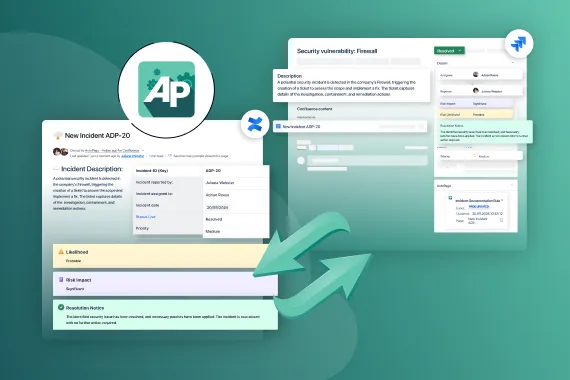
AutoPage automates documentation tasks by creating Confluence pages from Jira issues. Users can define rules in Jira that specify when pages should be created in Confluence. Pages are generated using user-defined templates, which can include Jira field placeholders that are automatically populated. This helps you build a knowledge base, keeps your documentation up-to-date, and reduces the need for manual effort. AutoPage is especially useful for ITSM software teams documenting incidents, bug reports, or change requests.
Trusted by teams worldwide







Here's what AutoPage can do
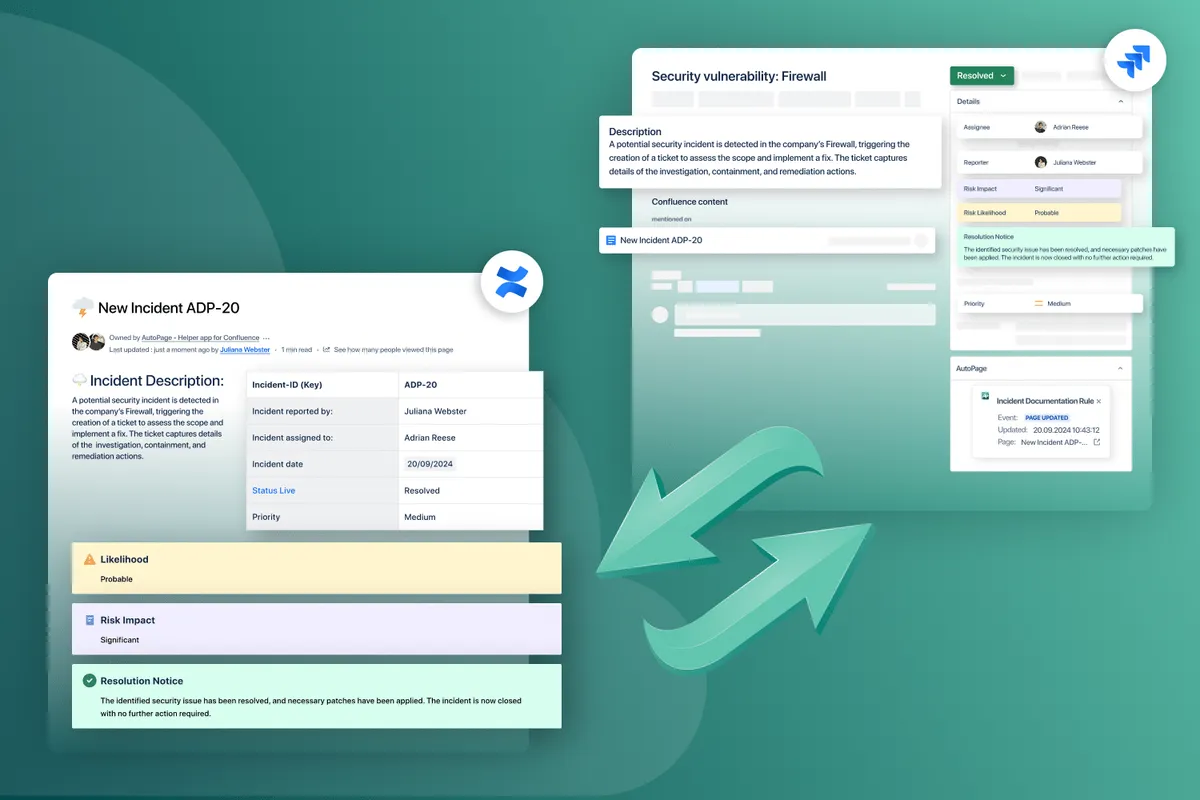
Incident Management
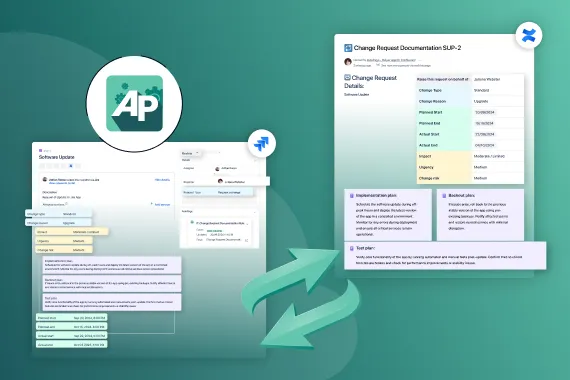
AutoPage allows for automated Confluence page creation from Jira change request tickets. The information in Confluence is live and synced with Jira, ensuring that every stakeholder is always up to date on the progress of the change process.
See How It Works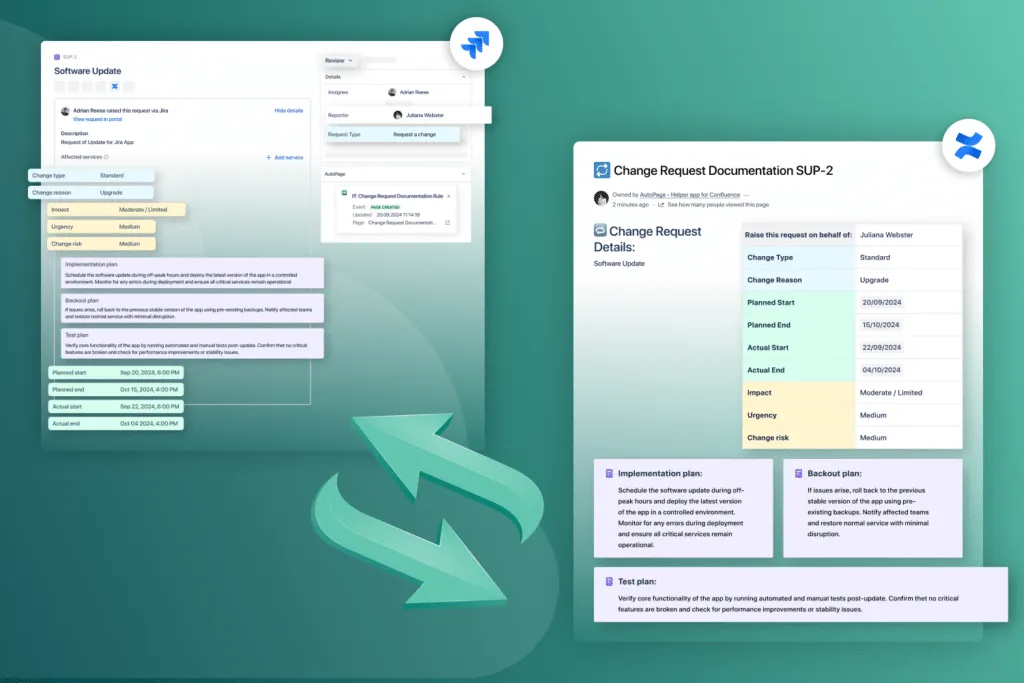
Change Requests
AutoPage allows for automated Confluence page creation from Jira change request tickets. The information in Confluence is live and synced with Jira, ensuring that every stakeholder is always up to date on the progress of the change process.
Learn more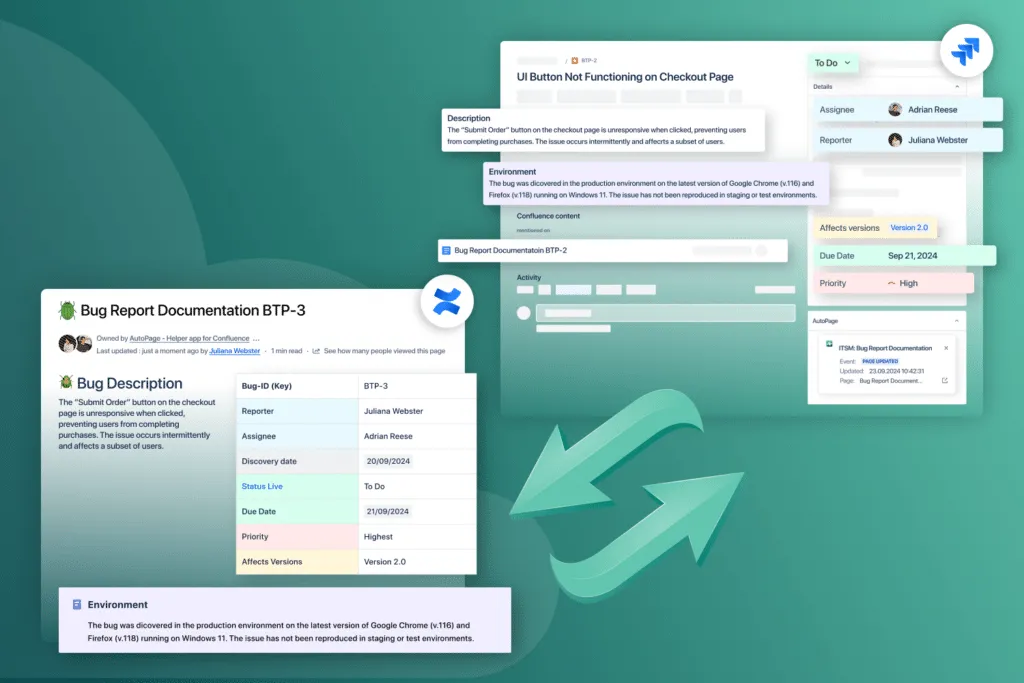
Bug Reporting
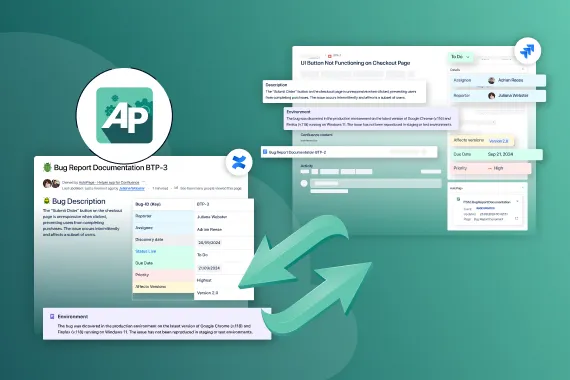
Easily set up rules or automations to create Confluence pages from Jira bug tickets. Save time and effort on manual documentation tasks by automatically creating Confluence pages for resolved bugs from Jira issues.
Take a TourExplore, learn, connect
Marketplace
Automated page creation with Jira and Confluence integration synced live. Create Confluence page from Jira issue automatically.Product advice
Need help deciding which app solution would be perfect for your team? Want to clarify and compare app features with a real person?
Use cases
What customers think of
AutoPage
Stuff you probably want to know
Can I find a link to the dedicated Confluence page in the Jira issue?
Can I find a link to the dedicated Confluence page in the Jira issue?
Can I build custom Jira automations for specific page creations from Jira in Confluence?
Can I build custom Jira automations for specific page creations from Jira in Confluence?
Does the app support Jira Service Management?
Does the app support Jira Service Management?
Is AutoPage a Jira and Confluence integration? Do I need to install the app in both Jira and Confluence?
Is AutoPage a Jira and Confluence integration? Do I need to install the app in both Jira and Confluence?
Do I need to update the associated Confluence page when I change a field in the Jira ticket?
Do I need to update the associated Confluence page when I change a field in the Jira ticket?
What should I do if I do not find the AutoPage macro for my Jira field?
What should I do if I do not find the AutoPage macro for my Jira field?

Kai Becker, Product Owner
Let’s get this show on the road
Start working with AutoPage today. Or book a personal demo and we’ll walk you through all the awesome things you can do with it.
Stay up-to-date with The Atlassian Detective
In our monthly newsletter, we solve mysteries related to the Atlassian toolset and developments in the ecosystem.