Inline Table Editing for Confluence
Optimized Confluence tables with Excel functions
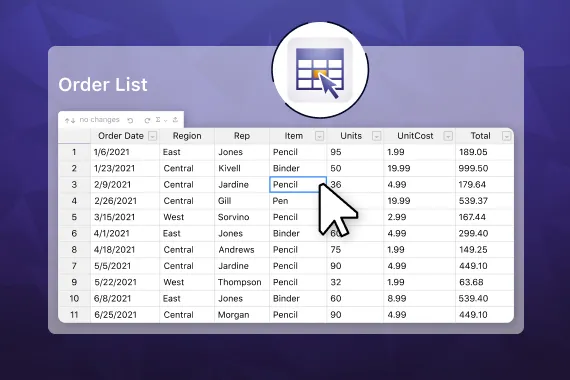
Give your Confluence tables the boost they need: simplified editing options don’t require you to enter the page edit mode every time you want to make a change. A simple double-click lets you modify cells instead. Also benefit from rearranging rows and columns via drag and drop, sorting and filtering options, and even calculations that you already know from Excel spreadsheets.
Trusted by teams worldwide






Here's what Inline Table Editing can do
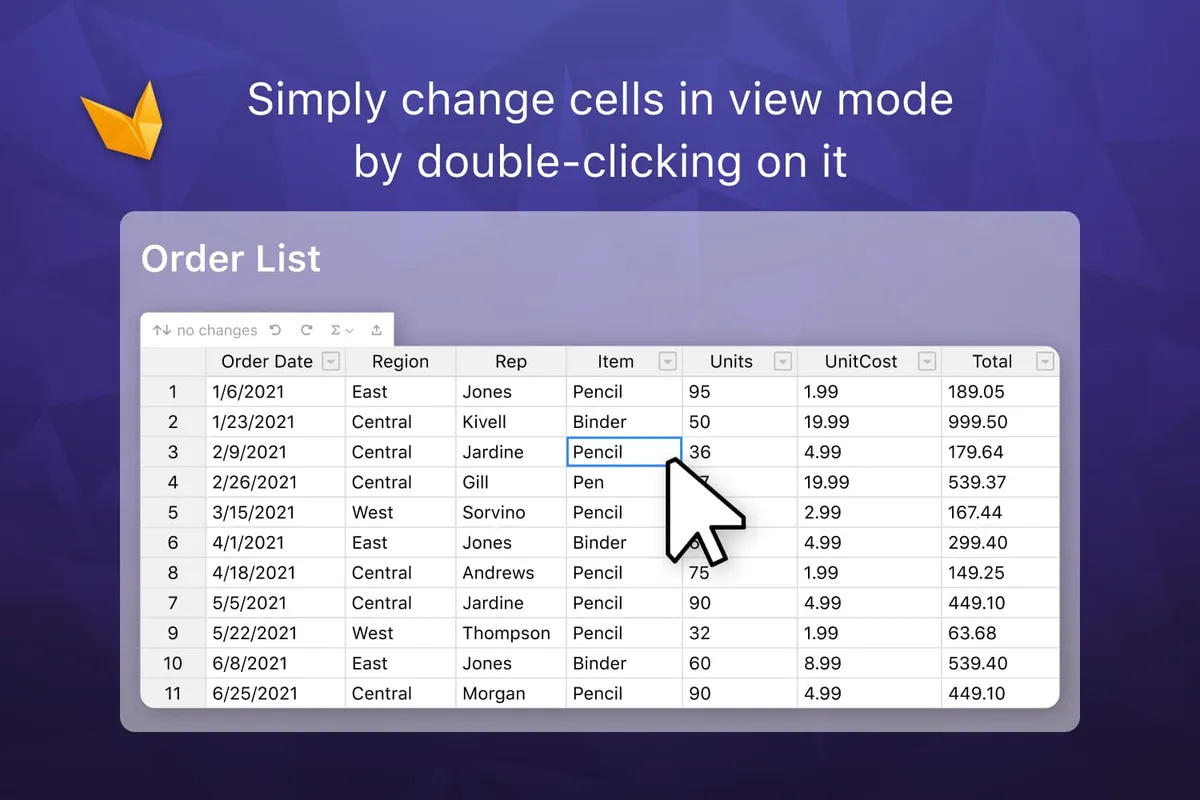
Edit Confluence tables in view mode
If you have ever worked a lot in Confluence, and with tables specifically, you know that making changes to tables within pages can be a pain. But there is a better way.
How to improve table editing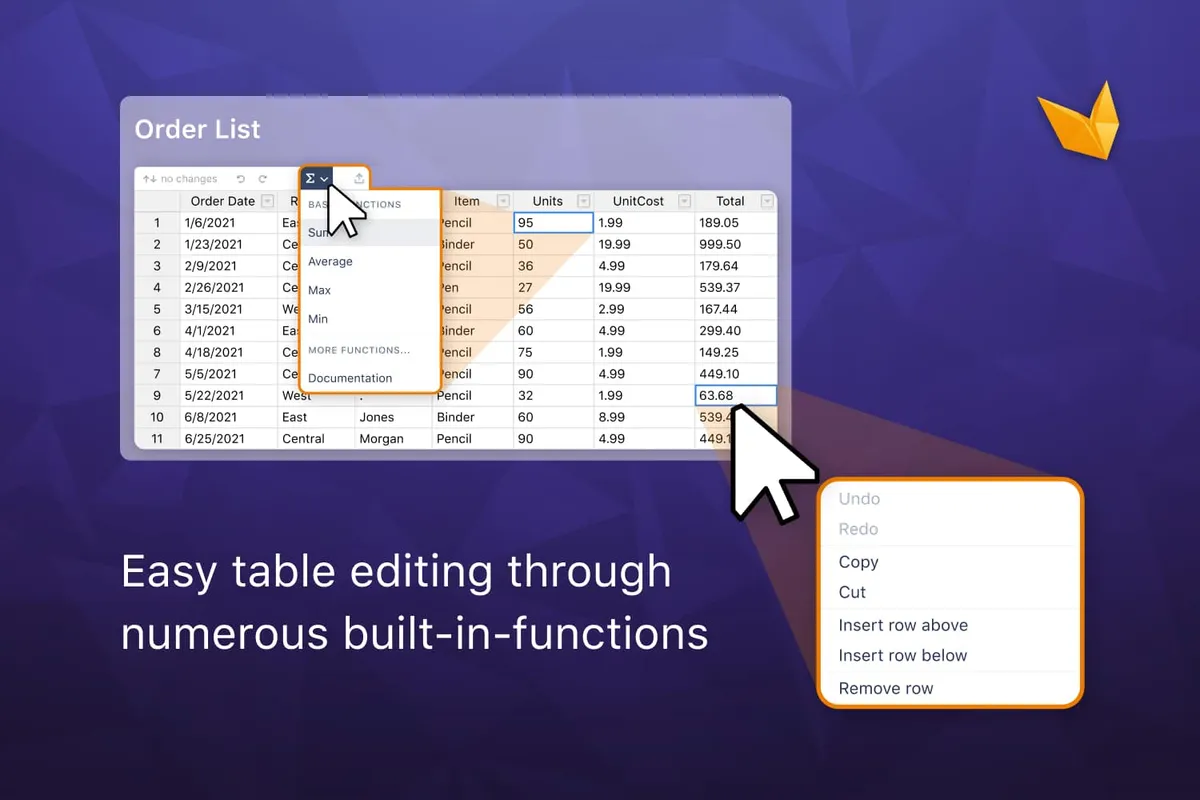
Add formulas and calculations to Confluence tables
Out of the box, Confluence tables are just aesthetic. But they’re no good if you want to manipulate, sort, or calculate any of that data. This will change with Inline Table Editing.
How to use formulas in tablesExplore, learn, connect
Marketplace
Boost your Confluence tables: edit them in view mode, use Excel-like functions, benefit from customizing and filtering optionsProduct advice
Need help deciding which app solution would be perfect for your team? Want to clarify and compare app features with a real person?
Use cases

Read our latest guides and insights
Discover how to optimize your work with Confluence tables due to Inline Table Editing’s intuitive handling, enormous time savings and many functions.
What customers think of
Inline Table Editing
Alexander Steiger
“Very useful tool, which helps us to edit very fast our tables in confluence.”
Stuff you probably want to know
Can I use inline edit for existing tables or can it be applied only to new tables?
Can I use inline edit for existing tables or can it be applied only to new tables?
Yes, you can wrap an existing Confluence table in the Inline Table Editing macro. To wrap a table, please add the Inline Table Editing macro to the page and copy and paste the Confluence table for which you want to unlock inline edit and many other app features. Please refer to the manual: How to start using “Inline Table Editing” macro. You can also import an Excel file and start using formulas directly in Confluence. Please refer to How to Copy and Paste from Excel with Formulas.
Is it possible to export a table in Excel-supported formats?
Is it possible to export a table in Excel-supported formats?
Yes, the Inline Table Editing macro supports exporting a table to a CSV file. This file type is compatible with Excel. Please find more information in the documentation: Table export
Do you offer any filter and sorting functionality?
Do you offer any filter and sorting functionality?
Yes, we have both functions, sorting and filtering. More information about sorting and filters is available in the documentation: Column sorting, Column filter
Does your app provide any Excel-like functionality?
Does your app provide any Excel-like functionality?
Yes, Inline Table Editing allows you to add formulas to Confluence tables and work with them directly in the view mode. More than 300 formulas are available in the library. To find the formula you need, please check this documentation page: Built-in Functions. We also have an autofill option, which is one of the most popular Excel features. More information about this feature can be found here: AutoFill values
Can I apply any custom styles to a table?
Can I apply any custom styles to a table?
Yes, along with inline editing and various options to manage table content and customize it with formulas, the Inline Table Editing macro allows you to play with table styles. You can set a custom table height, set a custom color for table cells, display the table in a compact theme, use auto stretch, etc.
Please check these related articles:

Zhenya Elfimova, Product Owner
Let’s get this show on the road
Start working with Inline Table Editing today. Or book a personal demo and we’ll walk you through all the awesome things you can do with it.
Stay up-to-date with The Atlassian Detective
In our monthly newsletter, we solve mysteries related to the Atlassian toolset and developments in the ecosystem.