Mantra for Confluence
Turn Confluence into a social intranet your team loves
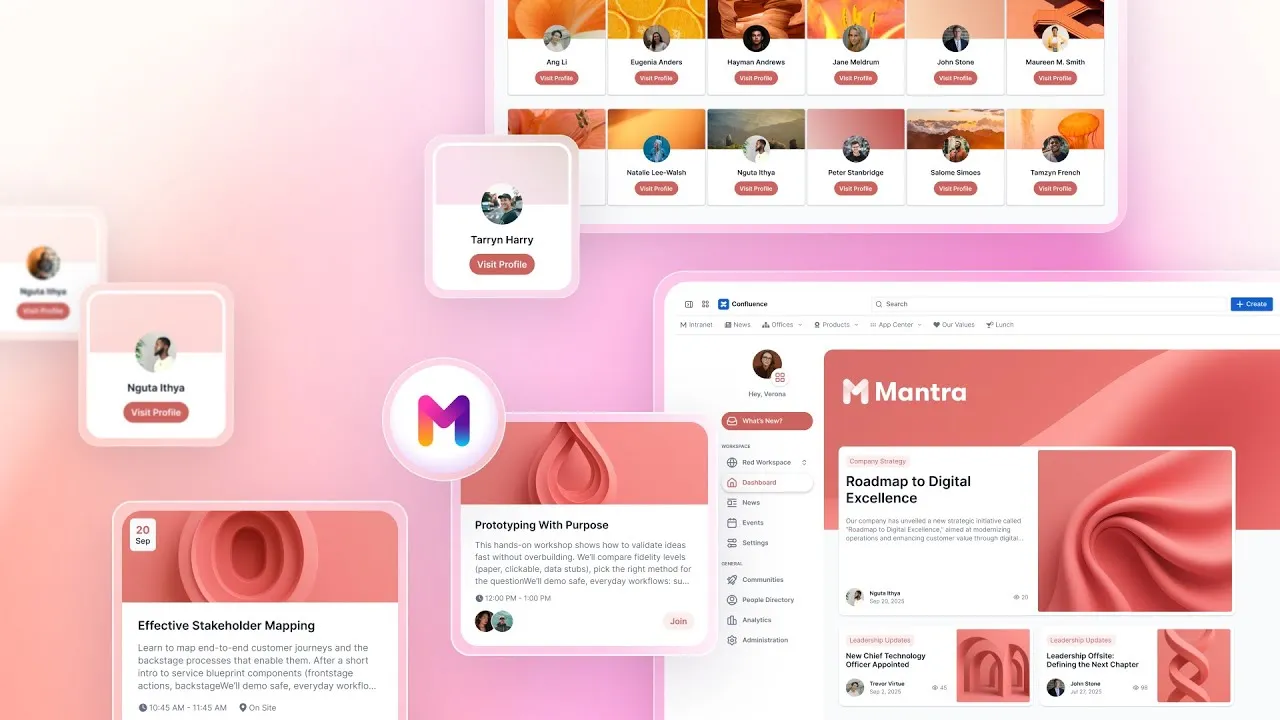
Mantra is the complete intranet solution for Confluence Cloud. Create a customizable digital workplace where information flows naturally, teams collaborate effortlessly, and company culture thrives across every location.
Trusted by teams worldwide





Create connected workspaces for faster collaboration
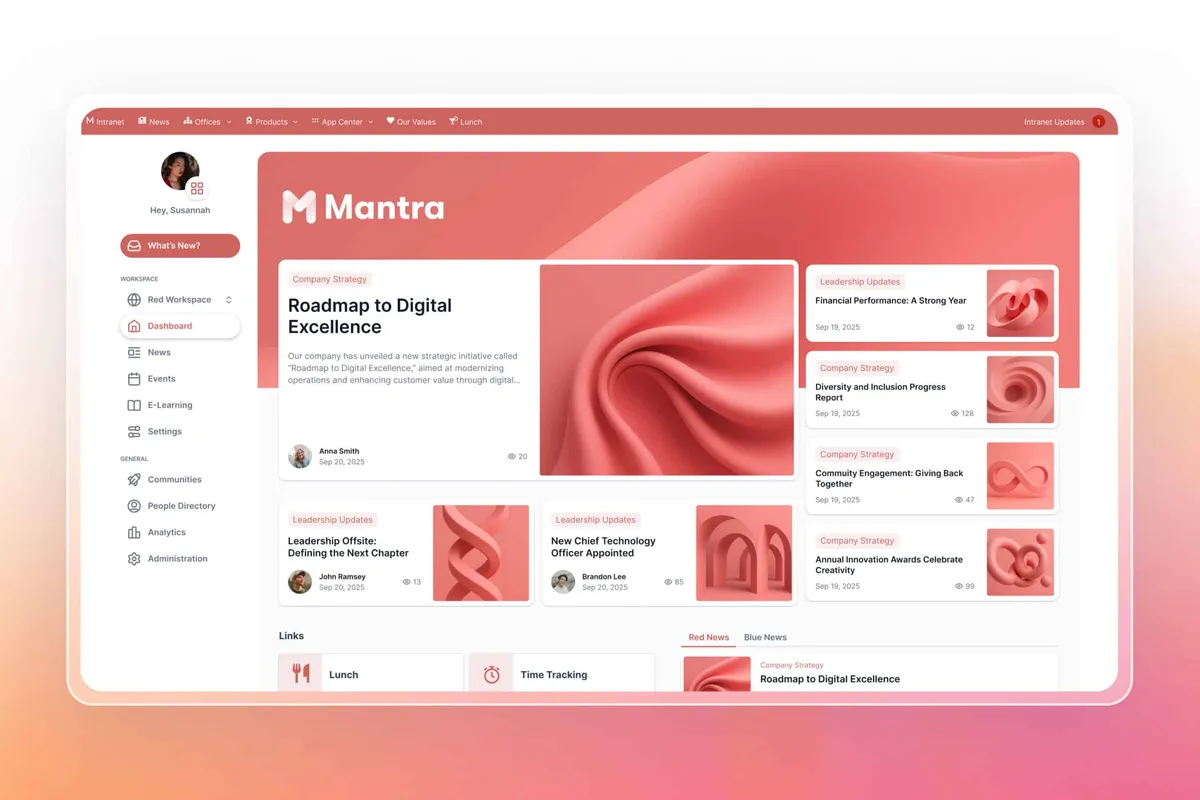
Share company news and events in Confluence
Rich media posts with comments and reactions turn company updates into worthwhile conversations that spread through your organization.
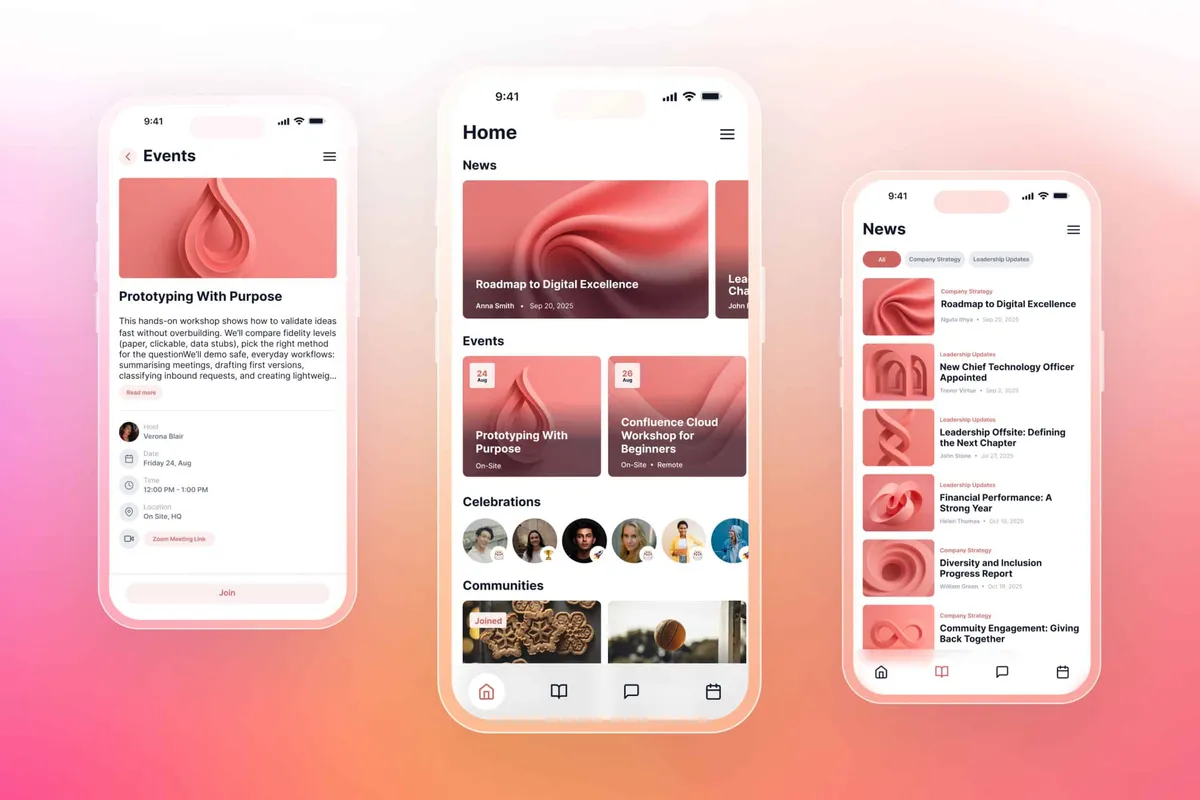
Mobile-ready from day one
The Mantra mobile app delivers full functionality so field teams and remote workers stay just as connected as office staff.
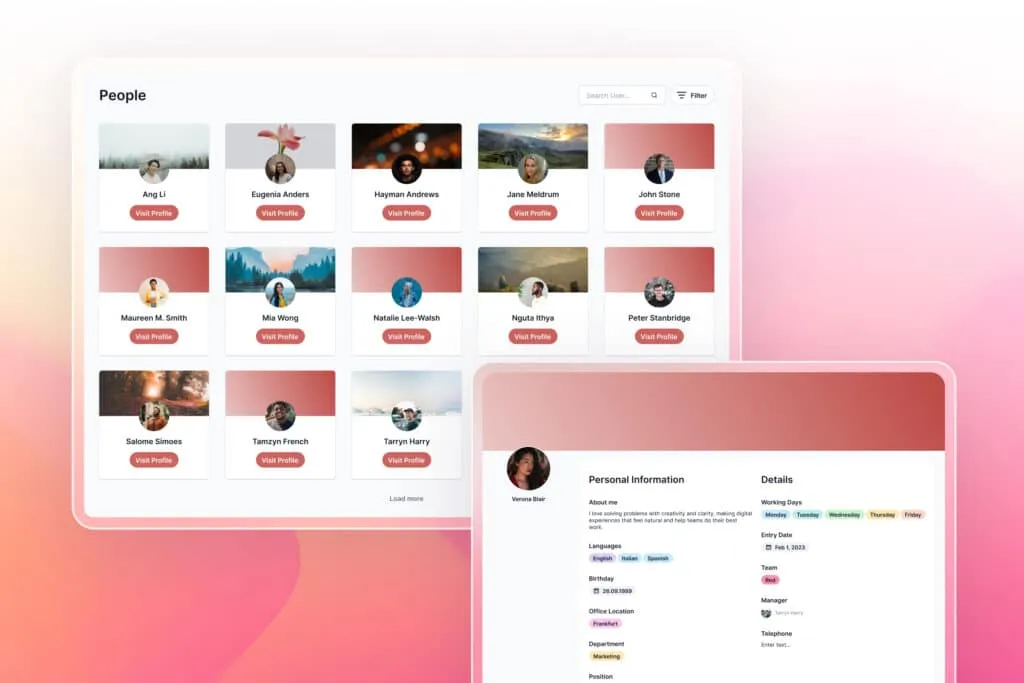
Find expertise instantly
The People Directory with skill search helps you locate colleagues by expertise, language, or department in seconds.
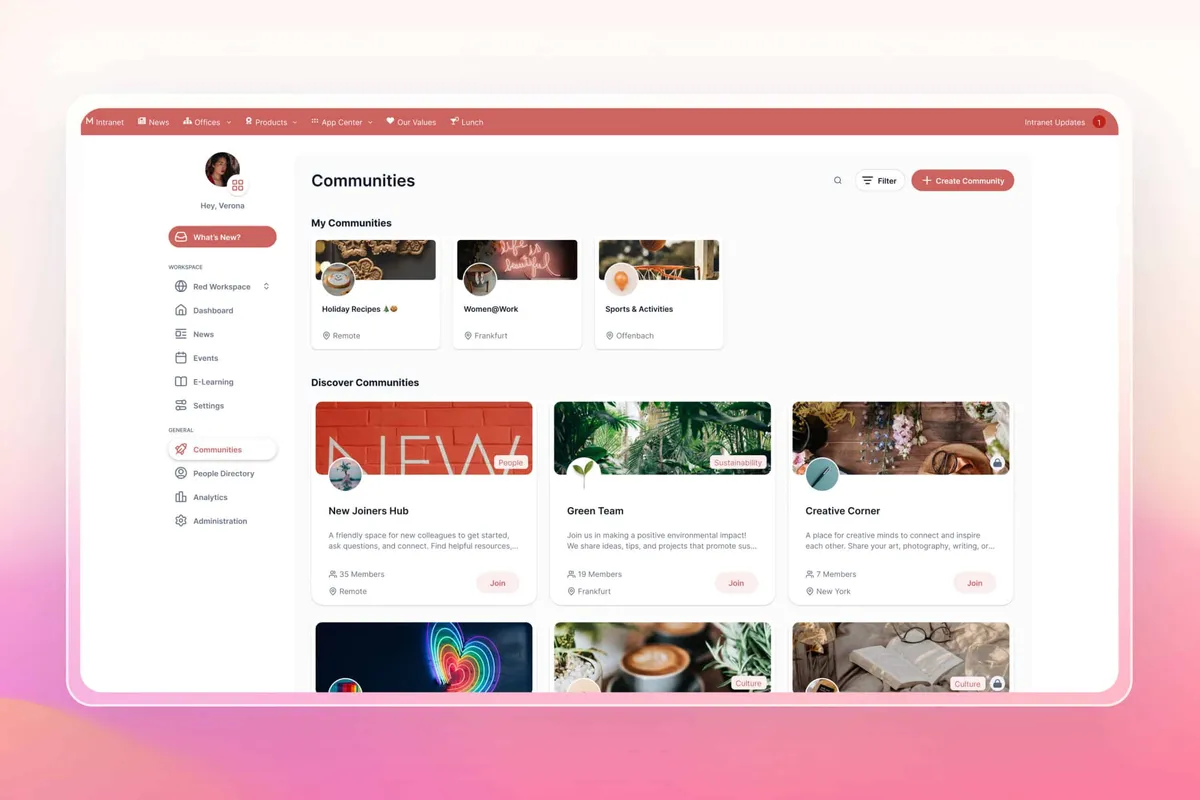
Communities for every team
Create dedicated spaces for departments and offices, each with their own news feeds, events, and branded experience.
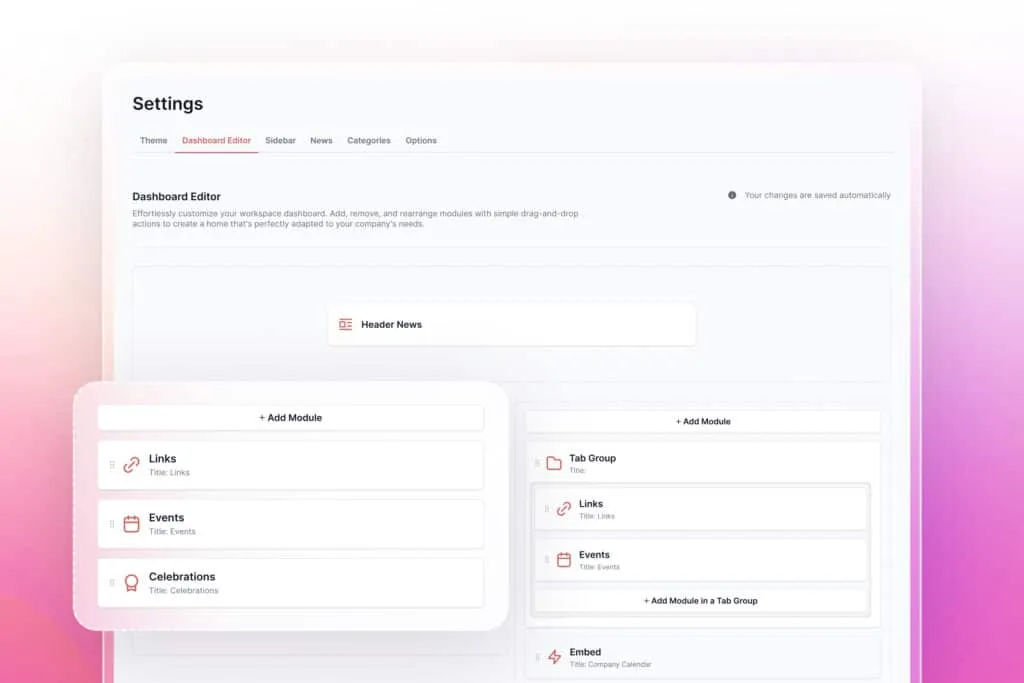
Personalized dashboards
Drag-and-drop widgets let every employee build a homepage that shows exactly what matters to their role.
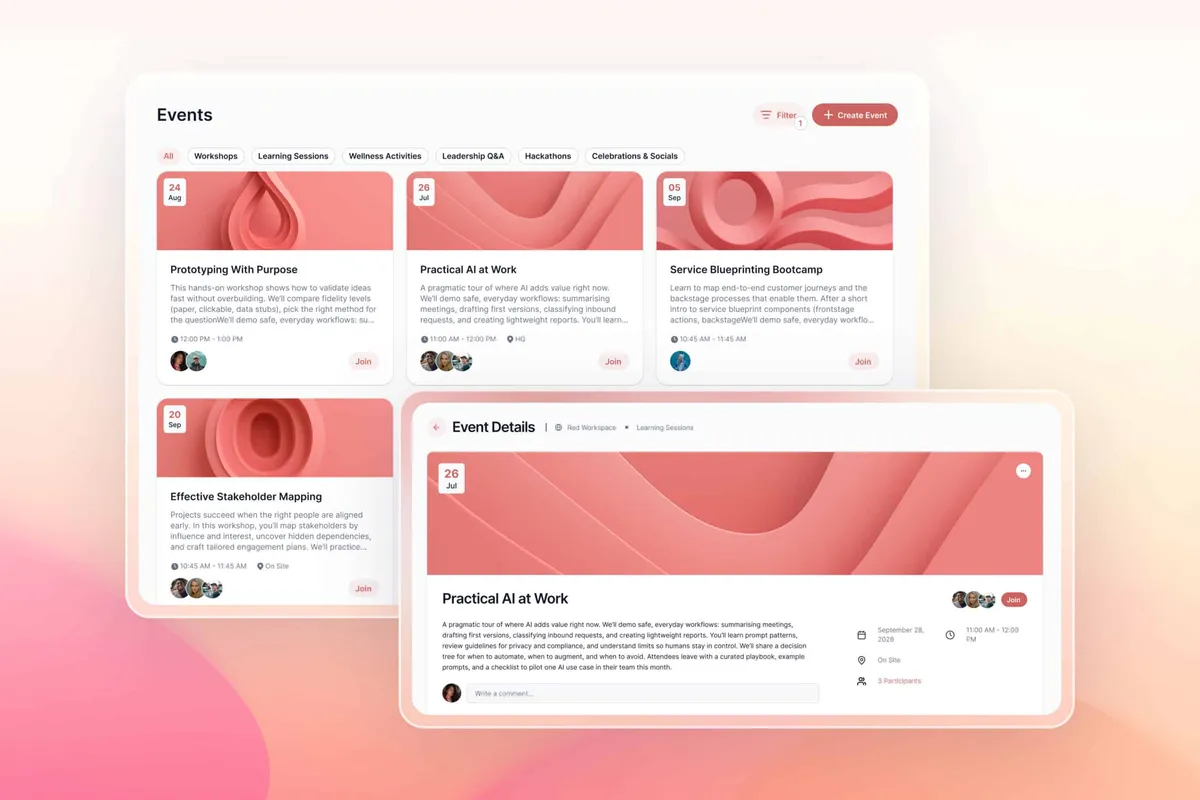
Build your Confluence events calendar
Keep everyone synchronized with a central calendar for all company events, complete with RSVPs and automated reminders.
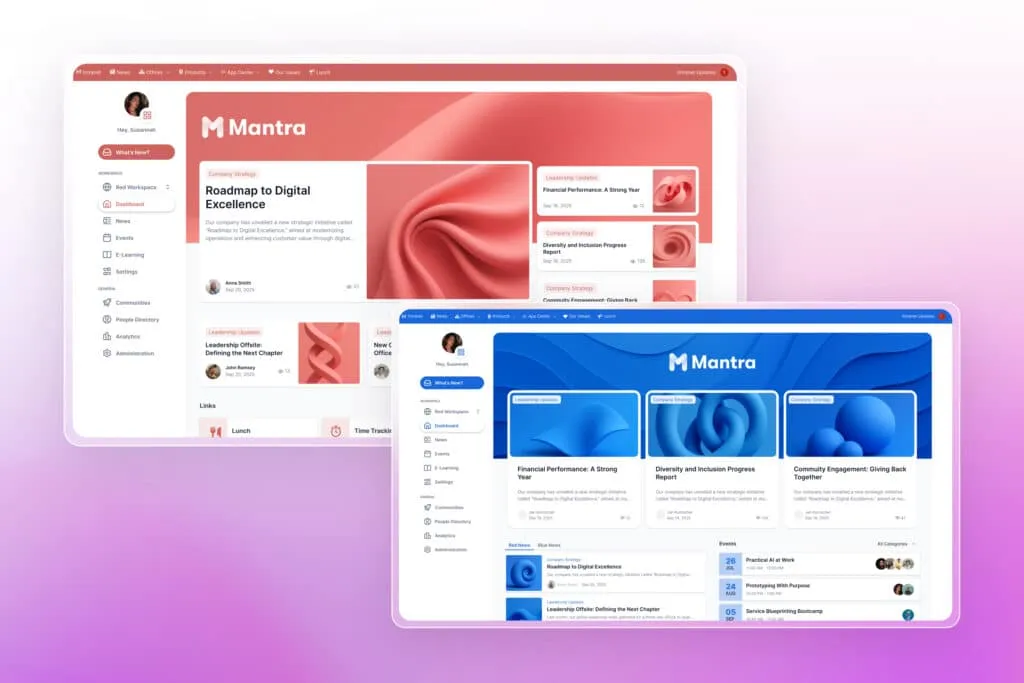
Your brand on every page
Custom themes and navigation transform Confluence into an extension of your company identity rather than generic software.
Create focused spaces for every part of your organization
Explore, learn, connect
Marketplace
Dynamic Intranets with Themes, News, Posts, Polls, Events, Dashboard Builder, Navigation Menu, Communities, Mobile App, Entra SyncProduct advice
Need help deciding which app solution would be perfect for your team? Want to clarify and compare app features with a real person?
How to create an intranet in Confluence Cloud
Our customer success team provides guidance at every step, ensuring smooth adoption across your teams.
Install the Confluence intranet plugin
Install the Confluence intranet plugin
Add Mantra from Atlassian Marketplace and customize Confluence with your branding and intranet themes.
Create Workspaces
Create Workspaces
Set up department hubs and import existing content.
Pilot Launch
Pilot Launch
Test with a small group and gather feedback.
Full Rollout
Full Rollout
Launch to your entire organization with confidence.

Read our latest guides and insights
Discover how Mantra enhances team communication and workflow efficiency with expert insights and feature updates.
Why teams choose Mantra for employee communication

Bonus: Unlock free insights with Aura Analytics
Pair Mantra with Aura Analytics (100% free) to track your employee portal performance:
- Page views and unique visitors
- Content engagement rates
- Peak activity times
- Department participation
- ROI reports for leadership
What customers think of
Mantra
Stuff you probably want to know
How does Mantra integrate with existing Confluence content?
How does Mantra integrate with existing Confluence content?
How long does it take to implement Mantra?
How long does it take to implement Mantra?
Is the Mantra mobile app included?
Is the Mantra mobile app included?
Can we try Mantra before committing?
Can we try Mantra before committing?
How does Mantra handle security and permissions?
How does Mantra handle security and permissions?

Tim Böhmer, Sales Lead
Give your team an intranet they’ll open every day
Mantra brings everyone together in a digital workplace that feels natural, works everywhere, and delivers results you can measure.
Stay up-to-date with The Atlassian Detective
In our monthly newsletter, we solve mysteries related to the Atlassian toolset and developments in the ecosystem.