Report Builder for Jira
Uncover data insights with advanced pivoting in Jira
Report Builder for Jira is the most flexible reporting solution on the Atlassian Marketplace. Whether you want to create simple but powerful no-code reports based on pivot tables or dive deep into HTML, CSS and JavaScript to create a 100% custom report, Report Builder has you covered.
Trusted by teams worldwide








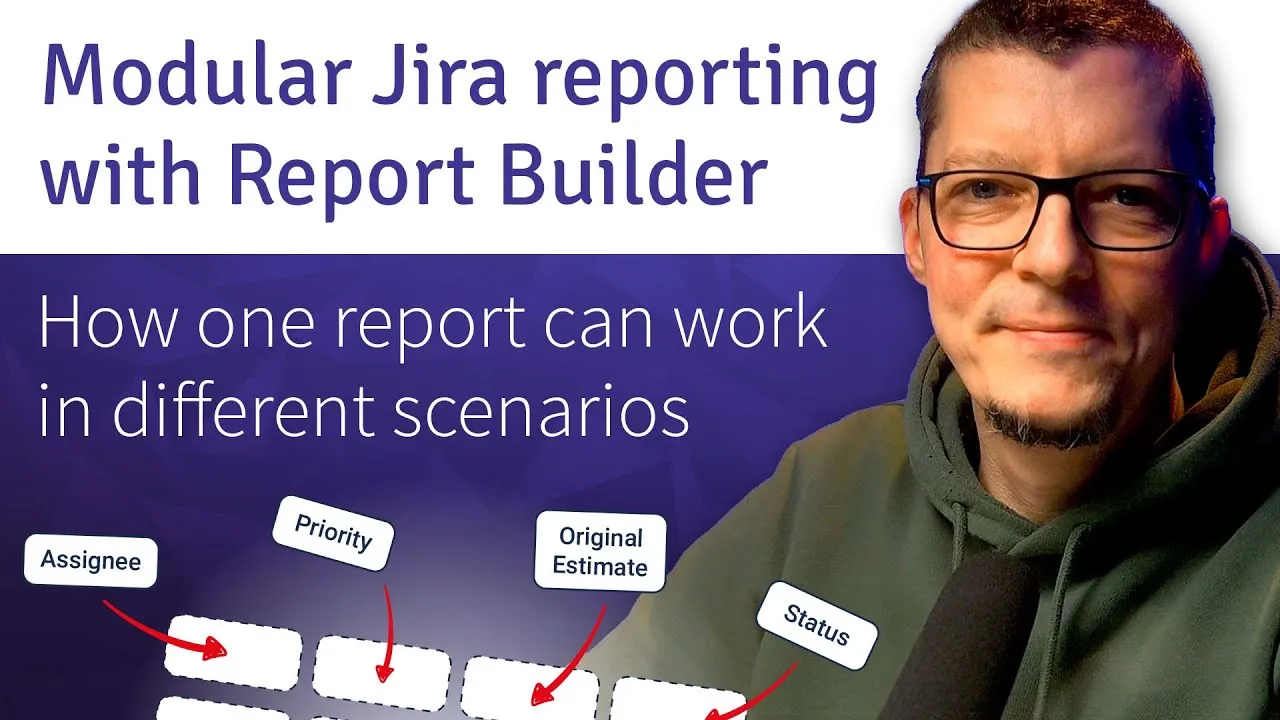
Here's what Report Builder can do
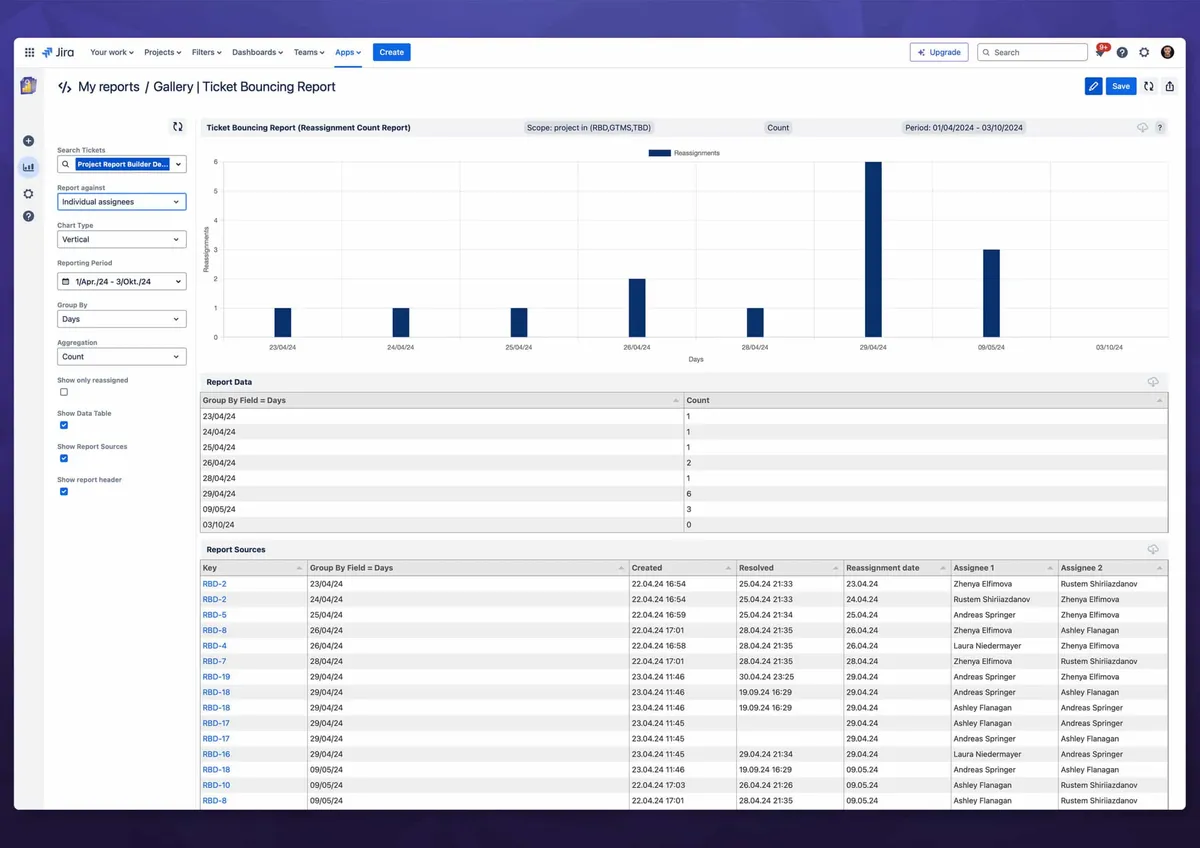
Analyze ITSM team performance
When it comes to maintaining your company’s brand promise, IT support teams are on the front lines. They have to address requests in a timely manner, deal effectively with incidents and problems, and recognize which customers need the most attention. Several dedicated customizable report templates in Report Builder help you to analyze your ITSM processes to ensure high CSAT rates.
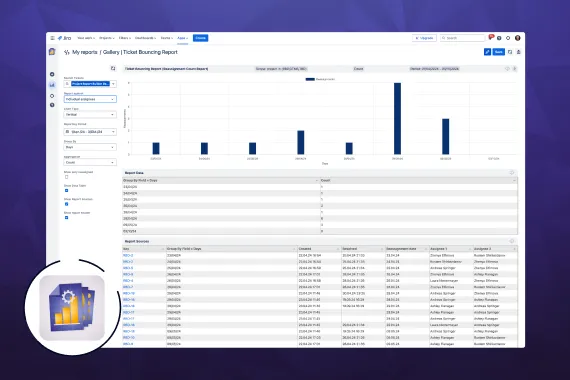
How to analyze issue reassignments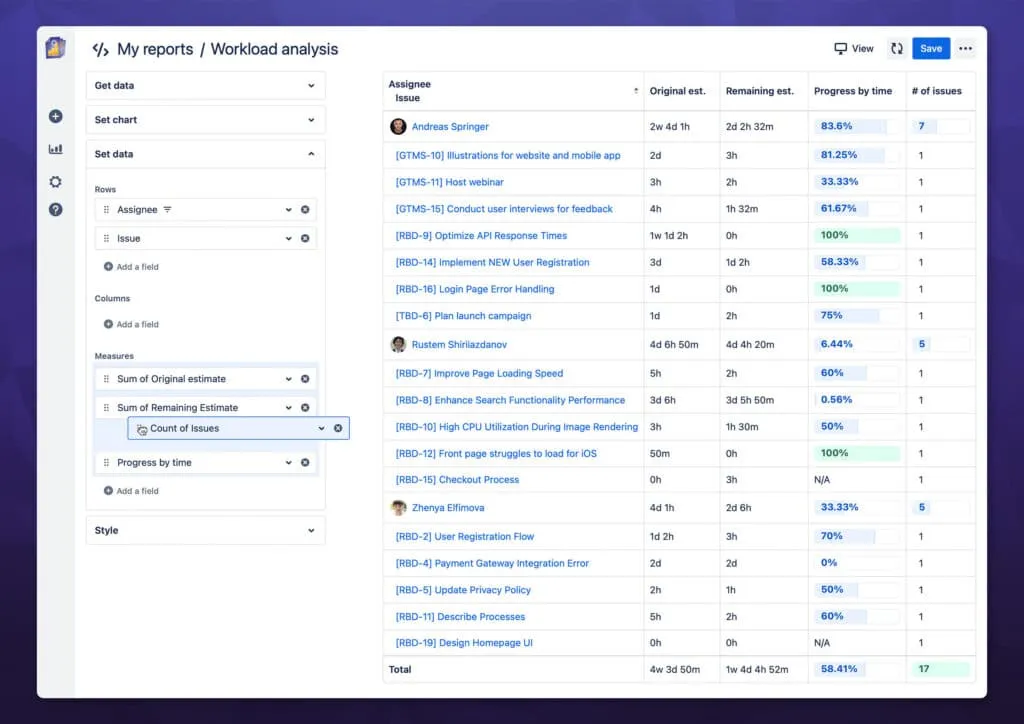
Analyze workload by assignee
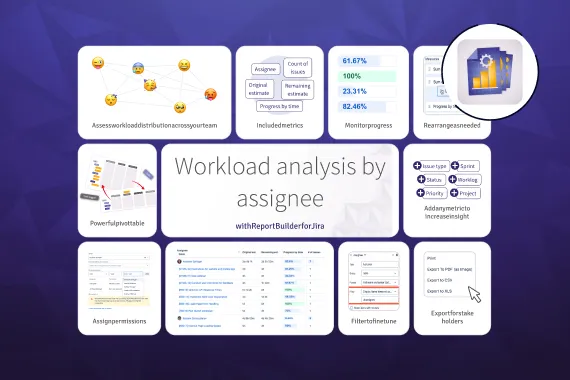
The out-of-the-box Jira workload report offers limited insights. This is because you can’t combine, compare, or visualize multiple data points in one comprehensive view. This makes it hard to understand if work is being distributed fairly, if bottlenecks are present, and if estimates match the actual time required to finish tasks. Report Builder’s new workload analysis template makes all of that possible.
How to get better workload insights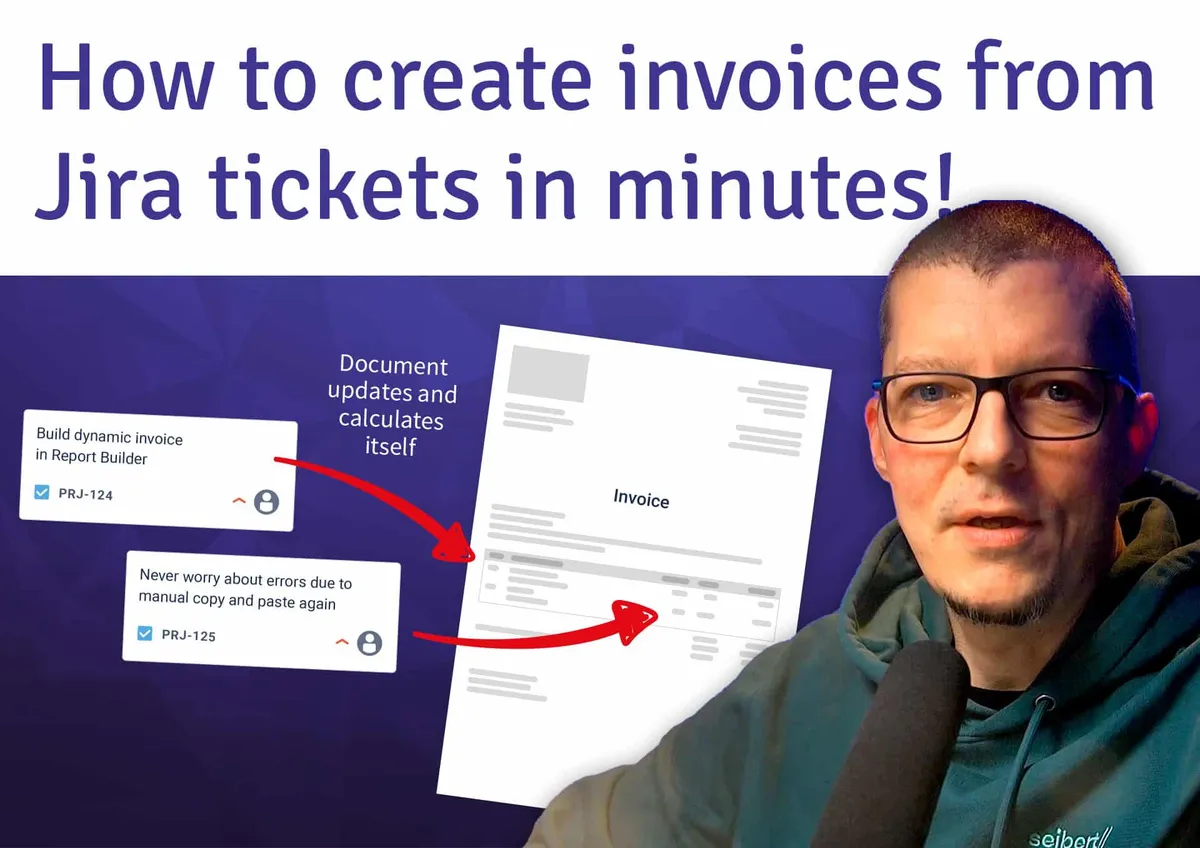
Generate invoices from Jira tickets
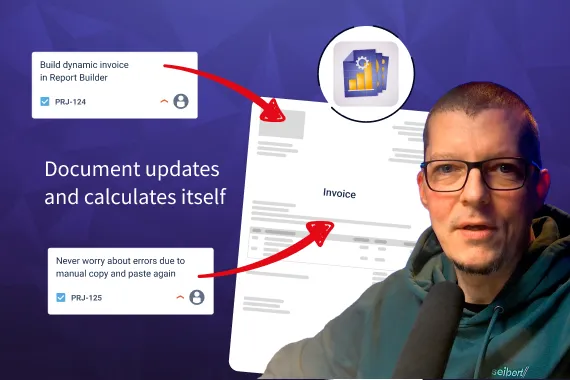
Usually, creating invoices from Jira work logs is a tedious manual process. After looking up spent time on Jira project tickets, transferring them to an invoicing tool, calculating the sum of time and the resulting billing amount, you can never be sure if you got all the numbers right. And if something changes? You’ll have to do it all over again. Enter Report Builder, which provides a special HTML, CSS and JavaScript template to produce invoices effortlessly – always correct and always up to date.
Video: from Jira issue to invoiceExplore, learn, connect
Marketplace
Easy to build custom reports on project progress, ITSM performance, sprint reviews, time in status, workload dashboards, and moreProduct advice
Need help deciding which app solution would be perfect for your team? Want to clarify and compare app features with a real person?
Use cases

Read our latest guides and insights
Discover how to improve your ITSM performance, analyze team workload, check time logged by employees, and more!
What customers think of
Report Builder
Stuff you probably want to know
What can I do with Report Builder?
What can I do with Report Builder?
You can monitor project progress, track team and individual workloads, create timesheets and manage effort, track budgets, create executive dashboard gadgets, control your Agile and ITSM projects, and much more.
Why Report Builder?
Why Report Builder?
Report Builder is engineered with a unique pivoting engine, enabling multi-dimensional data analysis just a few clicks away. It effortlessly combines fields from Jira in any order. Its ability to dynamically reshape data to get the exact report you need right now, coupled with granular filtering and conditional formatting, allows you to build complex reports in real-time using a simple drag-and-drop approach. It is suitable for team leads, project managers, IT managers, or analysts who need quick, real-time views of their work in various dimensions.
How customizable are Report Builder reports?
How customizable are Report Builder reports?
Report Builder’s pivoting engine allows you to combine any Jira Software and JSM (Jira Work Management) fields and field-based metrics in any combination, without limitations on the depth of pivoting. The filtering and conditional formatting capabilities enable you to select precise data and highlight any outliers.
What about advanced customization capabilities?
What about advanced customization capabilities?
For developers, Report Builder provides a platform based on HTML, CSS and JavaScript to retrieve any Jira or external data, process it as needed, and visualize it using popular charting libraries like Apache ECharts, Chart.js etc. Using the coding platform, you can create not only reports but also various real-time execution templates, including diagrams, invoices, embedded content, and more.

Rustem Shiriiazdanov, Product Owner
Let’s get this show on the road
Start working with Report Builder today. Or book a personal demo and we’ll walk you through all the awesome things you can do with it.
Stay up-to-date with The Atlassian Detective
In our monthly newsletter, we solve mysteries related to the Atlassian toolset and developments in the ecosystem.