Properties for Confluence
Add and visualize metadata for Confluence pages
Properties for Confluence helps teams structure and manage information efficiently—no complex configurations required. Capture key metadata on pages, track deadlines, assign responsibilities, and monitor project progress. Create dynamic reports to filter and visualize data as structured tables or visual boards. With reusable Property Groups, instant live-editing, and powerful search and filtering options, Properties brings clarity and consistency to your Confluence workspace.
Trusted by teams worldwide



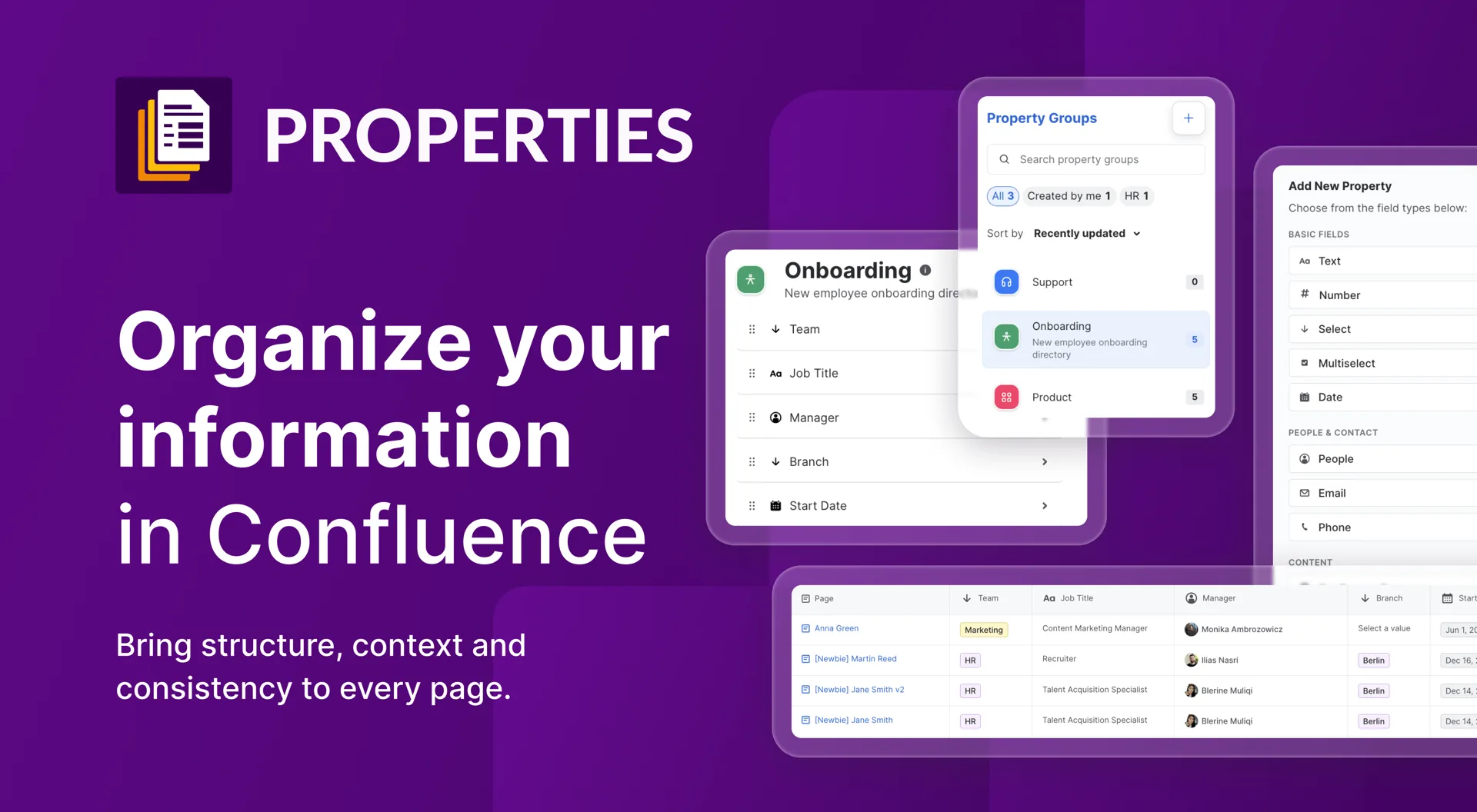
Here's what Properties for Confluence Cloud can do
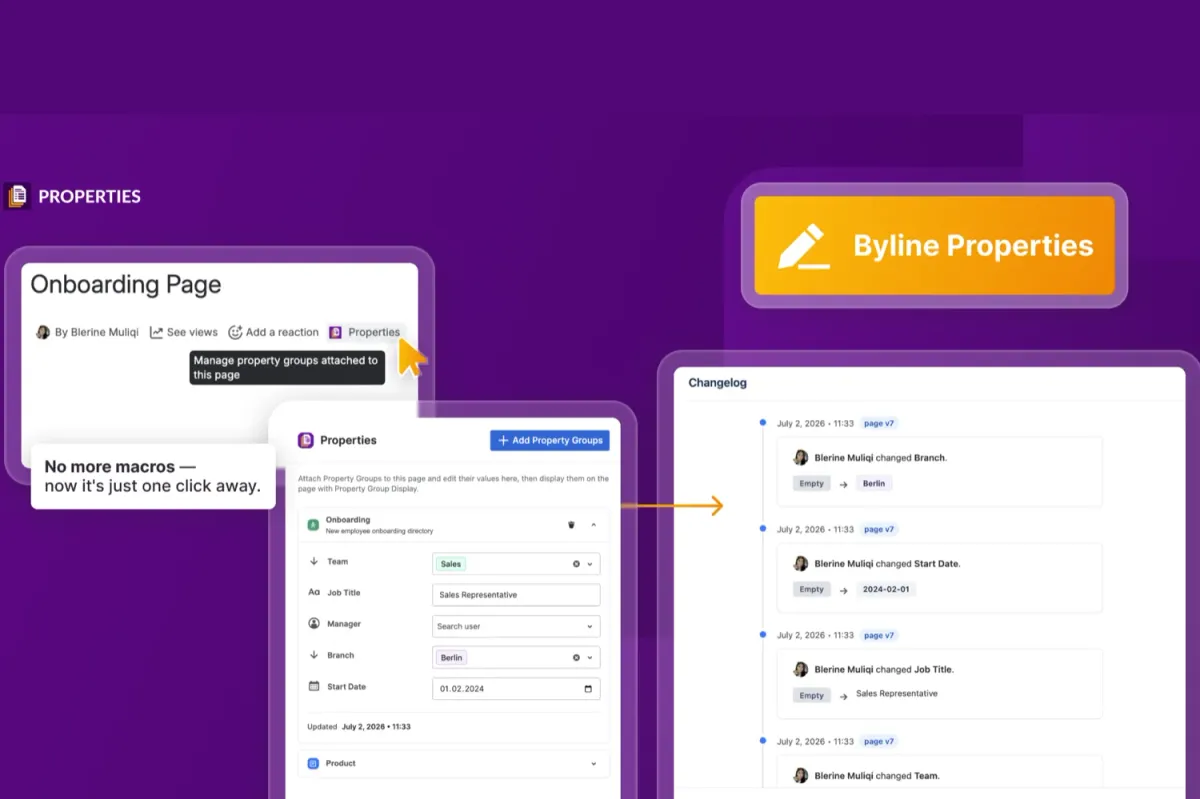
Capture and structure information with Properties
Enhance your Confluence pages with structured metadata: Use Properties to add due dates, task owners, project statuses, and more—directly on the page. The live-edit feature allows you to update values anytime without entering edit mode.
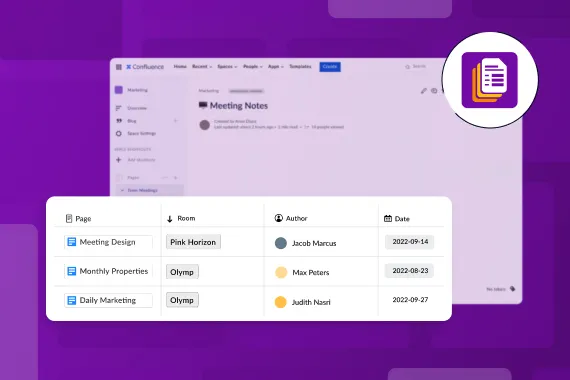
See how it works for marketing teams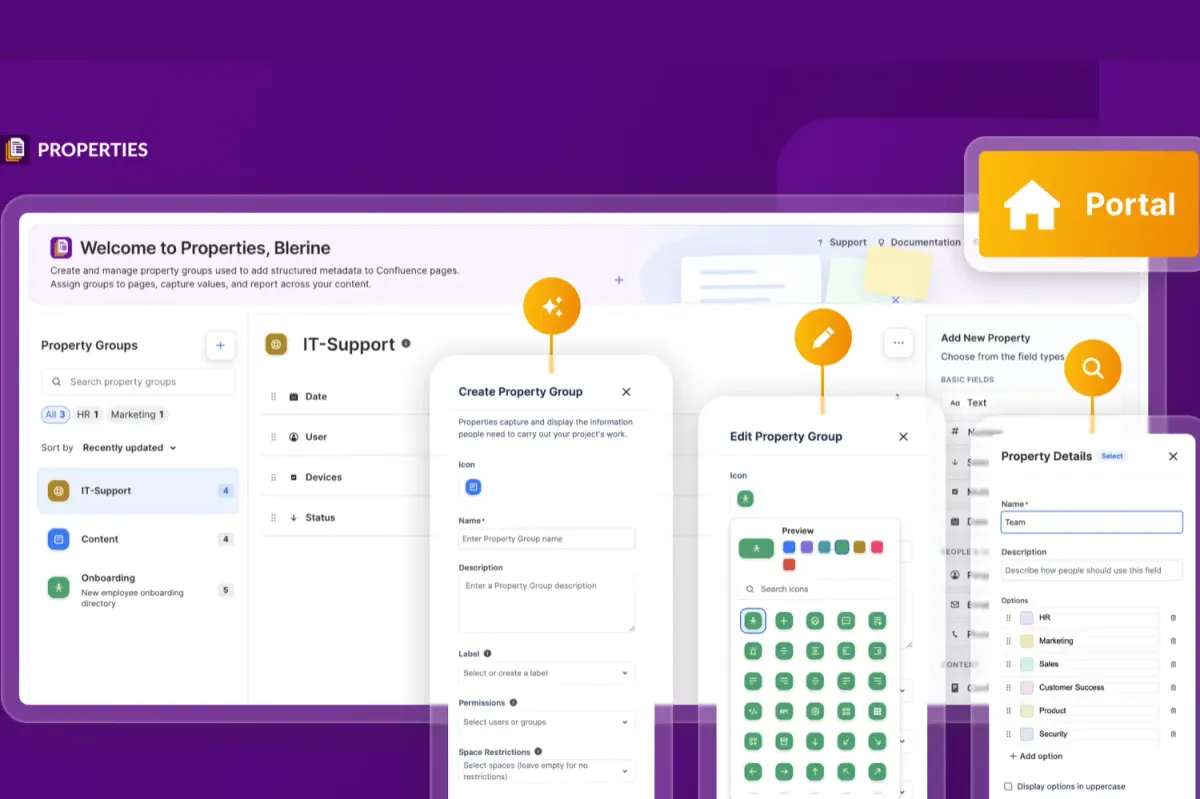
Reusable Property Groups for consistency
Save time and ensure consistency by bundling multiple properties into reusable groups. With the intuitive drag-and-drop editor, you can easily create and manage custom property sets, including text fields, dropdowns, multi-select options, and user mentions.
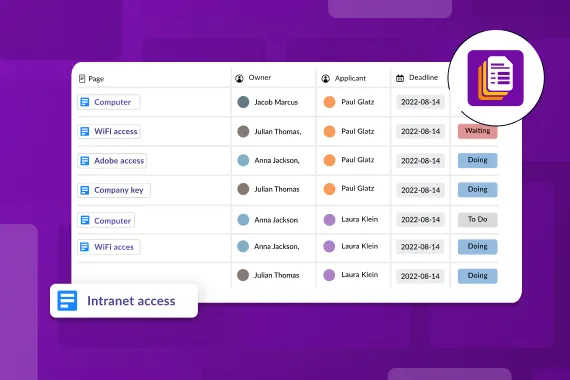
Discover opportunities for HR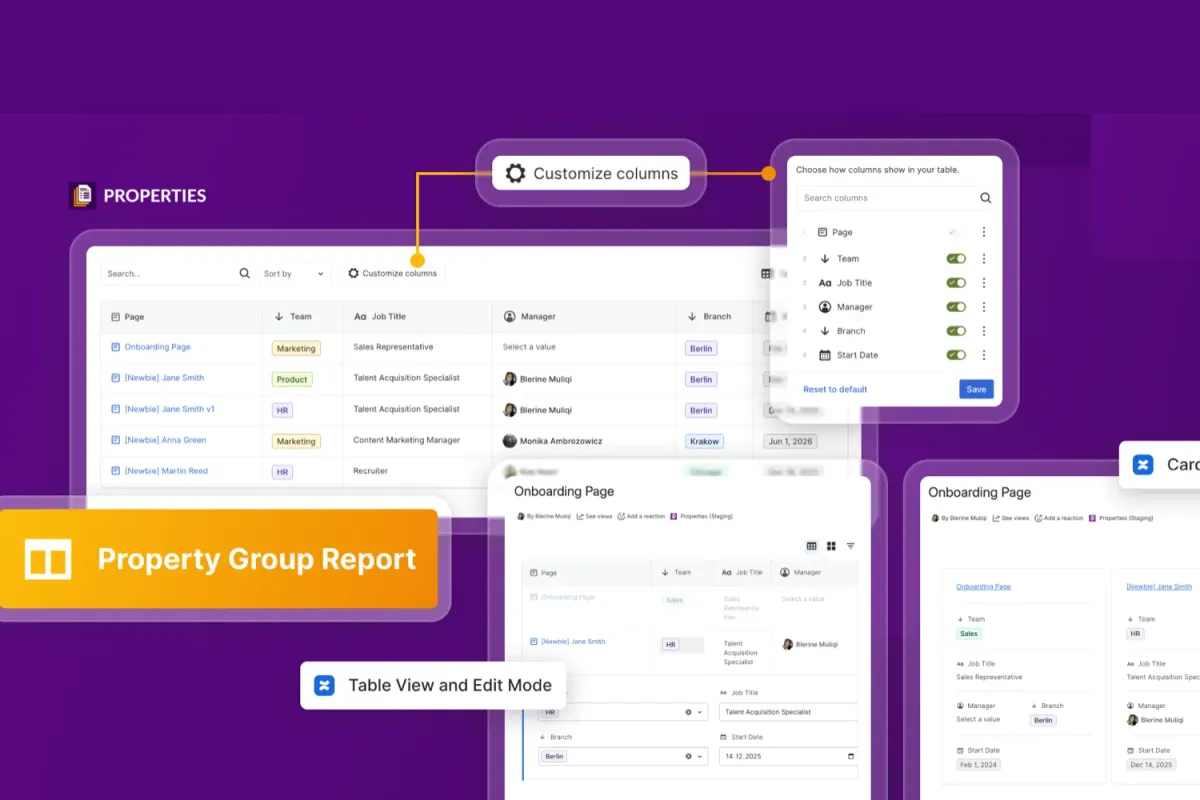
Turn page Properties into actionable reports
Make sense of your data with dynamic reports that help you track and manage content across Confluence. Filter and sort pages based on properties, labels, or spaces to create a structured overview of projects, deadlines, and responsibilities. Display your reports as tables for a clear, data-driven approach or as visual boards.
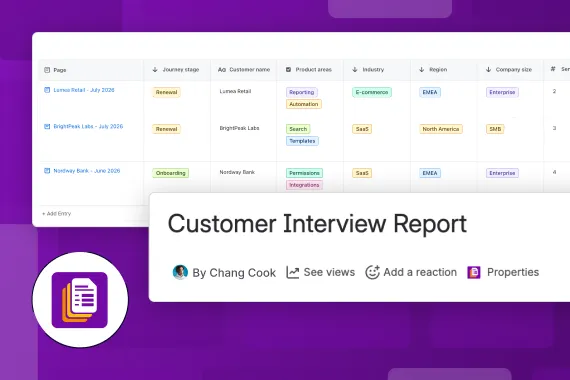
Learn about possibilities for agile teamsExplore, learn, connect
Marketplace
Add structured metadata to Confluence pages with reports, boards, and live editing.Product advice
Need help deciding which app solution would be perfect for your team? Want to clarify and compare app features with a real person?
Use cases
What customers think of
Properties for Confluence Cloud
Stuff you probably want to know
Can Properties be updated without entering edit mode?
Can Properties be updated without entering edit mode?
How do Properties improve content organization?
How do Properties improve content organization?
How can I track changes made to Properties?
How can I track changes made to Properties?
Can I update data directly within a report?
Can I update data directly within a report?
How do I visualize reports beyond tables?
How do I visualize reports beyond tables?
How do Reports help me track progress over time?
How do Reports help me track progress over time?

Colin Heike, Senior Consultant | Seibert Solutions USA
Let’s get this show on the road
Start working with Properties today. Or book a personal demo and we’ll walk you through all the awesome things you can do with it.
Stay up-to-date with The Atlassian Detective
In our monthly newsletter, we solve mysteries related to the Atlassian toolset and developments in the ecosystem.