Awesome Custom Fields for Jira
Add visual clarity and insight to your Jira tickets — no coding required
Awesome Custom Fields helps teams understand issue details at a glance—no coding required. Use color labels for categorizing requests, T-shirt sizes for estimating tasks, or the Advanced Formula Field to calculate values based on other fields. With a range of custom field types, it supports better planning and management in Jira Cloud. These advantages also extend to Jira Service Management, giving agents and customers the same clarity and options to communicate more effectively.
Trusted by teams worldwide








Here's what Awesome Custom Fields can do
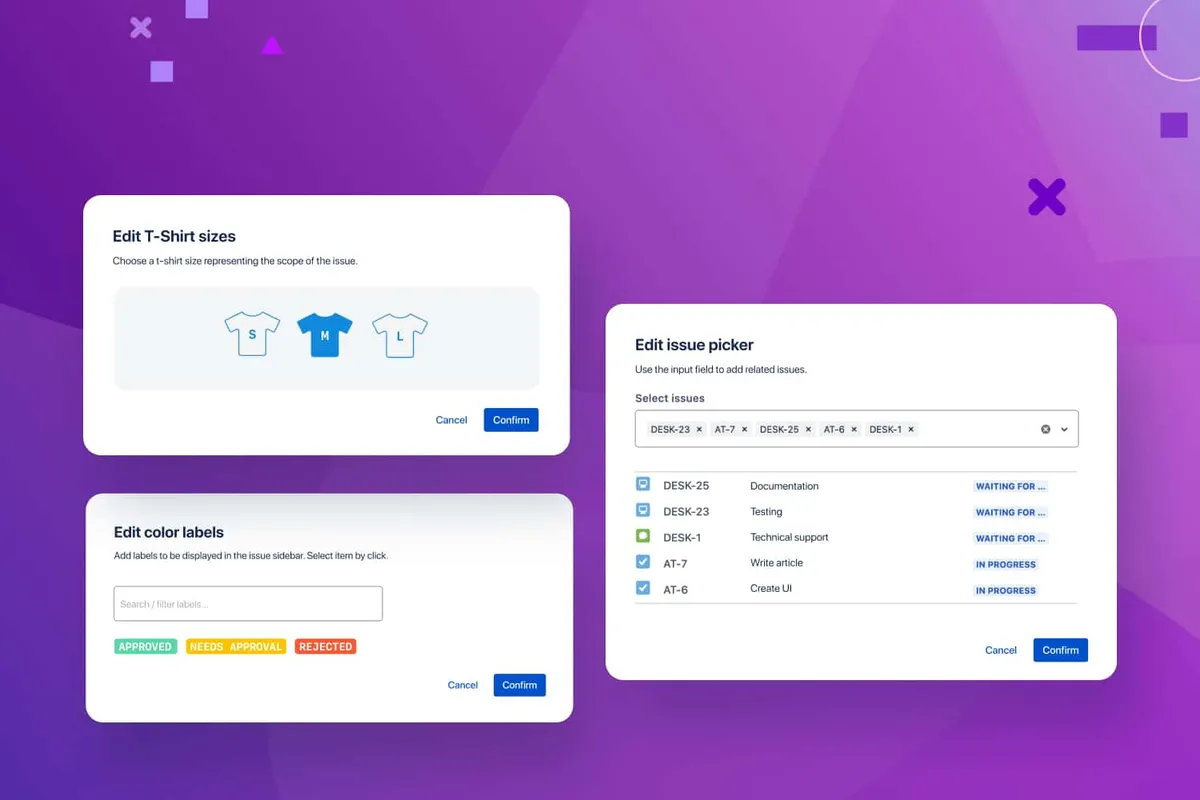
Get critical details instantly
Easily organize and display critical data with custom fields like color labels for visual categorization, T-shirt sizes for simplified estimation, and issue pickers for linking related tasks. Instantly see what’s important and streamline your project management by enhancing issue visibility and communication.
See how it works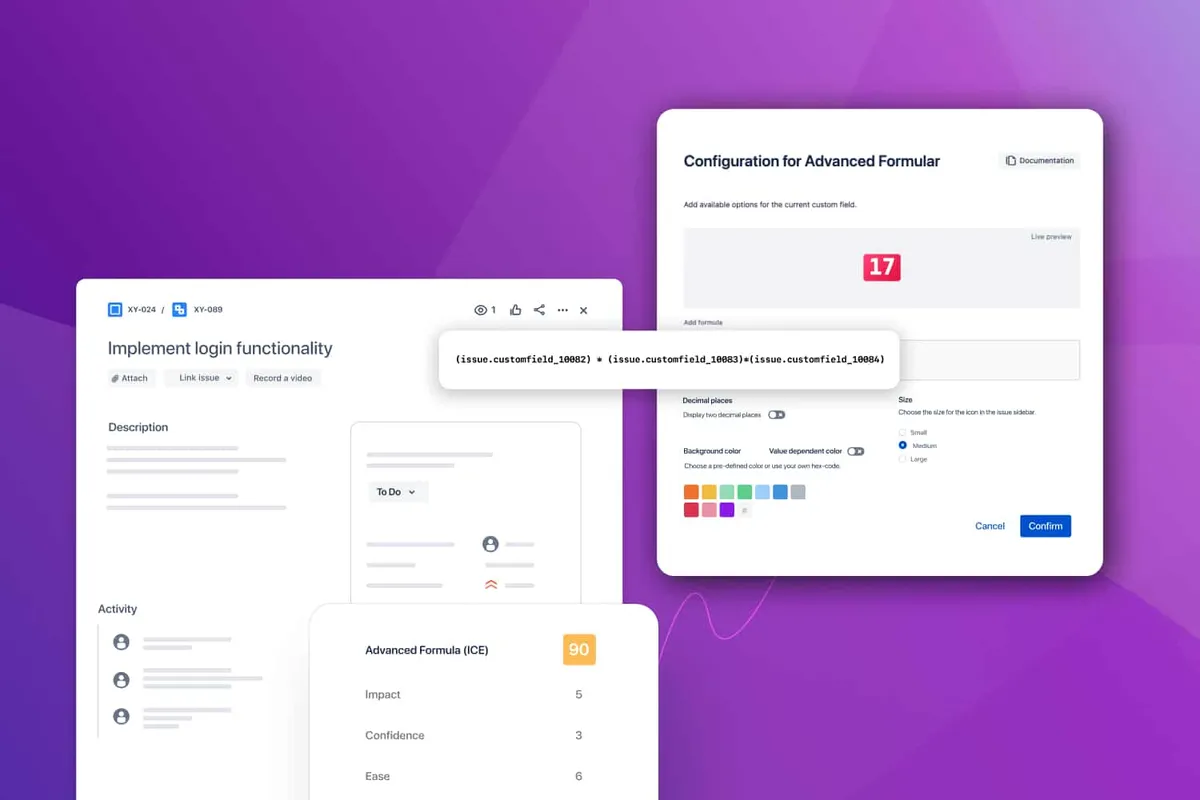
Calculate and combine effortlessly
Consolidate values from various fields to create dynamic calculations using the Advanced Formula Field. Simplify estimation processes and gain deeper insights—without the need for complex automation rules or coding skills.
Simplify your estimations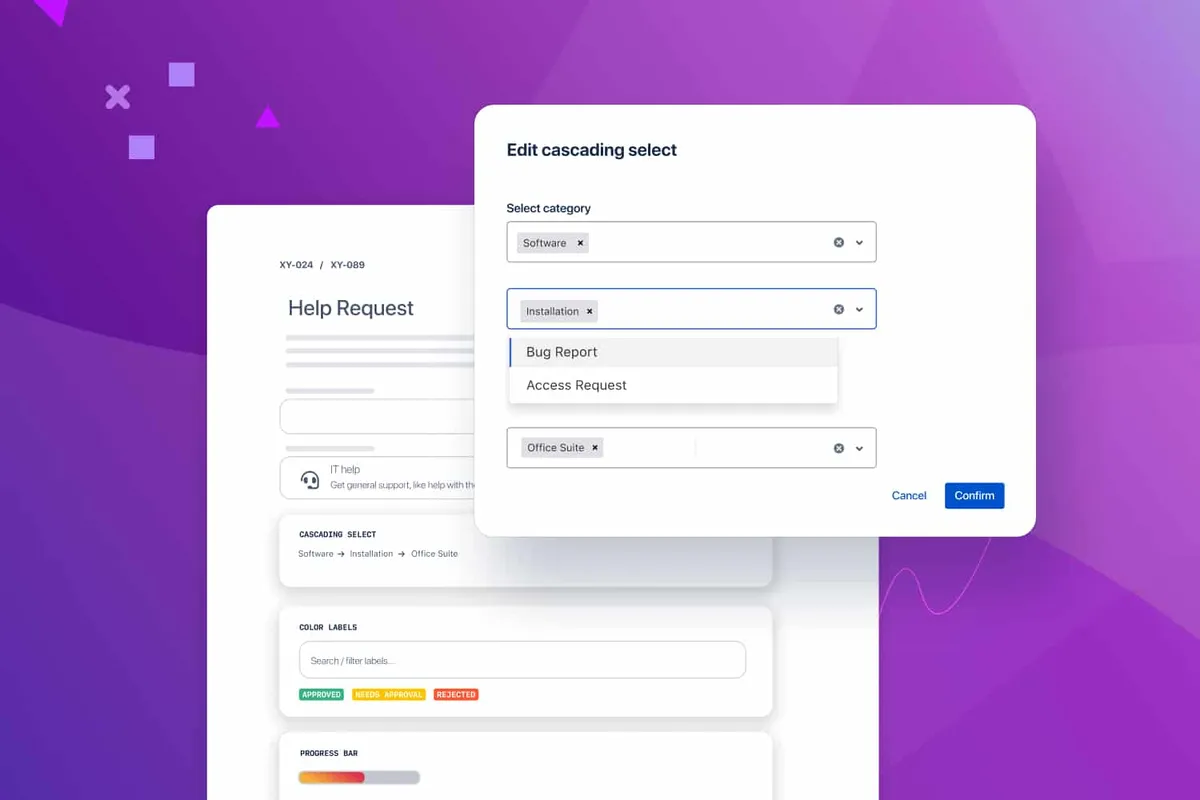
Boost transparency and efficiency in JSM
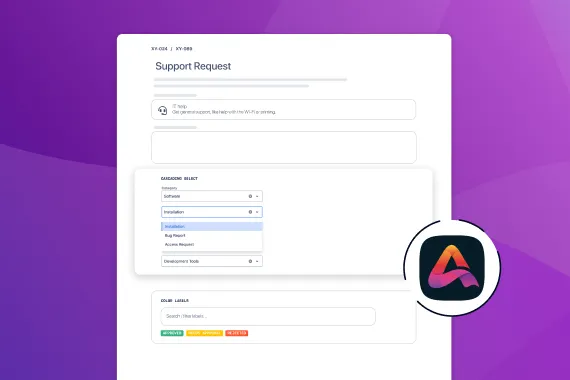
Use cascading selections and other custom fields to streamline ticket management in JSM. Agents can filter through multi-level categories for faster responses, while additional fields capture relevant details, offering more context and improved transparency—ensuring a better organization and quicker support resolutions.
Optimize support processesExplore, learn, connect
Marketplace
20+ visual Jira custom fields – color labels, progress bars, advanced formulas, cascading selects, issue pickers & more.Product advice
Need help deciding which app solution would be perfect for your team? Want to clarify and compare app features with a real person?
Use cases

What customers think of
Awesome Custom Fields
Stuff you probably want to know
What makes Awesome Custom Fields better than Jira's standard fields?
What makes Awesome Custom Fields better than Jira's standard fields?
Can I use Awesome Custom Fields with Jira Service Management (JSM)?
Can I use Awesome Custom Fields with Jira Service Management (JSM)?
How does Awesome Custom Fields help me manage sensitive or restricted data within custom fields?
How does Awesome Custom Fields help me manage sensitive or restricted data within custom fields?
How much does Awesome Custom Fields cost?
How much does Awesome Custom Fields cost?

Kavitha Vaikunthavasan, Product Owner
Let’s get this show on the road
Start working with Awesome Custom Fields today. Or book a personal demo and we’ll walk you through all the awesome things you can do with it.
Stay up-to-date with The Atlassian Detective
In our monthly newsletter, we solve mysteries related to the Atlassian toolset and developments in the ecosystem.