Increase efficiency for non-desk workers
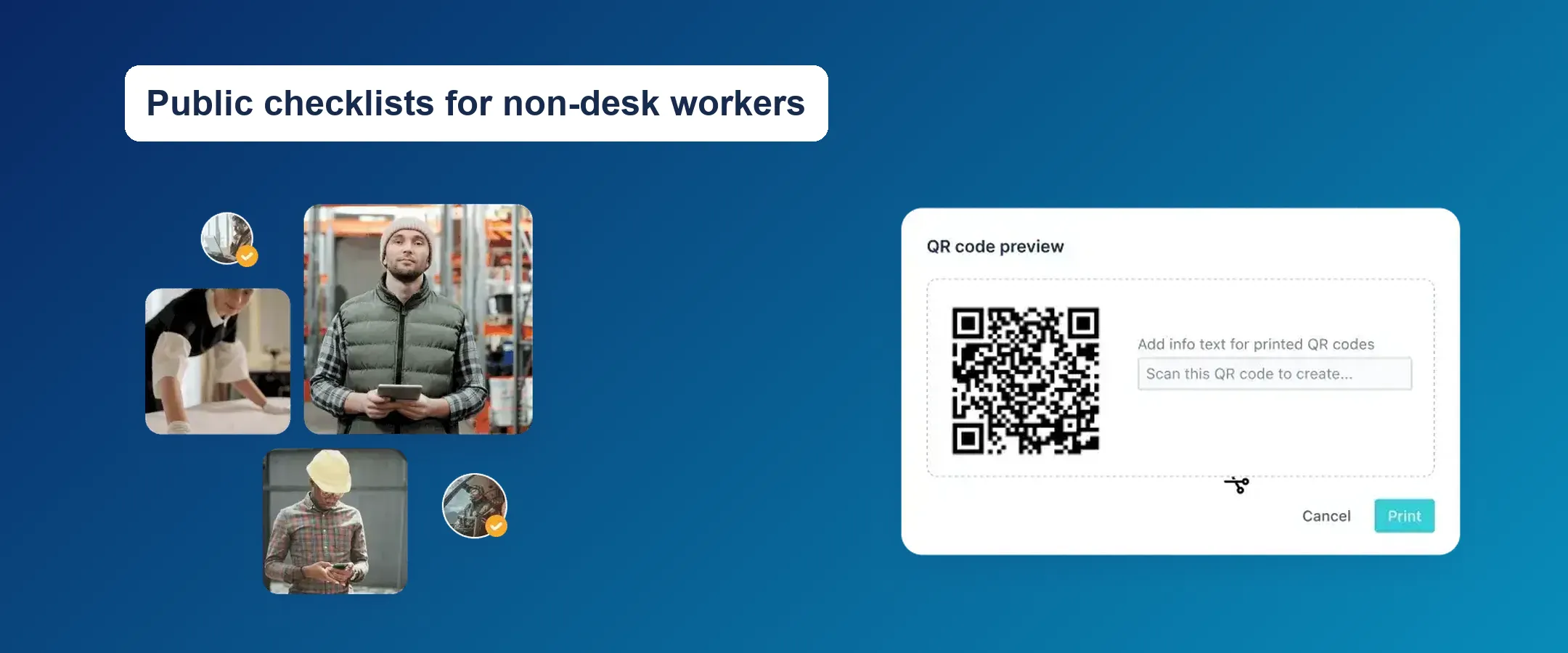
Warehouse staff, housekeepers, technicians, and site inspectors often follow the most important checklists of all – but they rarely have a Jira or Confluence account. Buying extra Atlassian licenses just so they can tick off tasks is expensive, and managing accounts for a changing workforce quickly becomes a burden.
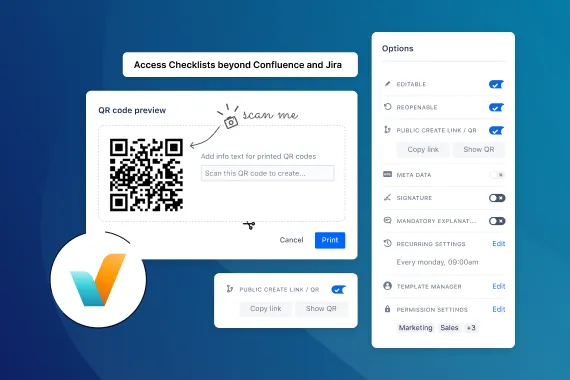
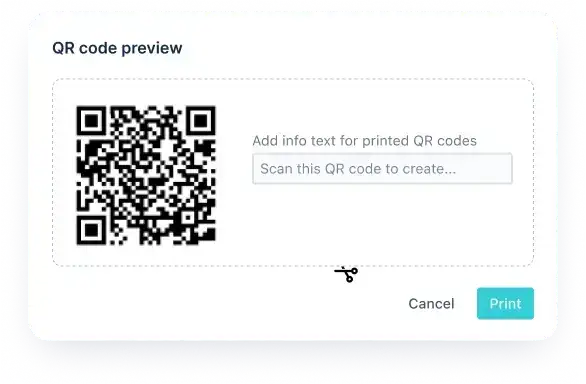
With Didit, you can make checklists public. Public templates can be shared via link or QR code, and anyone who opens them can create and fill out a checklist without logging in – right on their smartphone or tablet. All checklist data syncs back to your Jira or Confluence Cloud instance, so you always stay informed.
The best part: non-desk workers don’t need an Atlassian account, so they don’t count as billable users.

Create checklists where they’re needed in seconds
Scan, check, done. A QR code turns any physical object – a machine, a vehicle, a hotel room – into a digital checklist. Print the code, attach it where the work happens, and anyone who scans it gets the right checklist instantly. That streamlines your processes, saves time, and reduces errors.
No login required
Whether you’re on the way to a client, conducting a site inspection, or setting up an event, your checklists are ready when you are.
There’s no need for time-consuming logins or registrations for external or non-Atlassian users. Completing a publicly shared checklist is free of charge, so everyone can work with checklists, everywhere.
Available anywhere, anytime
- Complete checklists on the go using mobile devices – in the browser or with the Didit mobile app
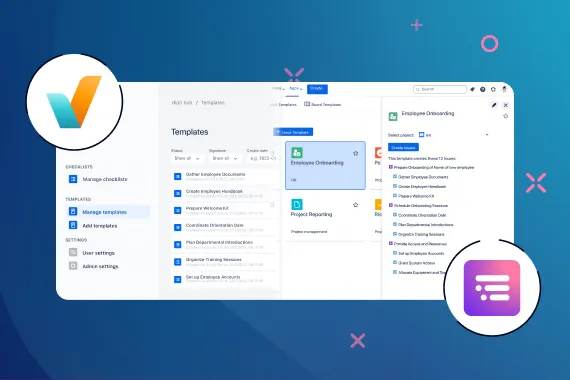
- Save time with ready-made checklist templates
- Distribute checklists instantly across multiple locations
- Use QR codes to create checklists on site with your smartphone
To learn how to share checklists via a public link or QR code, see the Didit documentation.