Take your checklists wherever the work happens
Not every task happens at a desk. Technicians, facility teams, and field staff need their checklists in the moment – on a factory floor, in a hotel corridor, or at a customer site – not in a browser tab back at the office.
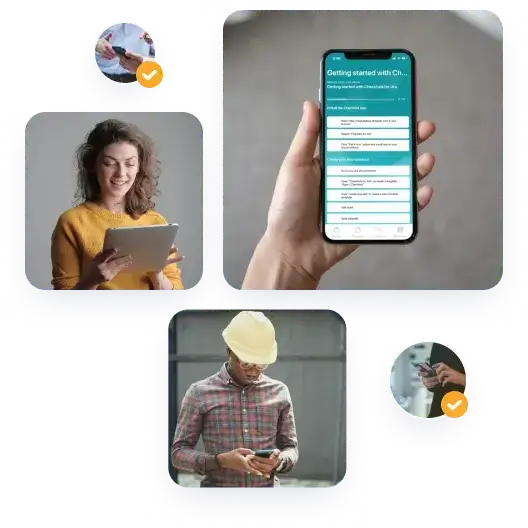
With the native Didit apps for iOS and Android, your team can create, edit, and track checklists from their smartphone or tablet. Checklists sync across devices and with your Jira and Confluence Cloud instance, and you can share them with colleagues in real time.
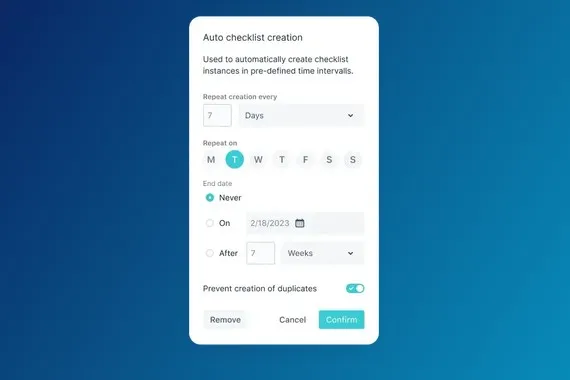
Working through a checklist step by step keeps everyone focused, adds structure, reduces errors, and makes sure nothing slips through the cracks. And because the apps support features like QR code scanning and recurring checklists, your routine tasks stay organized without extra admin.
Benefits of native mobile apps
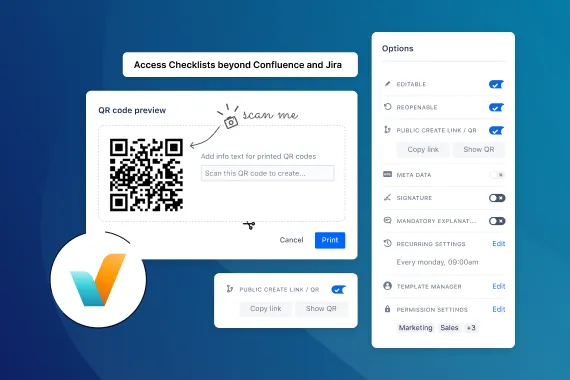
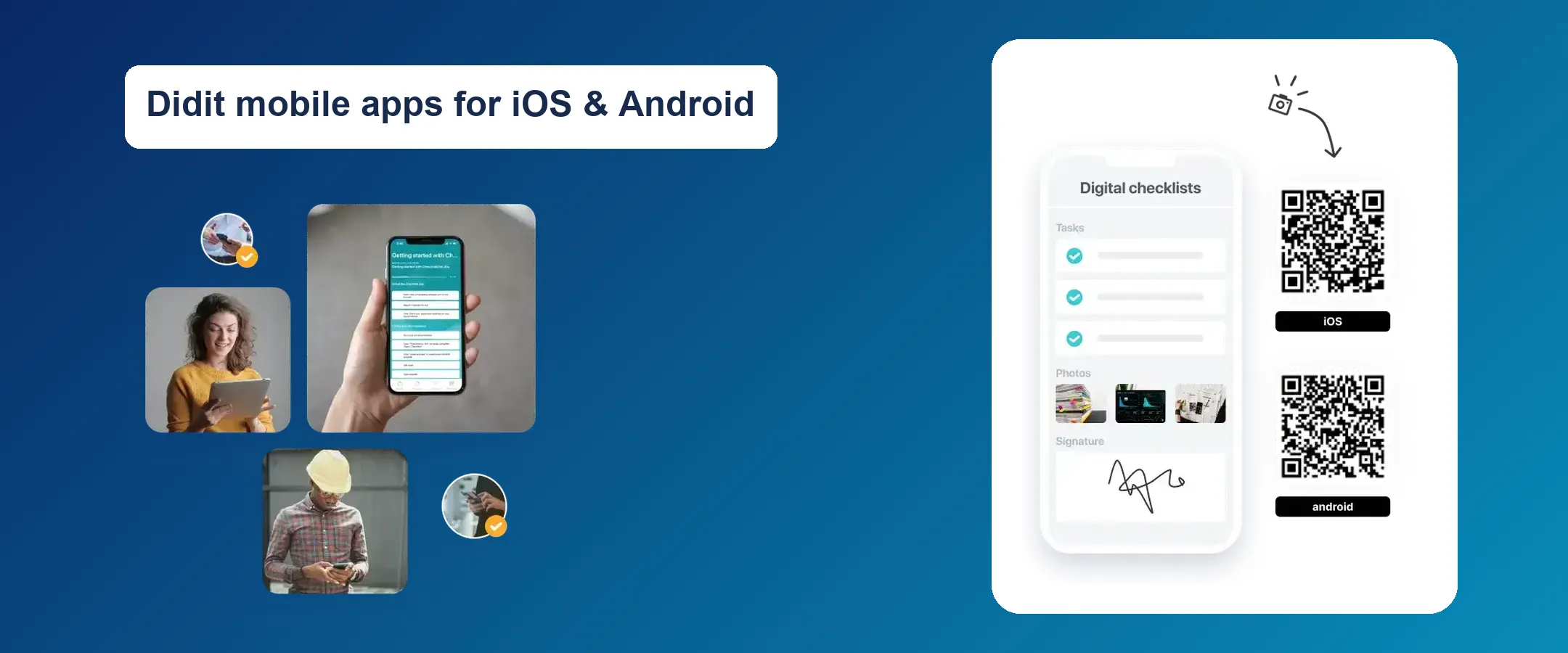
Native apps are built for each platform, so they load faster and feel smoother than a website squeezed onto a small screen. They also make use of your device’s features, such as the camera. That means you can scan a QR code to create a checklist right where it’s needed, and add photos as proof that a task was completed.
Example: in-house service technicians
Imagine you’re an in-house service technician. Instead of filling in paperwork or typing up notes later, you take out your phone or tablet, scan a Didit QR code on the machine or in the room, and instantly get a checklist tailored to that task or location.
The app guides you through every step, so you don’t miss anything important. You capture details and photos as you go, and your team sees the progress in real time. Just point, scan, and get the job done – no manual checklist creation, no paperwork.
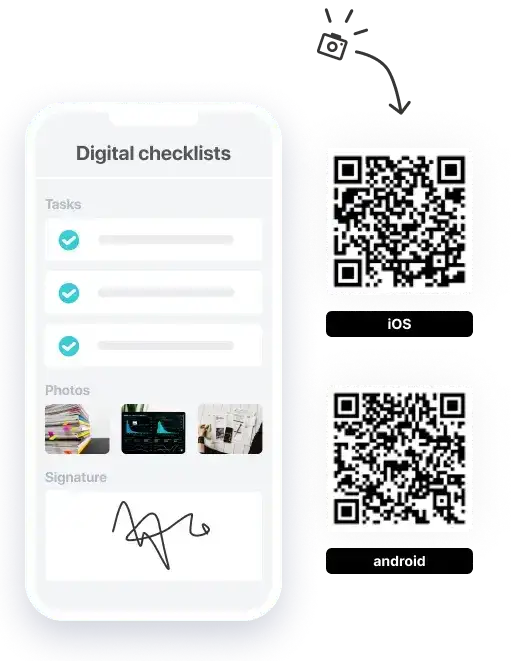
Get the apps
Download Didit from the App Store or Google Play.
To learn how to set up and use the apps, see the documentation for iOS and Android.